🌟 New Workflow Block: Formula! 🌟

  • September 24, 2024
  • 9 replies
  • 56 views

Forum|alt.badge.img

Hey guys! Nikola here from SpicyTab.

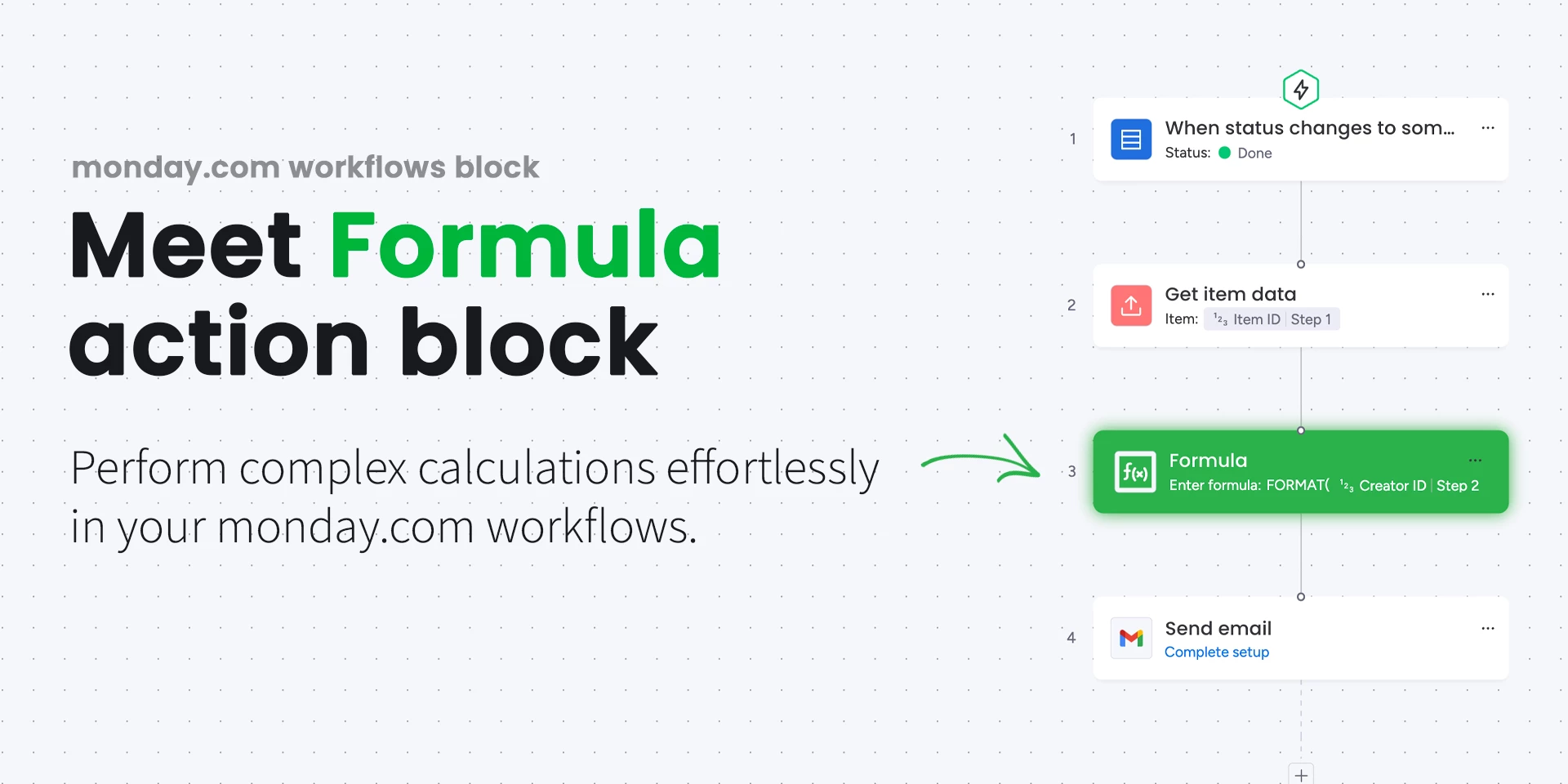
After trying out the Monday Workflows, we were in love! But, we needed to perform formulas directly in the workflows, and that was not an option yet. So, we made it an option!
10000607_2024_8_23_16_27_17_rld4r9i

As you know, the workflows are available to Pro and Enterprise users only at the moment - So is our app.

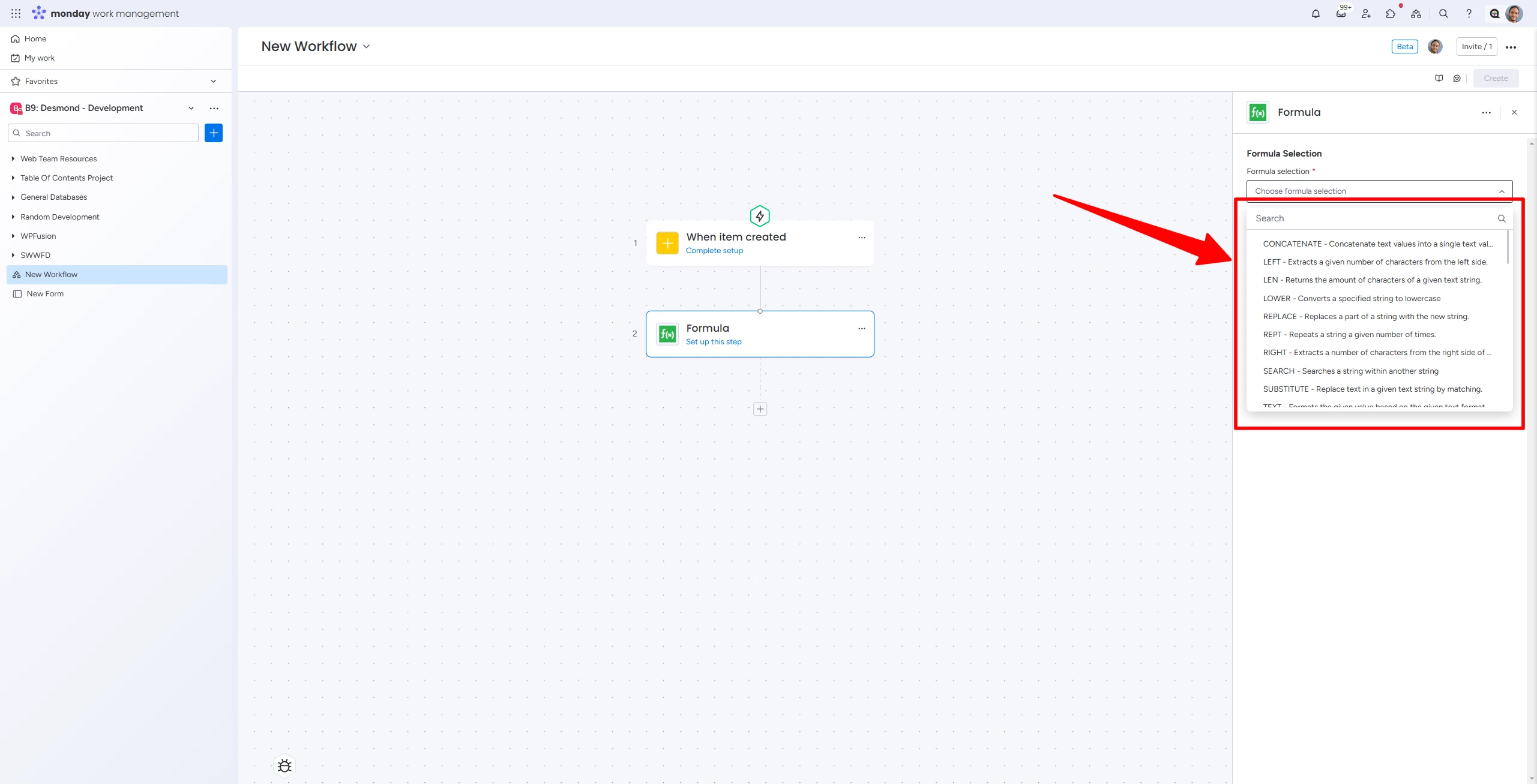
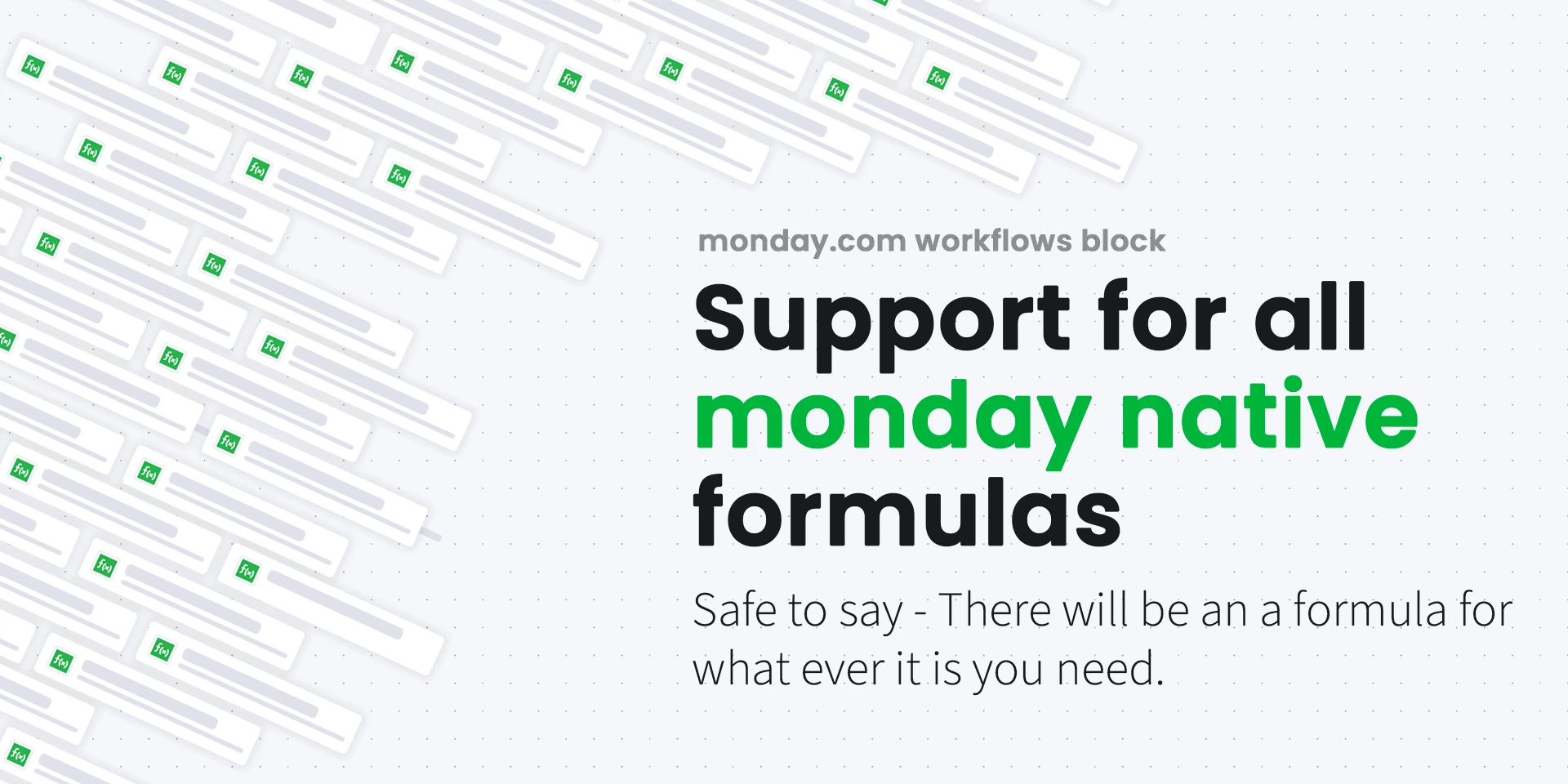
With the app, you can perform any of monday supported formulas directly in your workflows.
10000607_2024_8_23_16_27_21_4aar3t

It is really simple, you can just select a formula from the dropdown - and whola!

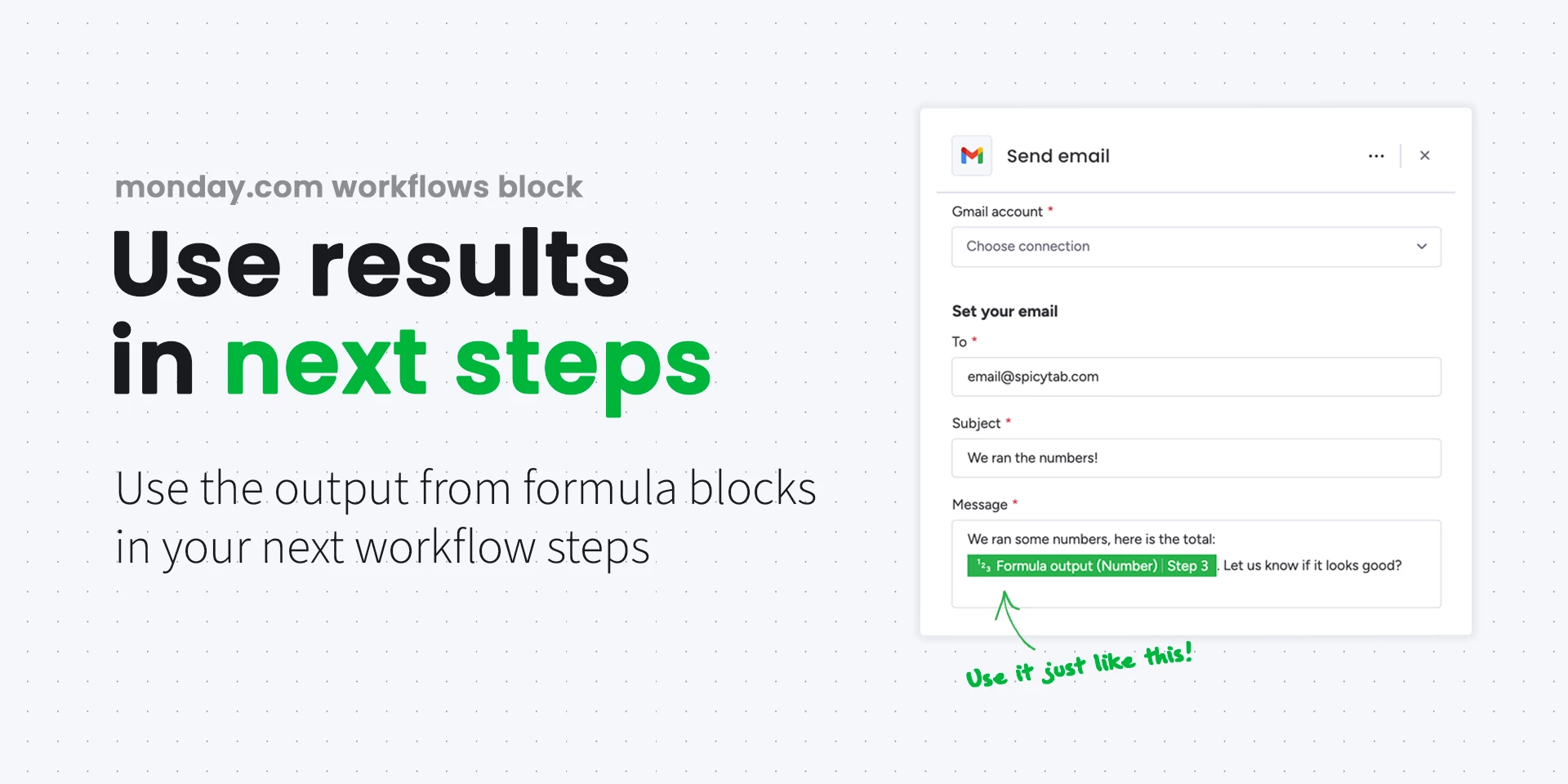
Each formula outputs a result that can be used in the next steps of your workflow, so the options are limitless on what you can do with it - From updating the column values (think of casting formula values to “normal” fields), to using the data in the emails you might send out!
10000607_2024_8_23_16_27_24_0q8f5cy

You can install the app from here and give it a try. The app is free for now. To be fully transparent with the community, the app might eventually become a paid app once workflows are out of beta. But, it will be a flat fee subscription model, not usage based.

Hope you enjoy the app, let me know if you have any questions!
9 replies

  • Participating Frequently
  • November 19, 2024

How did you create a custom block for the new workflow builder? I do not see it as an option in my developer console.


Forum|alt.badge.img
  • Author
  • Participating Frequently
  • November 19, 2024

Hey there!

The workflow action block apps are still in early access program I believe. You will need to reach out to monday.com and enquire about the access to the program to get the option of creating the apps for workflows 🙂


  • Participating Frequently
  • November 20, 2024

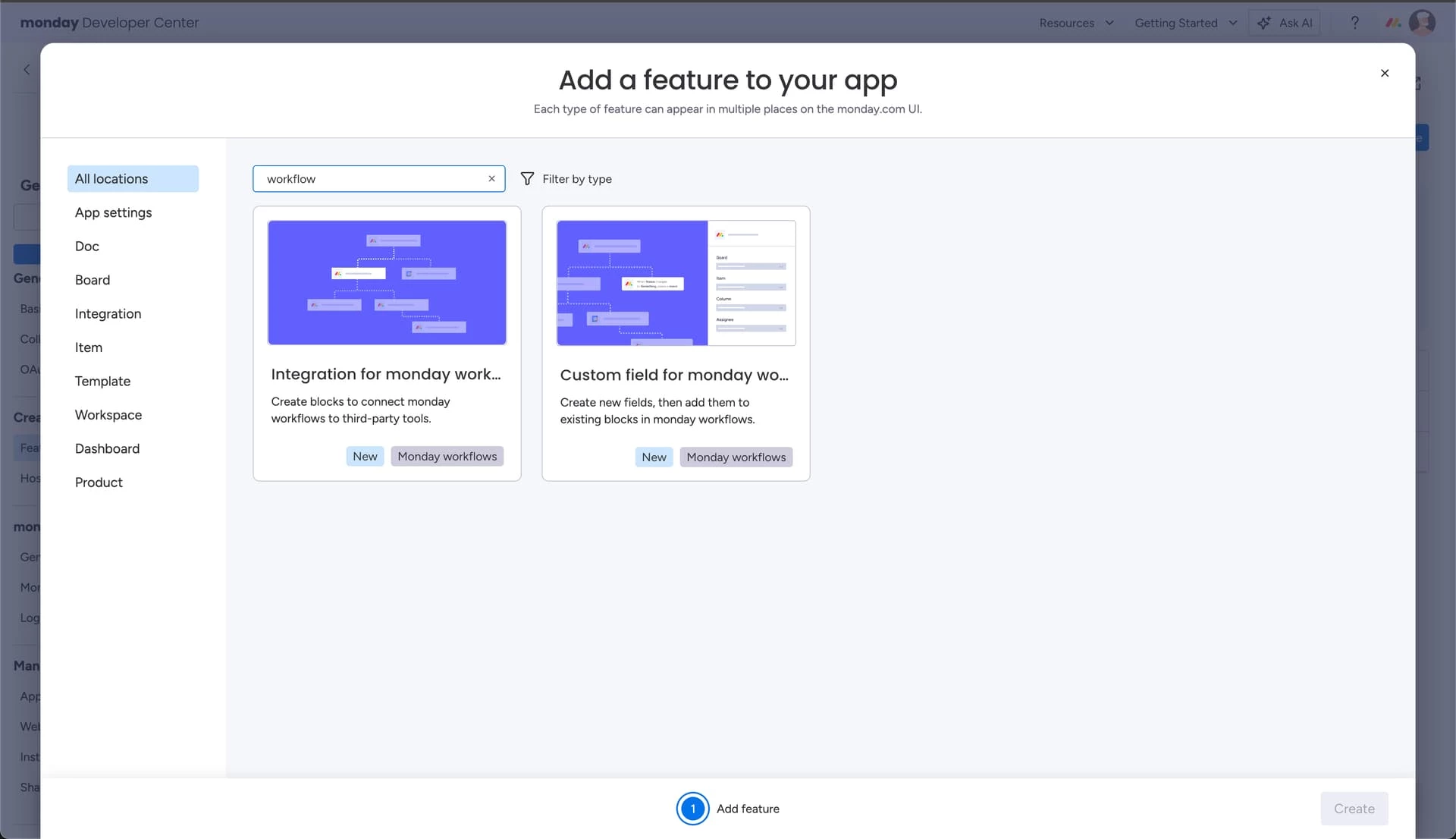
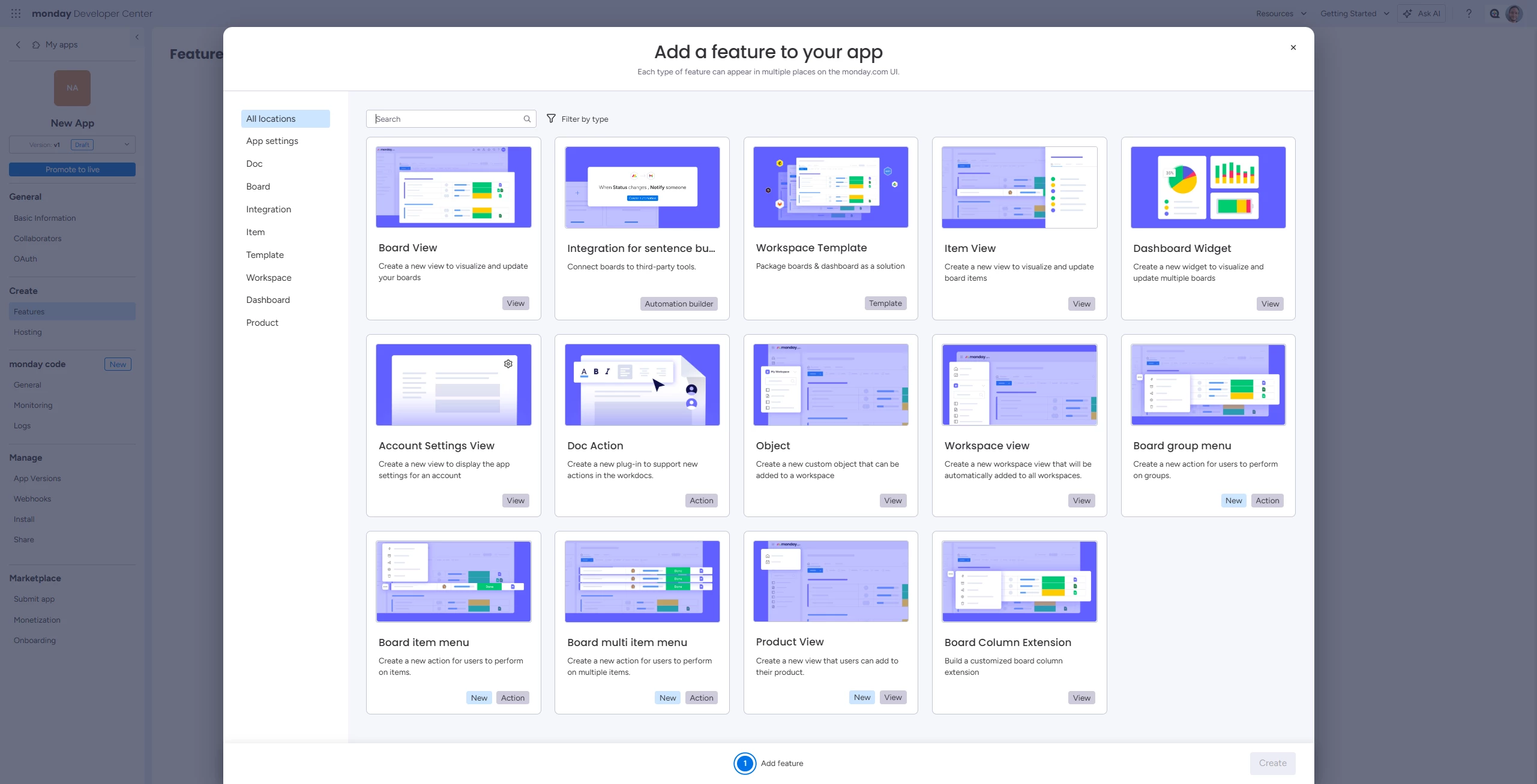
Can you attach a screenshot of your custom app feature area? This is what I see


Matias.Monday
Forum|alt.badge.img
  • monday.com Team Member
  • November 21, 2024

@desmond.tatilian hi!

You can use the Integration for sentence builder feature.

You can learn all about it here 😀


Clarey
  • Participating Frequently
  • November 21, 2024

Certainly! Here’s a reworded version:

@NikolaMastilovic Fantastic news! This could be the solution to one of my major workflow challenges—can’t wait to try it out! Fingers crossed that early adopters get an extended free period! 😊


Forum|alt.badge.img
  • Author
  • Participating Frequently
  • November 21, 2024

Hey @Clarey !

There are no immediate plans to monetize the app - So for foreseeable future we plan on keeping it free!

If you have any feedback, feel free to send it direct to me via email - nmastilovic@spicytab.com 🙂


Forum|alt.badge.img
  • Author
  • Participating Frequently
  • November 21, 2024

Hey @desmond.tatilian !

Here is the blocks used for our app:


  • Participating Frequently
  • November 21, 2024

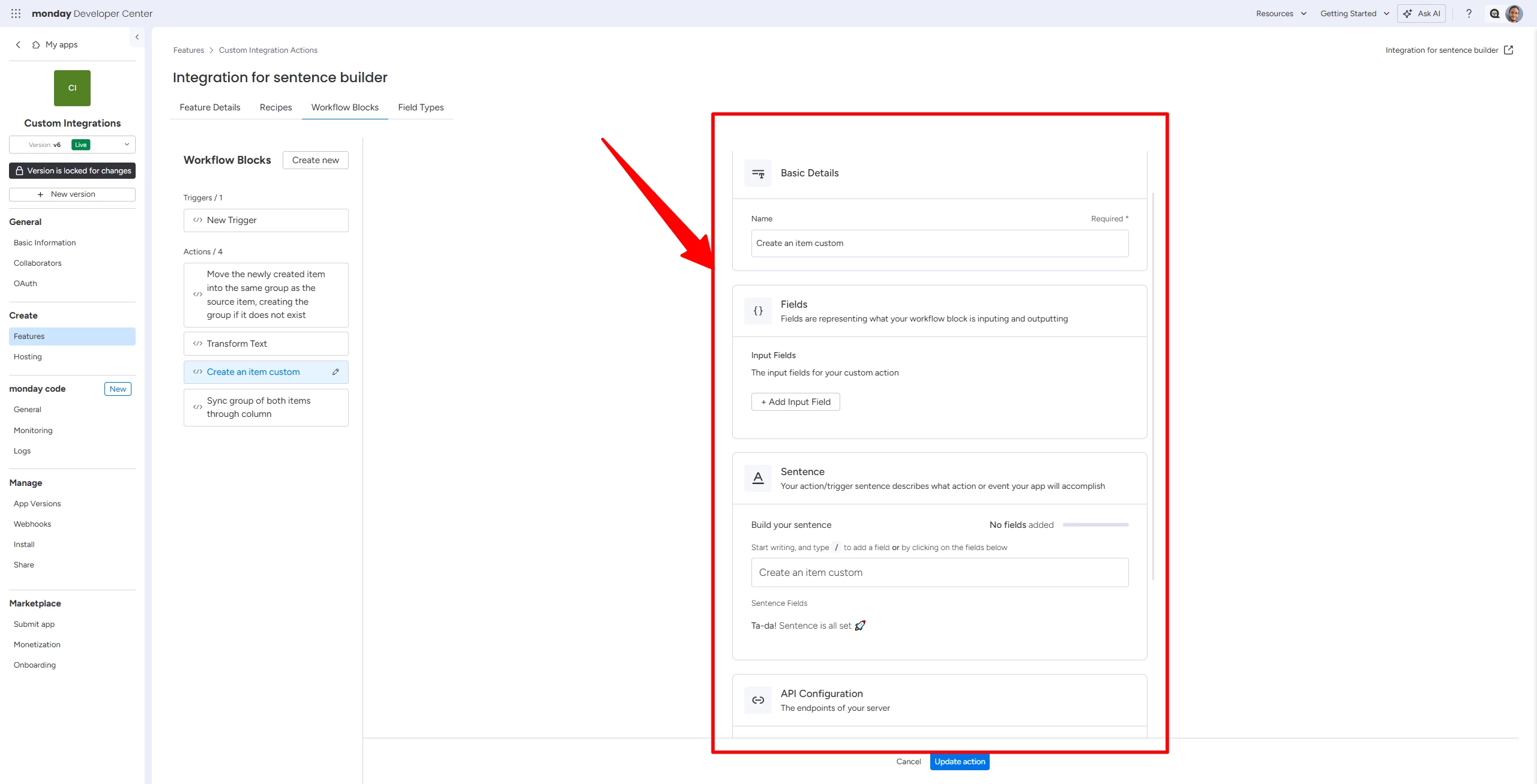
I do not see where the settings necessary for a custom workflow block are located in the ‘sentence builder’ development feature.

For example with the above FORMULA custom block, where are the dropdown settings defined?

In my developer area this is the only thing that I see:

and making a basic action and checking ‘publish’ checkbox, it will load in the old sentence builder but not in the new workflow editor.


Forum|alt.badge.img
  • Author
  • Participating Frequently
  • November 21, 2024

You will need to define a custom filed type that will pull the data for it to form a selection from a defined API end point. That is how we built it 🙂