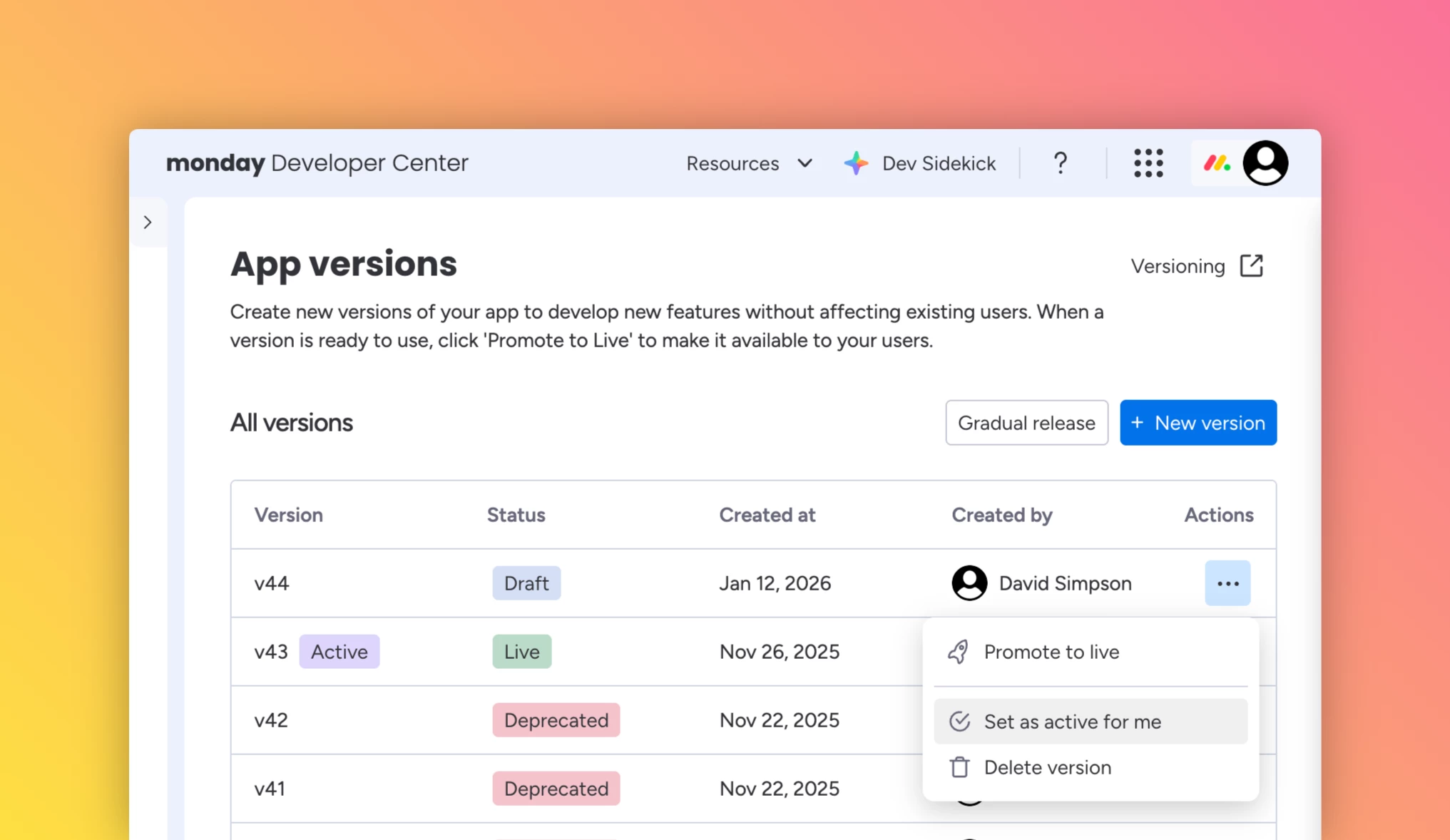
You can now test any app version locally by setting it as your active version.
Once selected, your personal development environment will run that version so you can test in isolation or compare it with production, without impacting end users. This setting applies only to your local environment.
By default, the most recently created version is set as active. You can manually choose any live, gradual release, or draft version for internal testing.
Not supported for active version testing
- Workspace templates
- Integration for sentence builder (Read here the latest news about the New Automation Builder)
How to designate an active version
- In the left-side menu, go to Manage > App Versions
- Find the version you want to test and click the three dots in the Actions column
- Select Set as active version
Read the full documentation here >
If you try it out, let us know what workflows it helps with and what you would like to see supported next.