cURL Examples for API v2 :)

  • July 25, 2019
  • 12 replies
  • 19333 views

dipro
Forum|alt.badge.img

Ever wonder how to send requests to our API using cURL? Here you go 💯

‼️ A few notes:

  1. Executing cURL from the terminal removes backslashes and passes the escaped characters in the resulting string. As a result, if you want to pass \\" to the server you need to include \\\\\\". I ran these examples from the command line on my MacOS machine.
  2. Some Windows terminals don’t like single quotes, so you may need to replace them with " if you’re running these examples on a windows machine.

If you’re looking for more code examples, check out our quickstart tutorials.

Getting the ID of an item with a specific name:

curl -X POST -H "Content-Type:application/json" -H "Authorization:XXXXXXX" 'https://api.monday.com/v2' \\
-d '{"query":"{items_by_column_values(board_id:162169280, column_id:\\"name\\", column_value:\\"This\\"){id name}}"}'

Updating a text column on a board:

curl -X POST -H "Content-Type:application/json" -H "Authorization:XXXXX" 'https://api.monday.com/v2' \\
-d '{"query":"mutation{change_column_value(item_id:279187304, board_id:162169280, column_id: \\"text\\", value:\\"\\\\\\"Hello world\\\\\\"\\"){name}}"}'

Updating a status column on a board:

curl -X POST -H "Content-Type:application/json" -H "Authorization:XXXXX" 'https://api.monday.com/v2' \\
-d '{"query":"mutation{change_column_value(item_id:279187304, board_id:162169280, column_id:\\"status\\", value:\\"{\\\\\\"label\\\\\\" : \\\\\\"Done\\\\\\"}\\"){name}}"}'

Updating a date column on a board:

curl -X POST -H "Content-Type:application/json" -H "Authorization:XXXXXXX" 'https://api.monday.com/v2' \\
-d '{"query":"mutation{change_column_value(item_id:279187304, board_id:162169280, column_id:\\"date\\", value:\\"{\\\\\\"date\\\\\\" : \\\\\\"2019-08-27\\\\\\"}\\"){name}}"}'

Updating a person column on a board:

curl -X POST -H "Content-Type:application/json" -H "Authorization:XXXXXX" 'https://api.monday.com/v2' \\
-d '{"query":"mutation{change_column_value(item_id:279187304, board_id:162169280, column_id:\\"person\\", value:\\"{\\\\\\"id\\\\\\" : 4012689}\\"){name}}"}'

Updating a people column on a board:

curl -X POST -H "Content-Type:application/json" -H "Authorization:XXXXXX" 'https://api.monday.com/v2' \\
-d '{"query" : "mutation{change_column_value(item_id:279187304, board_id:162169280, column_id: \\"people\\", value:\\"{\\\\\\"personsAndTeams\\\\\\":[{\\\\\\"id\\\\\\":4012689,\\\\\\"kind\\\\\\":\\\\\\"person\\\\\\"}]}\\"){name}}"}'

Updating a link column on a board:

curl -X POST -H "Content-Type:application/json" -H "Authorization:XXXXXXX" 'https://api.monday.com/v2' \\
-d '{"query":"mutation{change_column_value(item_id:279187304, board_id:162169280, column_id: \\"link\\", value:\\"{\\\\\\"url\\\\\\" : \\\\\\"http://www.monday.com\\\\\\", \\\\\\"text\\\\\\": \\\\\\"Hello\\\\\\"}\\"){name}}"}'

Updating a date, status & text column in the same request:

curl -X POST -H "Content-Type:application/json" -H "Authorization:XXXXXX" 'https://api.monday.com/v2' \\
-d '{"query":"mutation{change_multiple_column_values(item_id:279187304, board_id:162169280, column_values:\\"{\\\\\\"status\\\\\\" : {\\\\\\"label\\\\\\" : \\\\\\"Done\\\\\\"}, \\\\\\"text\\\\\\":\\\\\\"Hello world\\\\\\", \\\\\\"date\\\\\\" : {\\\\\\"date\\\\\\" : \\\\\\"2019-08-27\\\\\\"}}\\"){name}}"}'

Enjoy, and happy coding 🙂

12 replies

kevinmarchese
  • Participating Frequently
  • July 27, 2019

@dipro thank you so much for these examples! I haven’t done much in the last week or so but I plan on getting back in during Aug and these will be very helpful with postman. 🙂


dipro
Forum|alt.badge.img
  • Author
  • Leader
  • July 27, 2019

You’re very welcome Kevin!


  • Participating Frequently
  • September 16, 2019

Hi.
I am new here. I tried to use the CURL example of modifying a column in my board.

My Code:

curl -X POST -H “Content-Type:application/json” -H “Authorization:XXXXXXX” “https://api.monday.com/v2” -d ‘{“query”:“mutation{change_column_value(item_id:323796391, board_id:321744566, column_id: "Customer", value:"\\"Hello world\\""){name}}”}’

I am receiving the below error message:

Response Header

HTTP/1.1 401 Unauthorized Date: Sun, 15 Sep 2019 16:20:59 GMT Content-Type: application/json; charset=utf-8 Transfer-Encoding: chunked Connection: keep-alive Set-Cookie: __cfduid=dac7d794b02f898fa3de2443fee6aefc21568564459; expires=Mon, 14-Sep-20 16:20:59 GMT; path=/; domain=.monday.com; HttpOnly; Secure Status: 401 Unauthorized Vary: Origin Cache-Control: no-cache X-Request-Id: 58c52b37-c4cc-4b1f-a47f-c0de6481a57a X-Runtime: 0.012797 Expect-CT: max-age=604800, report-uri=“https://report-uri.cloudflare.com/cdn-cgi/beacon/expect-ct” Server: cloudflare CF-RAY: 516bee5fd94ae0ce-IAD

Response Body

{“errors”:[“Not Authenticated”]}


  • New Participant
  • December 4, 2019

This doesn’t seem to be widely documented, but the auth header needs leading text "Bearer " added like so;

Authorization:Bearer XXXXXXX

  • New Participant
  • January 29, 2020

Is there anything like this for creating an item?


nohrad
  • New Participant
  • February 15, 2020

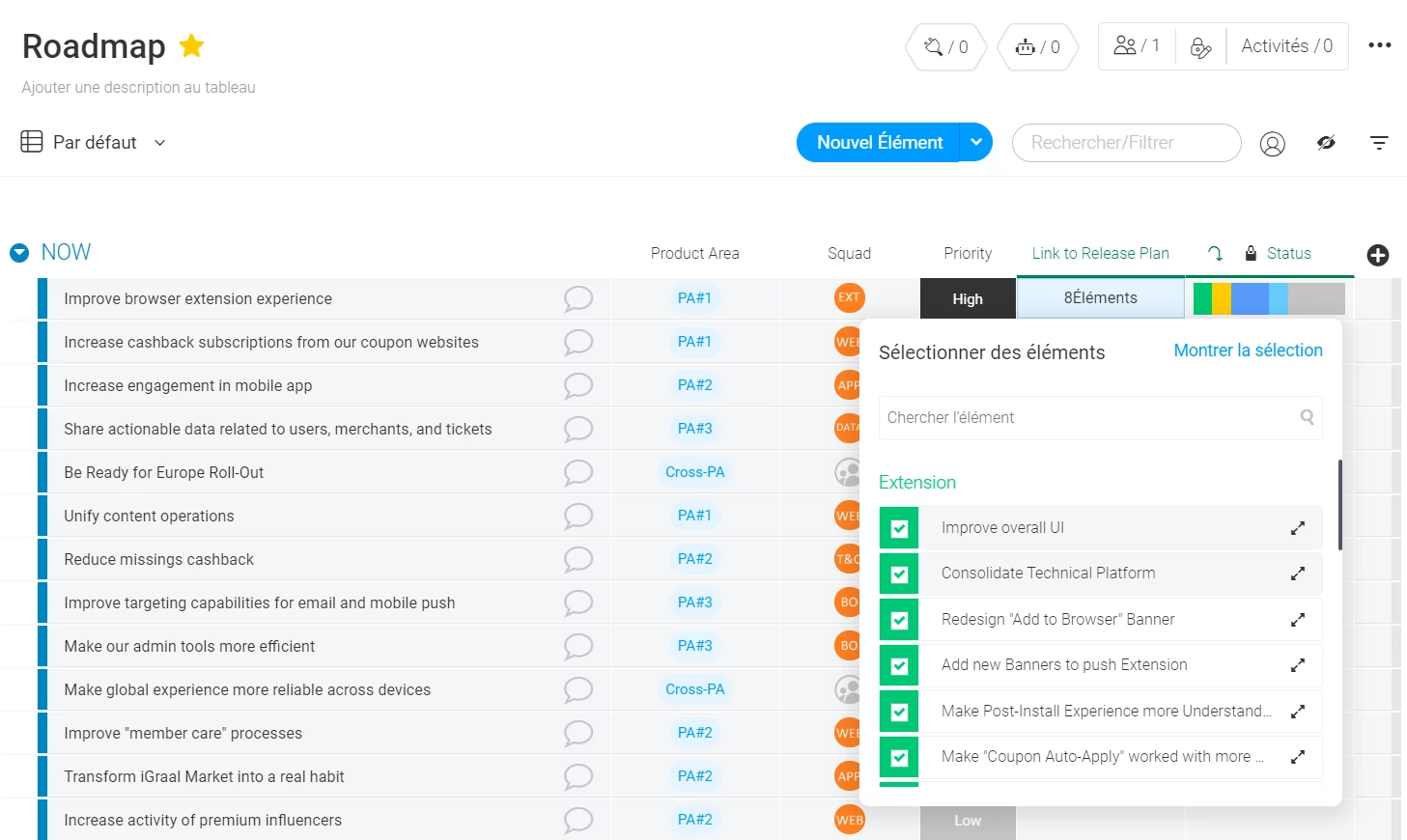
@dipro is there a way with API v2 to update a linked column with one or many PulseID?

For instance, I would like to add an item in my “Link to release plan” column through an API call. Do you see any way of doing so?


dipro
Forum|alt.badge.img
  • Author
  • Leader
  • April 21, 2020

Hey @nohrad – it’s not possible at the moment, but we have a feature request for it open on this thread: [Released] Link to Item Column Update - #19 by amitozalvo


dipro
Forum|alt.badge.img
  • Author
  • Leader
  • April 24, 2020

Hey y’all! I know a lot of you are looking for basic tutorials for interacting with our API.

We just released quickstart tutorials for PHP, Python and Javascript. I hope you find them helpful!

I also updated the original post to include a link to them.


  • New Participant
  • November 6, 2020

Hi
curl -X POST -H “Content-Type:application/json” -H “Authorization:xxxxxxxx” ‘https://api.monday.com/v2
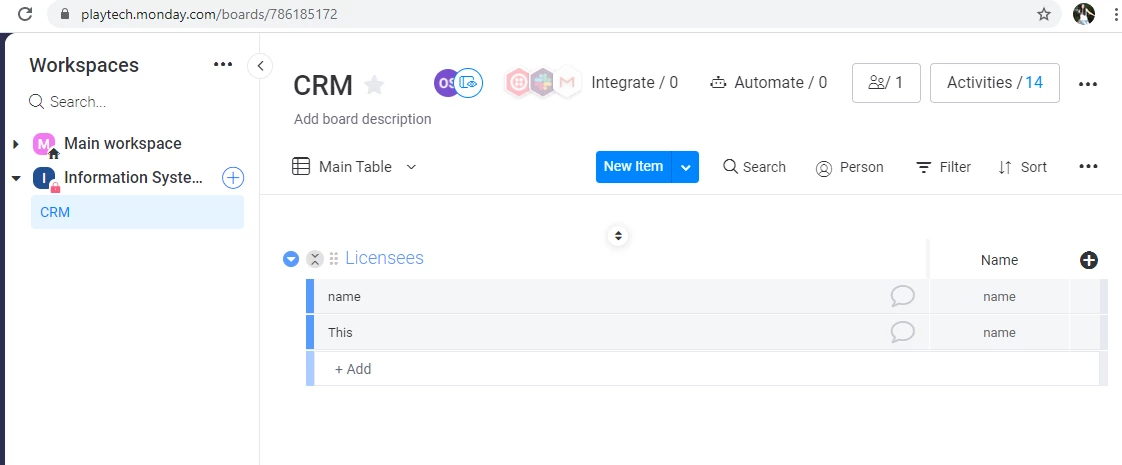
-d ‘{"query":"{items_by_column_values(board_id:786185172, column_id:"name", column_value:"name"){id name}}"}’
I have error
The remote server returned an error: (400) Bad Request.
Response Url: https://api.monday.com/v2/

Status Code: BadRequest

But “{"query":"{boards(ids: 786185172){name}}"}” work for me

Please, help to find error in first request


  • New Participant
  • November 9, 2020

If I run query mutation{create_item (board_id: 786185172, group_id: “topics”, item_name: “test”) {id} from monday.com - new rows create

curl -X POST -H “authorization: xxxxxxxxxxxx” -H “content-type: application/json” --data-binary ‘{“query”:“\\mutation{create_item (board_id: 786185172, group_id: "topics", item_name: "test") {id}}\\n\\n\\n”,“variables”:null}’ --compressed https://api.monday.com/v2

Why doesn’t it doesn’t work?

No errors, but no rows created

Please, help to understand what is wrong?


  • New Participant
  • January 9, 2021

These are very helpful! Does anyone have a curl example to update a tag column? I cannot seem to figure out the exact syntax


  • New Participant
  • January 9, 2021

i figured it out!

curl -X POST “https://api.monday.com/v2/” -H “Content-Type:application/json” -H “Authorization:XXXXXXX” -d ‘{“query”:“mutation{change_column_value(board_id:436685990,item_id:770201514,column_id:"tags5",value:"{\\"tag_ids\\":[7674241]}") {id}}”}’