


Recently, monday.com launched sidekick - an intelligent, context-aware AI assistant that understands the customer’s work and helps turn intent into action - directly inside monday.com. sidekick can summarize updates, answer questions using board context, and trigger actions without switching tools.
For marketplace partners, sidekick opens a new touch point where your product can show up exactly when users need it. You can now build skills that customers trigger in sidekick to run focused, predictable actions powered by your app. Skills are context-aware, on-demand, and designed to deliver a clear outcome every time. They are available through the marketplace so customers can discover and install them like any other app.
What is a skill
A skill is a narrowly scoped capability you expose to sidekick from your monday app. When a user triggers it, the skill performs a defined sequence and returns a clear, repeatable result in the conversation.
The skills framework is now open to all marketplace partners. Any existing app can add skills, and new apps can be built as skill-first experiences that appear directly inside sidekick.
Skills meet users where they already work - inside sidekick, boards, and workflows - which naturally increases usage and stickiness for your app. They package your domain expertise into trusted, repeatable actions and benefit from built-in distribution to monday’s customer base.
Great skills focus on a single meaningful outcome. Instead of recreating your full product, start with the actions your app performs best - high-impact actions that customers can trigger right inside sidekick.
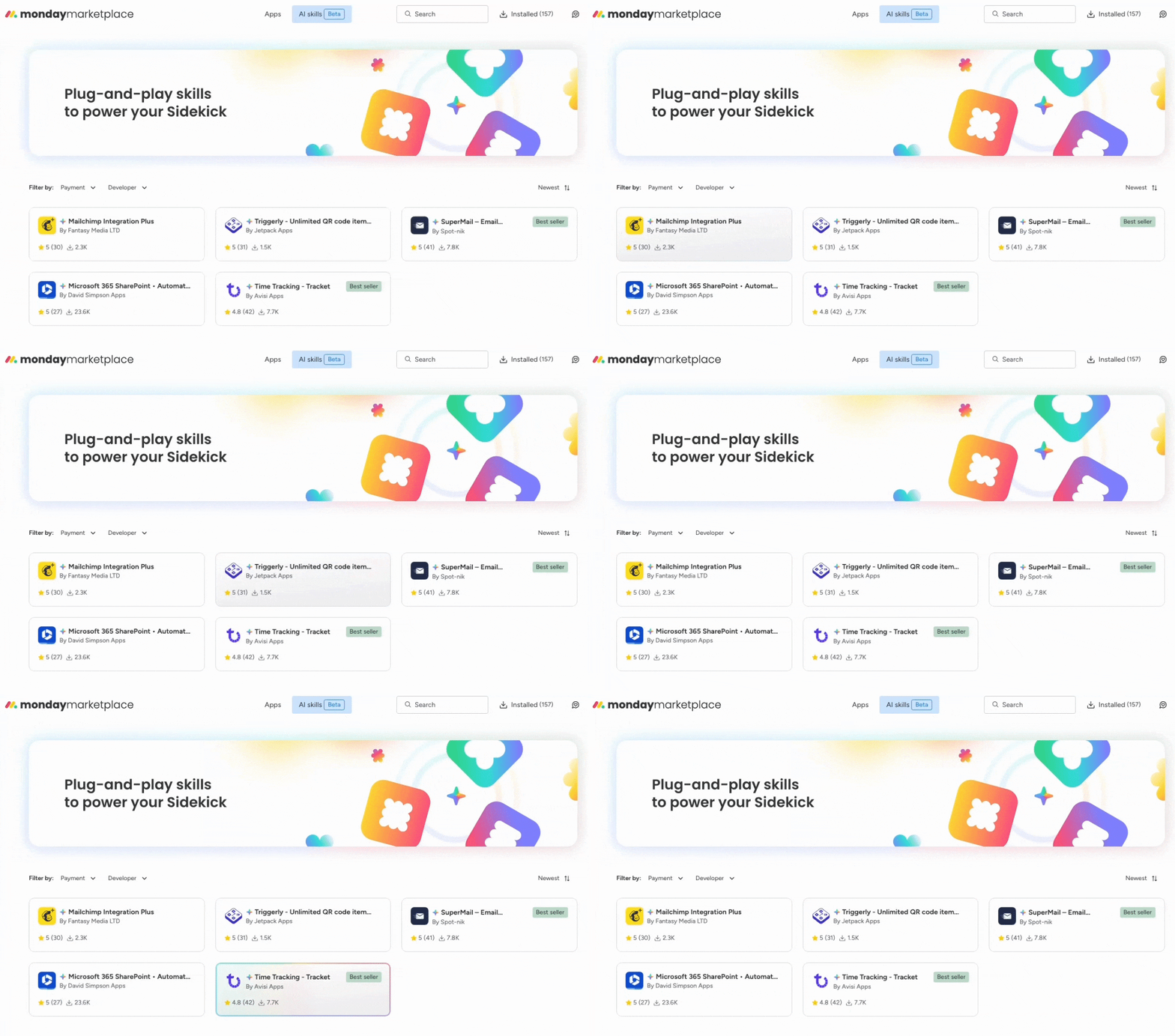
Skills also receive prominent visibility in the new AI Skills tab in the marketplace. This dedicated space highlights apps that provide sidekick skills, giving partners a new discovery surface and a direct way to stand out to customers exploring AI capabilities. Adding a skill to your app is now one of the most impactful ways to increase adoption and expand your reach across monday accounts.
How it works - at a glance
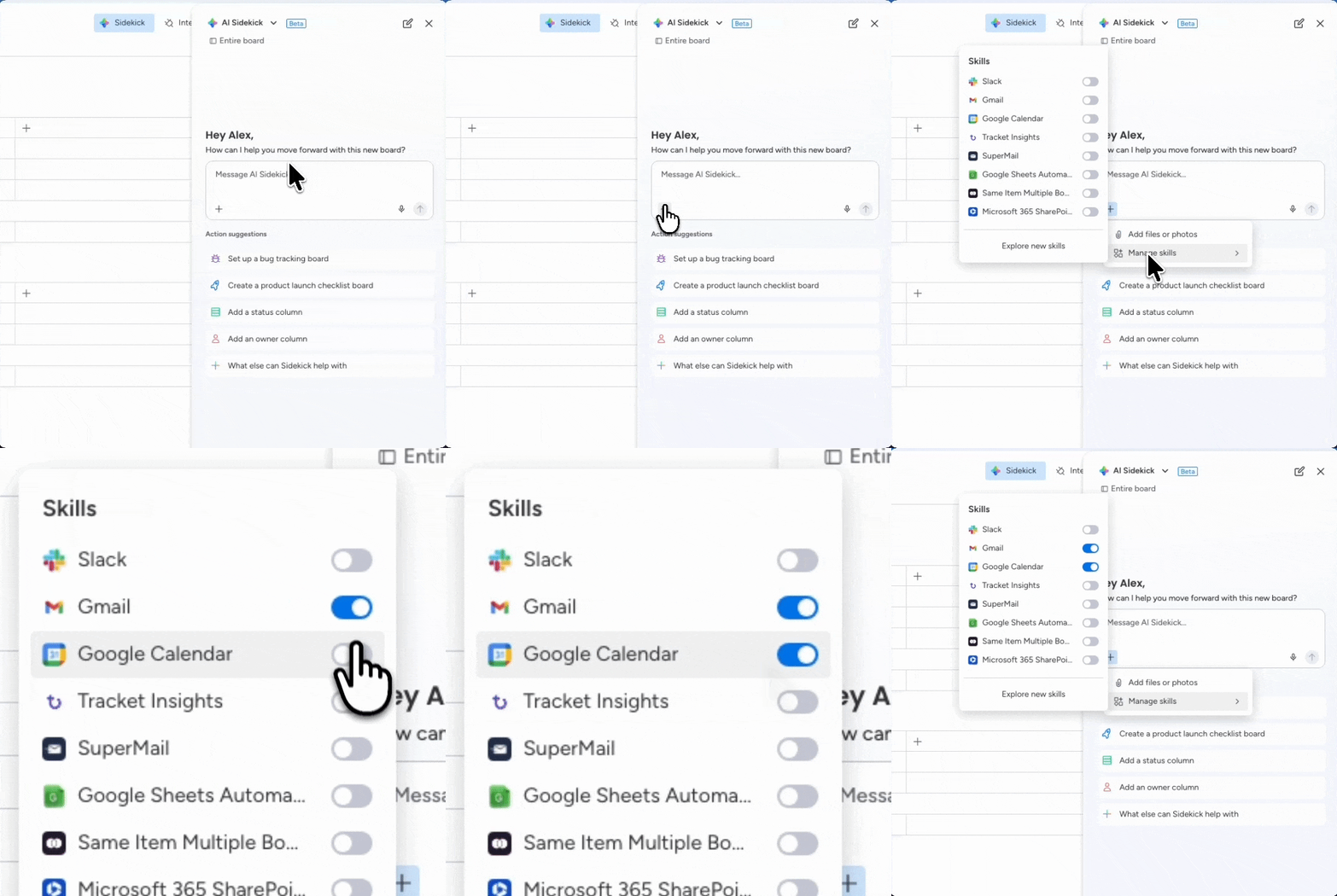
A user asks sidekick to execute a certain task, sidekick selects a matching skill, calls your app, and shows the result in the conversation - moving from ask to action without context switching. Under the hood, this is handled through automation blocks in your app. Inputs are passed as primitives, and you can use the user credentials feature for OAuth and secure token storage, so you can focus on logic rather than custom auth.
What teams can already do with sidekick
sidekick already supports a range of built-in actions that help teams summarize, generate, and update information directly from their boards. These patterns make strong foundations for partner-built skills.
Teams use sidekick today to:
- Summarize updates or items to get quick insights without opening multiple views.
- Write or rewrite content such as task descriptions or emails in a defined tone or style.
- Run operational actions like updating statuses, assigning owners, or creating follow-up items.
These examples set customer expectations for what sidekick can do - and what they’ll expect from partner skills.
When building a skill, start with a pattern customers already recognize in sidekick, then show how your app extends it - for example, by adding domain expertise, pulling data from your app, or automating a next step.
Examples from early design partners
Here are a few examples of how apps are extending sidekick with domain-specific expertise:
SuperMail - Generate, send, and track emails directly from sidekick, based on the context of the board and the conversation.
Tracket - Log time, submit timesheets, and surface reporting insights through Sidekick, helping teams track effort and billing without manual navigation.
Triggerly - Generate QR codes to instantly update inventory, assets, or field activity in monday.com, turning real-world actions into structured updates.
Mailchimp Integration Plus - Sync leads and surface campaign status directly from sidekick, keeping marketing execution and visibility in one place.
Microsoft 365 SharePoint - Create folders, sync files, and extract data from PDF, Word, or Excel on demand, directly from a sidekick prompt.
Outlook Calendar Integration Plus - Schedule a meeting directly from within sidekick.
These examples show how skills work best when they focus on a single, repeatable outcome - taking an action users already want to perform, and making it instant, contextual, and reliable inside sidekick.

