

Hi partners and builders,
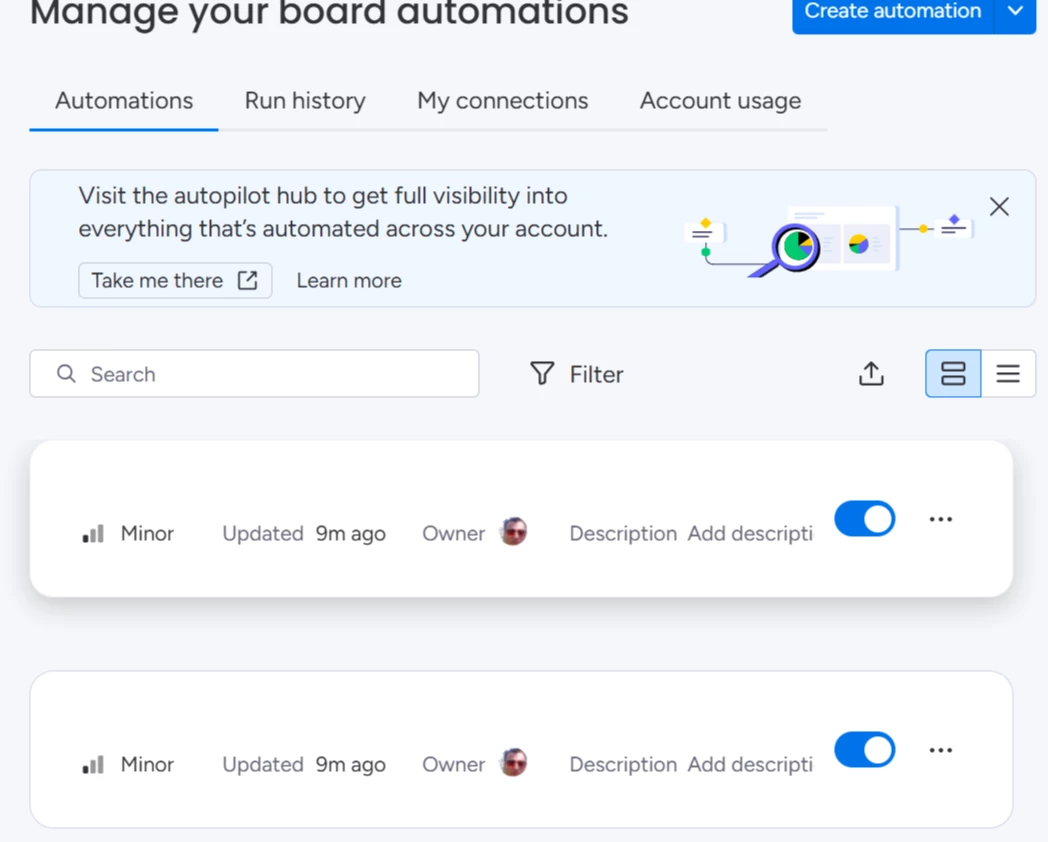
monday is consolidating all automation feature creation into a single, workflows-based infrastructure. This powers how customers build automations today and will continue to power all new automation experiences going forward, including the new automation builder, monday workflows, and monday sidekick.
As part of this shift, apps built on the legacy “integration for sentence builder” feature must migrate to the new infrastructure by April 30, 2026 to remain available in these automation experiences.
This migration is required, and it’s also the moment where automation features move from being tied to a single builder to becoming reusable capabilities across monday.
What this means for your app
Migrating your automation features ensures your app remains visible and usable wherever customers build automations going forward.
Apps that migrate will continue to appear in the new automation builders as they roll out more broadly. Apps that don’t migrate won’t be available when users create new automations.
Existing customer automations built on the legacy infrastructure will continue running during the transition period.
Why this migration is valuable
This migration is required, but it also unlocks meaningful long-term benefits for your app:
Broader reach and distribution
Your automation features become available wherever customers create automations on monday, expanding discovery and usage without additional rebuilds.
One build for all automation experiences
The same automation blocks power automations, workflows, and AI-assisted experiences, removing the need to rebuild or remap features for each new surface.
Lower long-term maintenance
Centralized authentication with Credentials and typed fields reduces custom logic, mapping issues, and ongoing support overhead.
Richer customer use cases
Your app becomes a reusable building block in multi-step workflows, enabling more advanced, higher-value automation scenarios without additional work.
What’s changing
Legacy “integration for sentence builder” features are not compatible with the new automation builders. As these builders become the default way customers create automations, only apps that have migrated will appear there.
Existing automations created with the legacy infrastructure will continue running for now. We’ll provide advance notice before any changes to legacy execution support.
How migration works
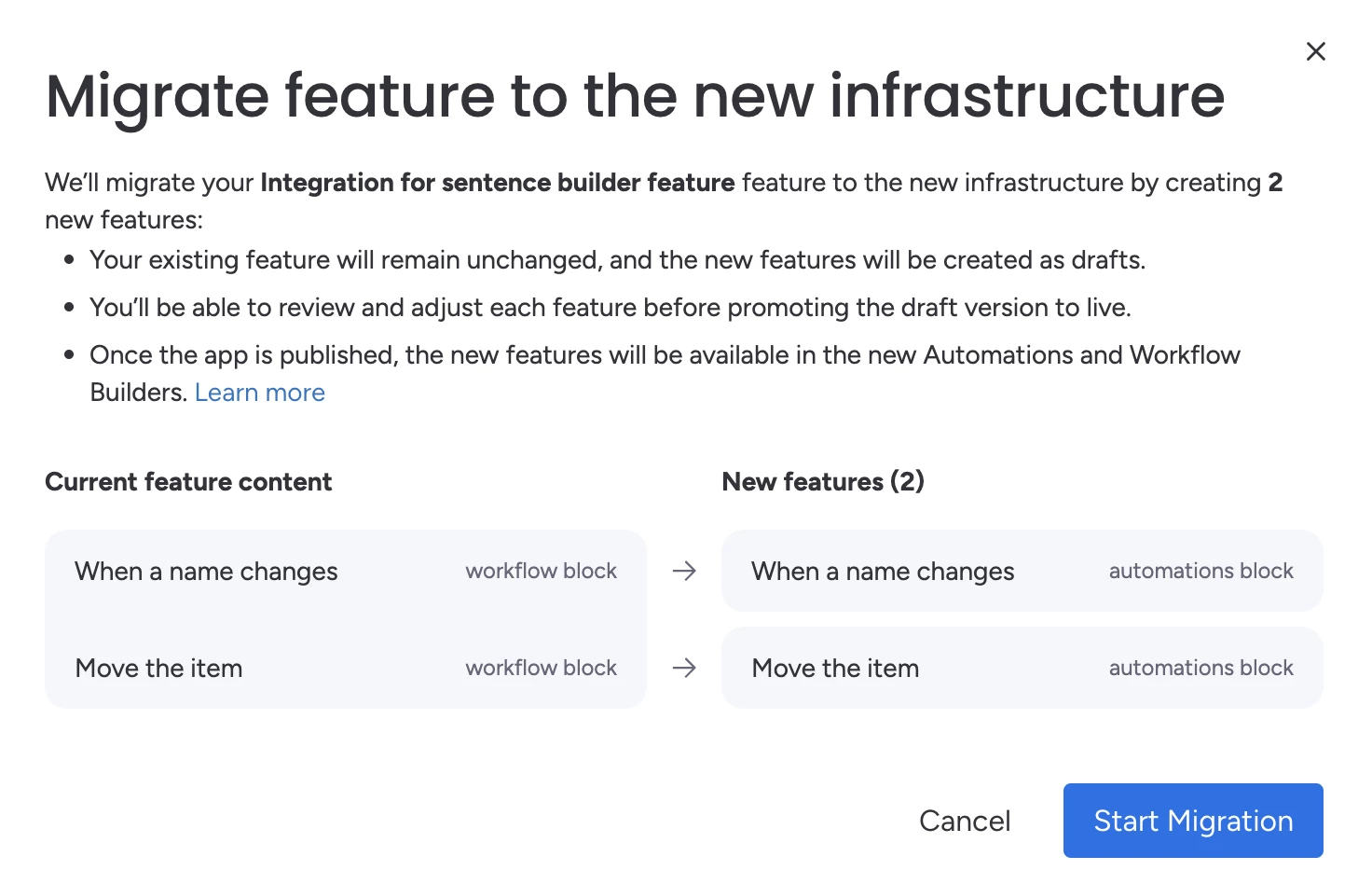
To reduce the effort involved, we built a self-service migration wizard in the Developer Center.
The wizard automatically converts your legacy features into the new automation components where possible, preserves your existing production setup until you publish, and clearly flags anything that requires manual review.
You remain fully in control throughout the process. You can review the migrated features, test them in the new automation builder or monday workflows, and publish when you’re ready. Existing customer automations will continue to run until they’re fully deprecated.
What you need to do
Please complete the migration by April 30, 2026.
- Open the Developer Center, select your app, create a new draft version, and go to the Features tab.
- Click Migrate next to each legacy integration feature.
- Review and test the migrated features.
- Publish the new version when ready.
Important: Because existing automations continue running on the legacy infrastructure, you’ll need to keep your legacy feature and backend active until those automations are fully deprecated.
You can find detailed instructions in the migration guide. If you have technical questions, submit a support ticket, or join the dedicated group to share feedback.