


I’m finalising our recipes as part of the migration, the last ones we have is to sync data from an external system to an item.
In the sentance builder, we had a custom trigger than output a dynamic mapping object and we mapped this to “item mapping”.
in the automation builder, the migration guide says to use “Item Values” now.
We have a custom Trigger (“Object Created”) which outputs the custom object definition and a string of the objectId
We also have an Action “Create item from 3rd party” which accepts a boardId, itemValues and an external object id and then we have the automation template joining these blocks together.
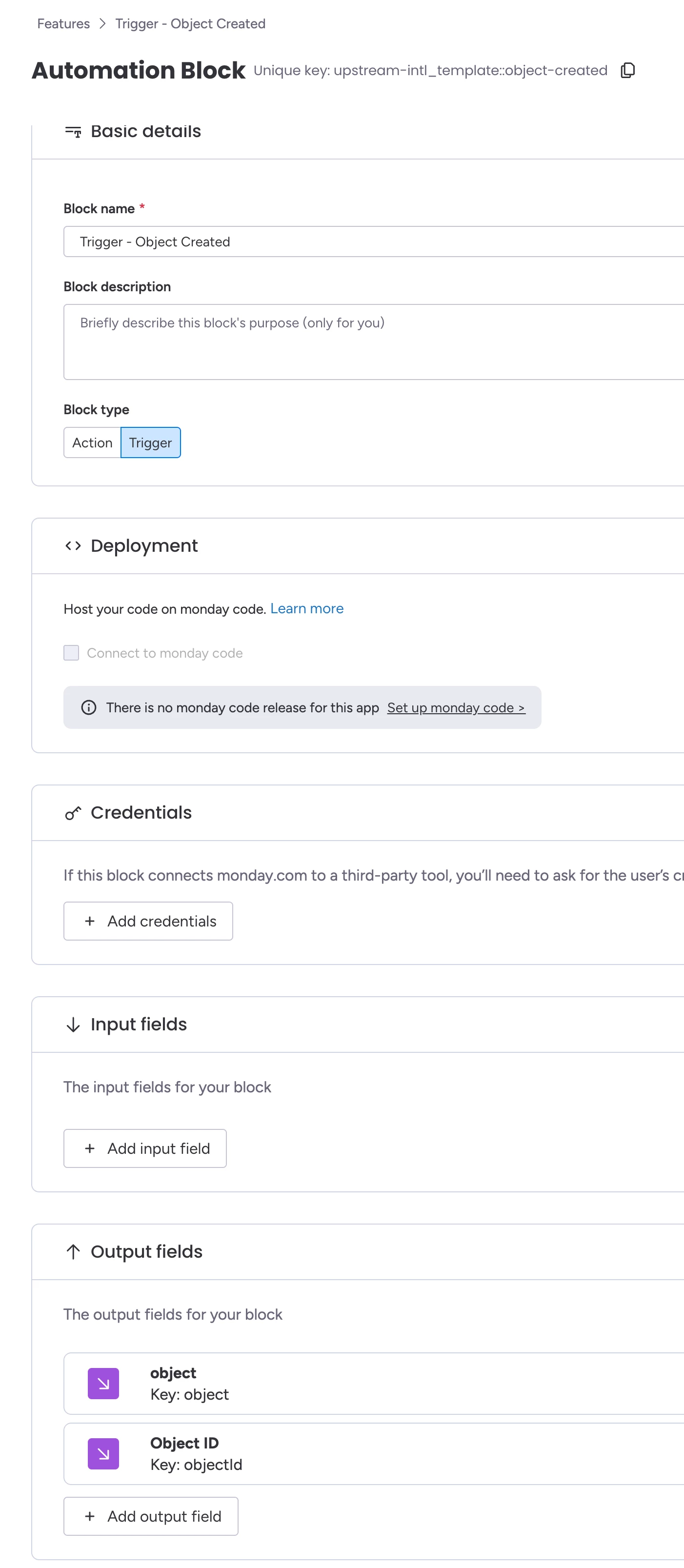
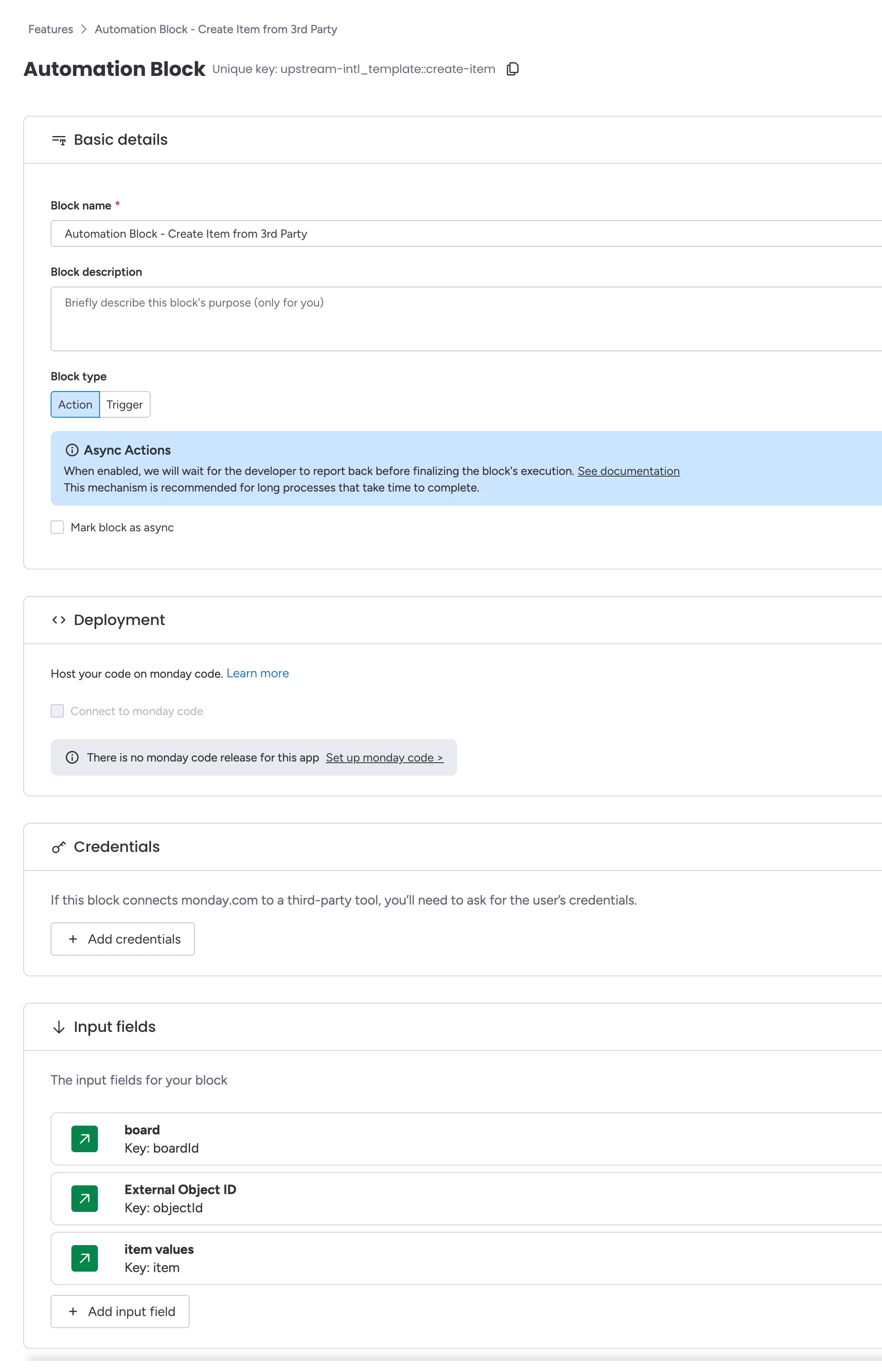
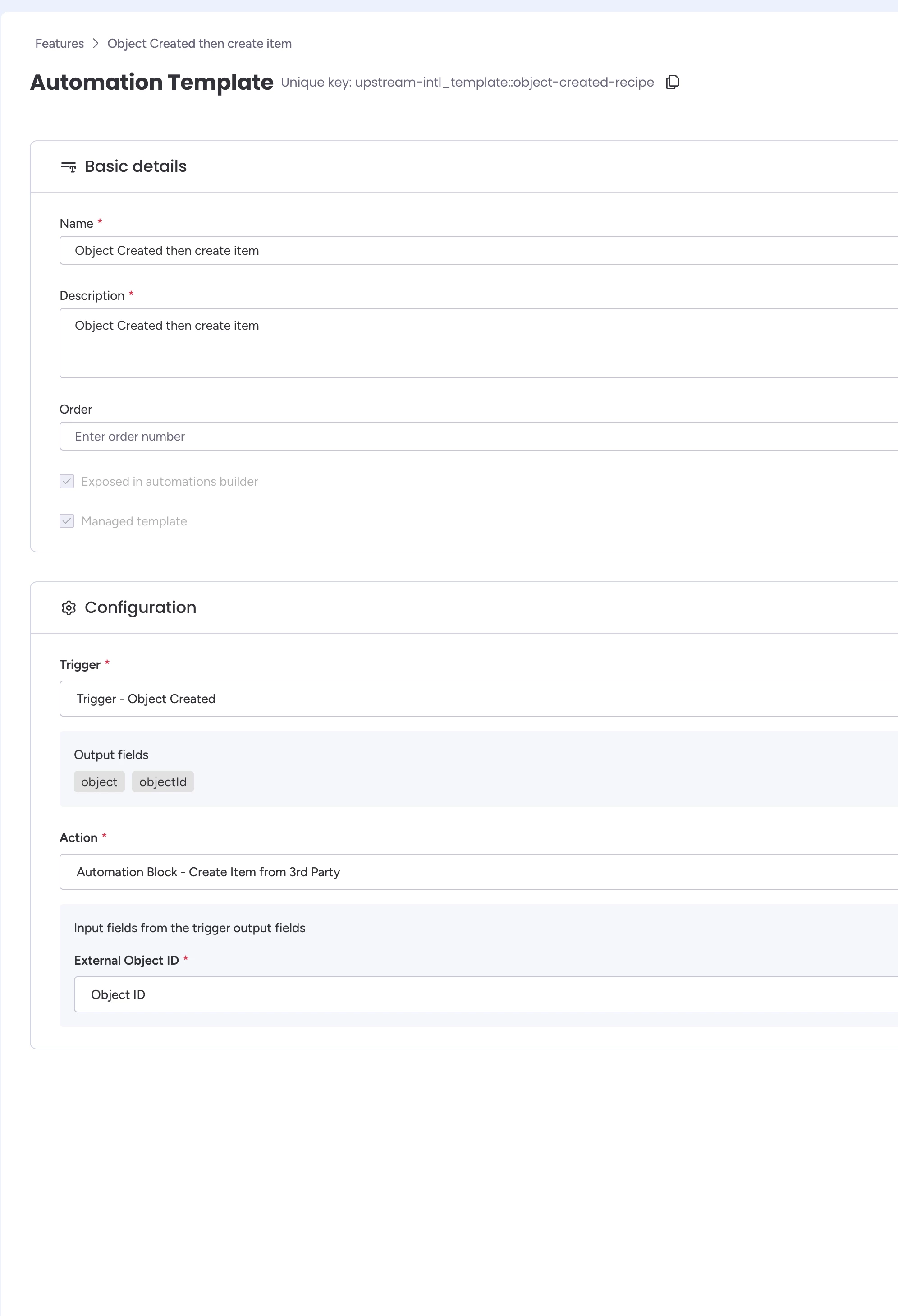
This works fine in the Workflow Builder, it shows the Object from the previous trigger as expected.
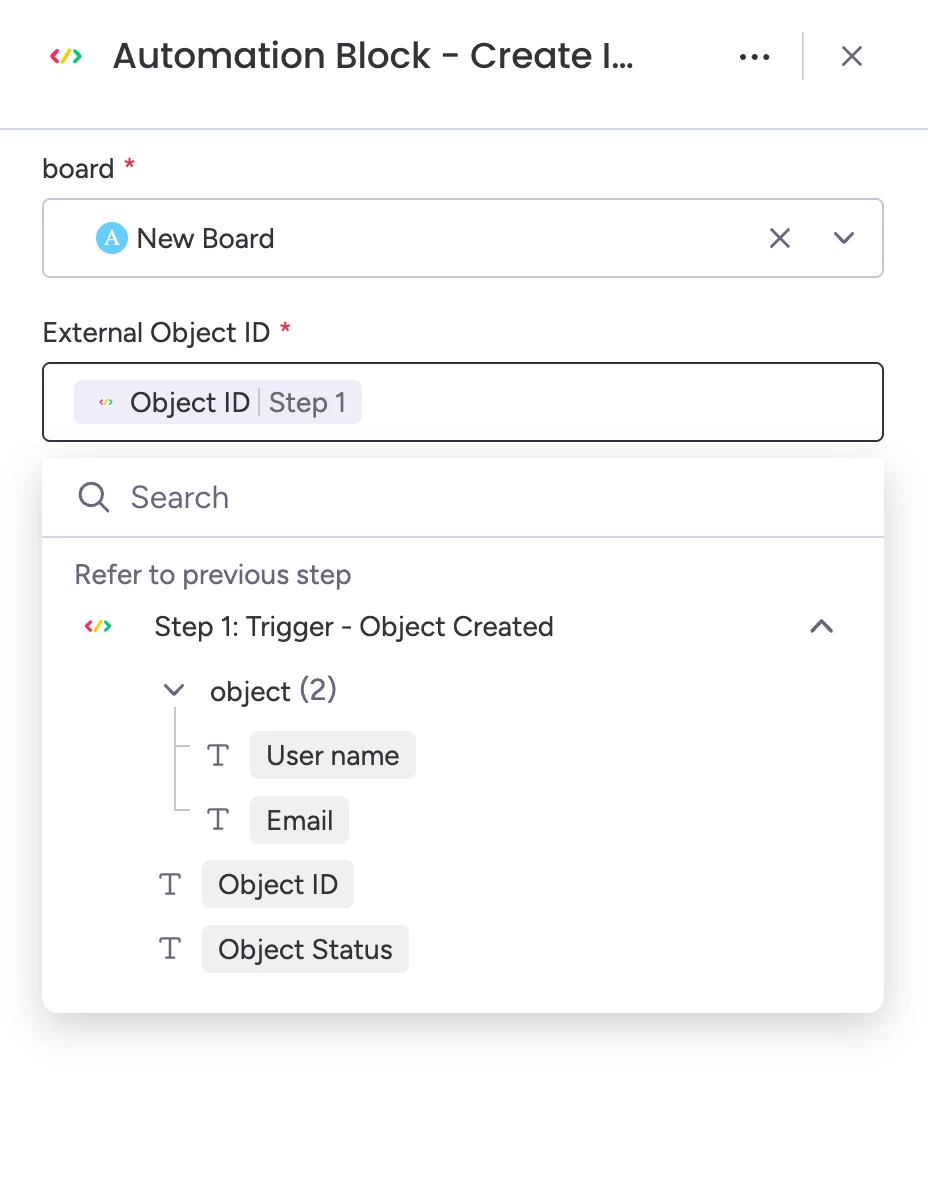
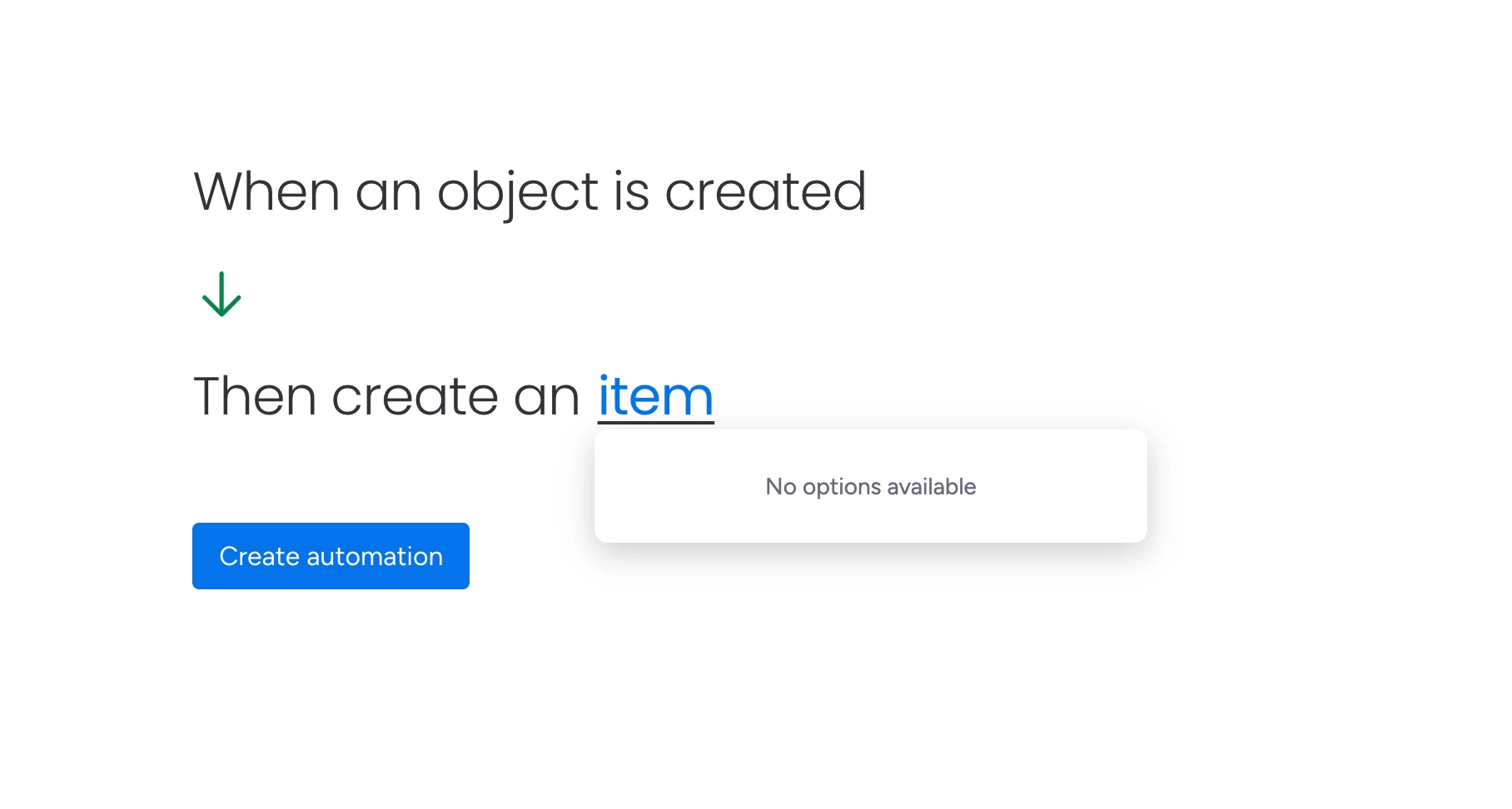
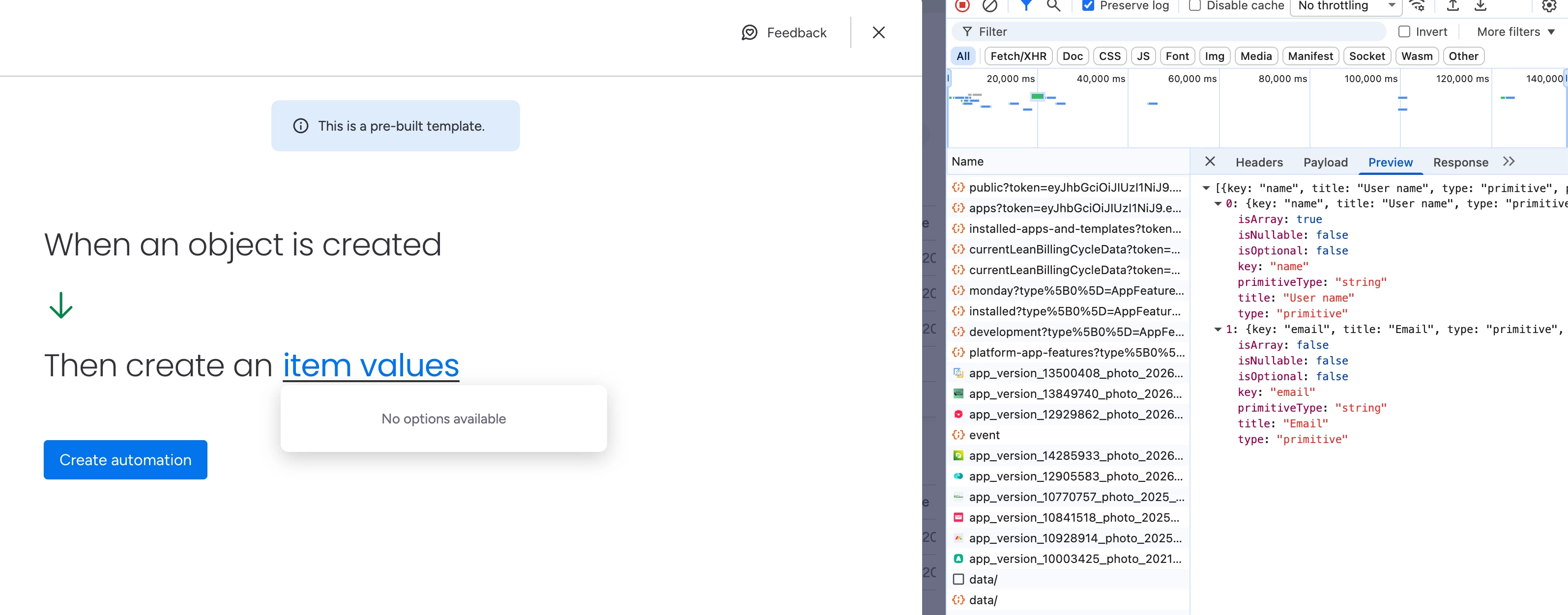
However it fails in the automation builder. It simply shows “No options available”. If I look at the network requests, I can see it retrieving my custom field defintions, it just doesn’t allow me to map my external data into columns to then process
Has any been able to map fields from an external service into monday to create an item via a custom action?

