Question

Dynamic Mapping field after migrate from Integration for Sentence Builder

  • February 2, 2026
  • 1 reply
  • 15 views

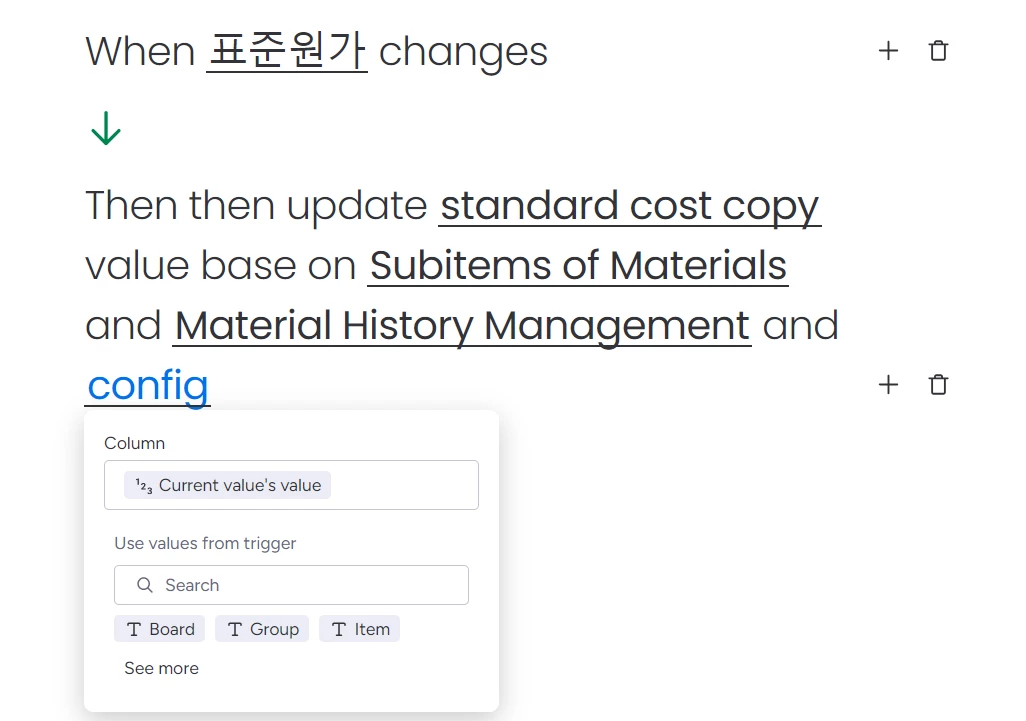
I’m having an issue after migrating from Integration for Sentence Builder and I’d really appreciate some clarification.

Previously, when using Integration for Sentence Builder, I was using a Dynamic Mapping field, and everything worked perfectly.

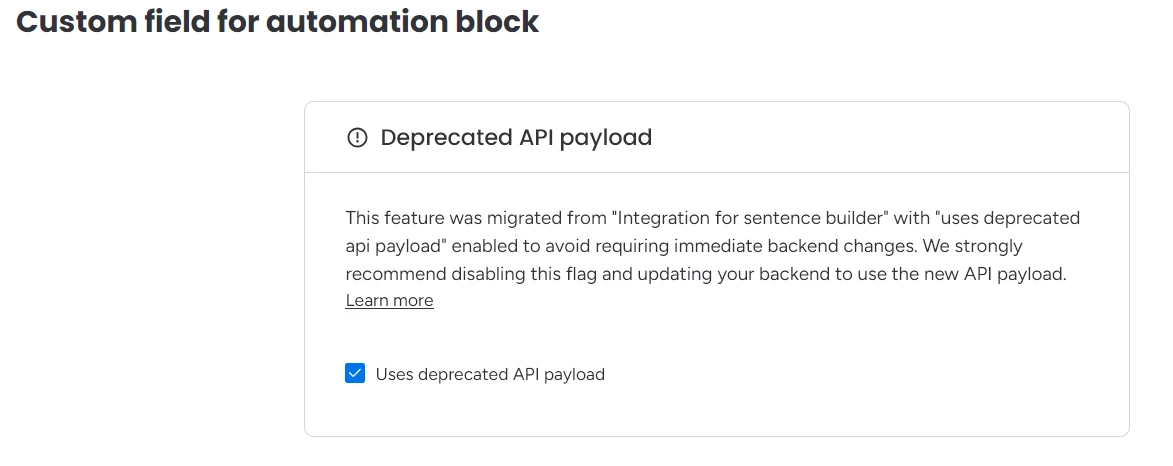
After the migration, this was replaced by Custom Field for Automation Block.
If I enable the “Use deprecated payload API” option, the integration still works as expected. However, once I disable this option, the integration starts failing.

So my main question is:

What is the exact structure that the Custom Field for Automation Block need when the deprecated payload API is not used?

For reference, this is the output configuration I previously sent to the Dynamic Mapping field:

[
  {
    "id": "column_id",
    "title": "Column",
    "outboundType": "text",
    "inboundTypes": ["text", "numeric"]
  }
]


1 reply

danieljak
Forum|alt.badge.img
  • monday.com Team Member
  • February 3, 2026

Hey there 👋

Dynamic Mapping feature is replaced with the Object field (https://developer.monday.com/apps/docs/object-fields)


When you’re migrating your app it actually takes the Field Type with dynamic mapping & creates a new field type feature that is an Object field.

The “uses deprecated payload api” flag takes your existing endpoint and transforms it on the fly to the new Object field payload structure

If you turn off the uses deprecated payload api flag which is Recommended! 🙂

The expected response from you is described in the object field docs (https://developer.monday.com/apps/docs/object-fields)