

I've found a bug in the automation blocks
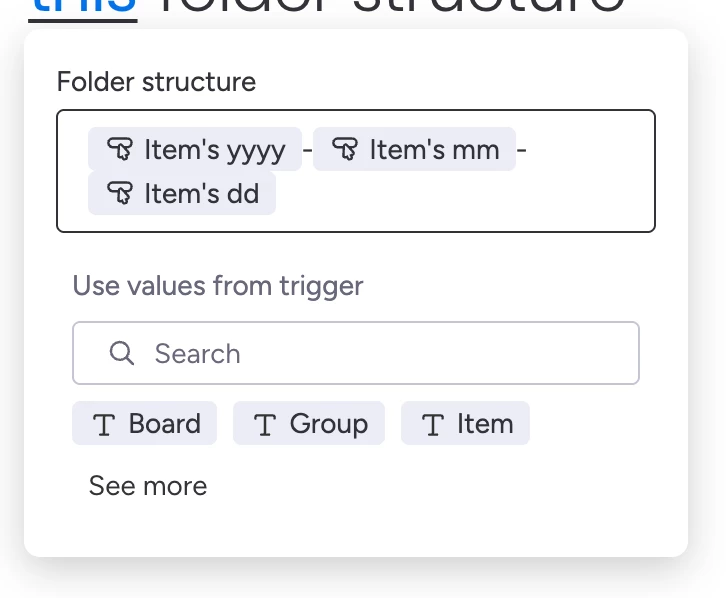
If I use the content of a date column named `Date`, it will produce something like "11 March 2026" as the input field value. This is as expected.
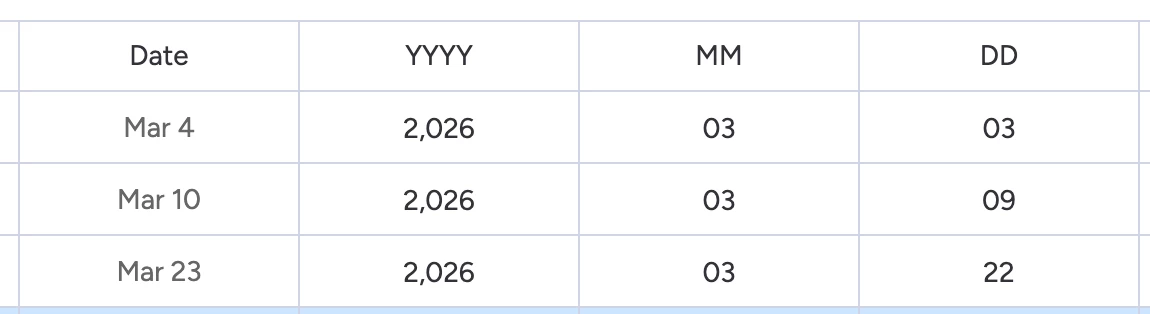
To get around this, we try using a formula column to get the date in the correct format that we want “YYYY-MM-DD”
❌ If I then create a new formula column named "YYYY-MM-DD", and use the formula `FORMAT_DATE({Date}, "YYYY-MM-DD")`, it will still produce something like "11 March 2026" as the input field value, so this really is not behaving correctly
❌ If I update the formula to `CONCATENATE("",FORMAT_DATE({Date}, "YYYY-MM-DD"), "")`, it will still produce something like "11 March 2026" as the input field value, so this really is not behaving
✅ If I update the formula to `CONCATENATE("__",FORMAT_DATE({Date}, "YYYY-MM-DD"), "__")` it will then produce "__2026-03-11__" as the input field value, we get what we actually expected, but we’ve notw wrapped the correctly formatted date in extra characters.
❌ If I update the formula to `CONCATENATE(YEAR({Date}),'-',MONTH({Date}),'-',DAY({Date}))` it will then produce "2026-3-11" as the input field value, which is almost what I actually wanted, just not quite.
Cc: