
Uploading file with monday sdk from browser

  • April 25, 2021
  • 3 replies
  • 1160 views

I am new to monday apps framework and building a item view. I am trying to upload a file with monday sdk and using this code,

const query = `mutation add_file($update_id:Int!, $video: File!) {

    add_file_to_update(update_id: $update_id, file: $video) {
   
    id
    
    }
    
}`;
  monday.api(query, {
variables: {
  video: new File([blob], "video.mp4", {
    lastModified: new Date(),
    type: "video/mp4",
  }),
  update_id: 7894482,
},
  });

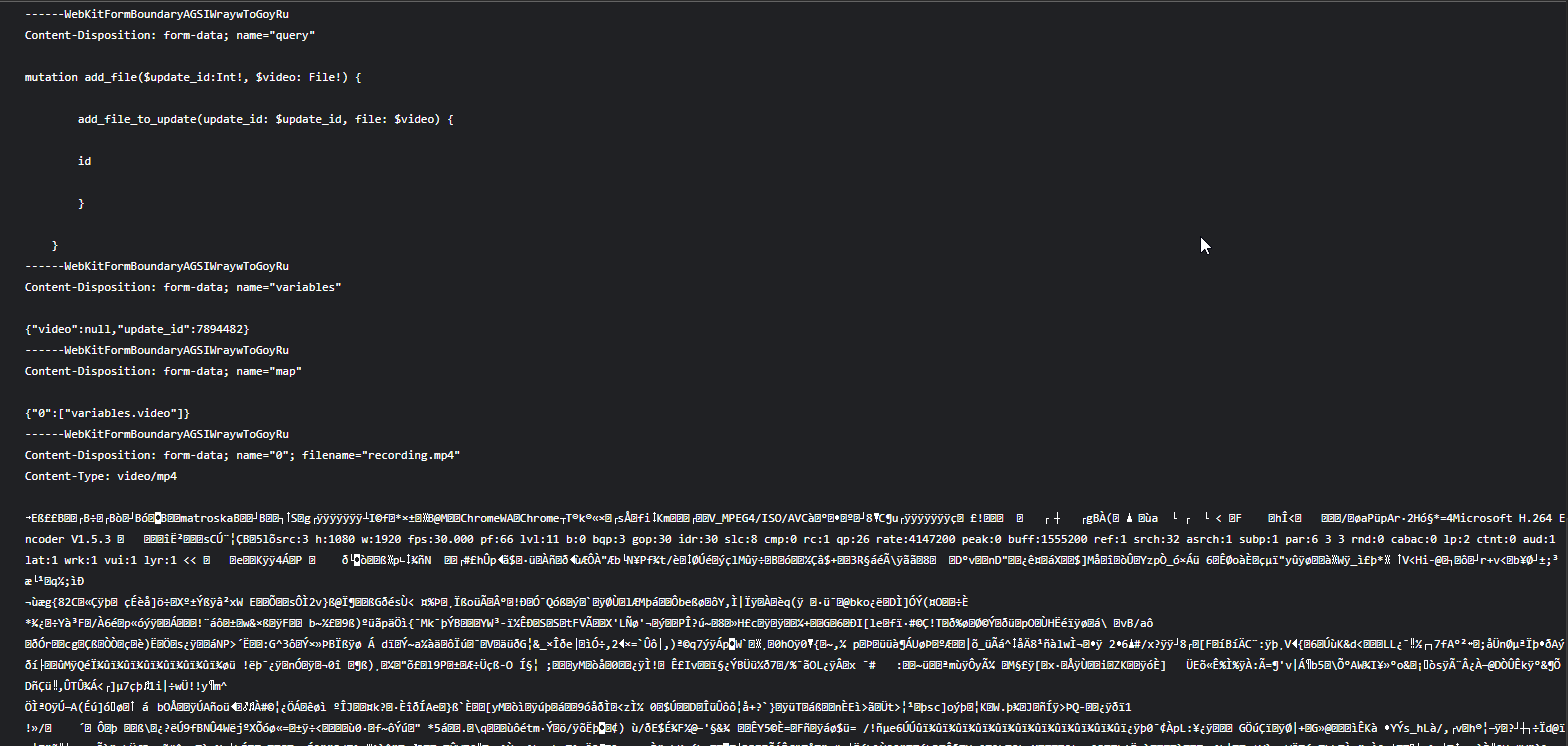
And this is the request i see going through in chrome developer tools and failing with 500 error. Can someone help me with this ?

This topic has been closed for replies.

3 replies

AlexSavchuk
Forum|alt.badge.img
  • monday.com Team Member
  • April 26, 2021

Hey @arjun 👋

That’s quite odd! I would recommend trying the same API call, but without specifying details about the file?

I would remove:

lastModified: new Date(),
    type: "video/mp4",

I would also try out removing [blob] from the variable. Could you try that out and let us know if it worked? Just to make sure as well, is the Update ID with the ID of 7894482 an update you can edit within the UI?

-Alex


  • Author
  • New Participant
  • April 26, 2021

It was so stupid of me. I was passing a wrong update id. Used a proper update id and it worked. Thank you for the help.


  • May 3, 2021

This topic was automatically closed 7 days after the last reply. New replies are no longer allowed.
