Upload a file as a new version

  • May 11, 2022
  • 7 replies
  • 1821 views

chelien

Hi, I’m trying to programmatically upload a file as a new version.
What I have so far:

var boardId = 25509xxxxx;
var itemId = 25509xxxxx;
var assetId = 4888xxxxx;
const uploadQuery =
`
	mutation ($file: File!) {
		add_file_to_column (item_id: ${itemId}, column_id: "files", file: $file) {
			id
		}
	}
`;

var url = "https://api.monday.com/v2/file";
var buf = fs.readFileSync("./package.json");
var formData = new  FormData();

formData.append("query", uploadQuery, { contentType:  "application/json" });
formData.append("variables[file]", buf, { contentType:  "application/octet-stream", filename:  "package.json" });

var options = {
	method:  'post',
	headers:  formData.getHeaders(),
	body:  formData,
};
options.headers.Authorization = user.token;
var uploadResponse = await fetch(url, options);
var json = await  uploadResponse .json();

var jsonChange = JSON.stringify({
	updated_file:
	{
		fileType:  "ASSET",
		assetId:  json.data.add_file_to_column.id,
		previousAssetId:  assetId,
		name:  "package.json",
		isImage:  false,
		isVersion:  true,
	}
}).replace(/"/g,'\\\\"');

const  updateQuery =
`
mutation {
	change_column_value (board_id: ${boardId}, item_id: ${itemId}, column_id: "files", value: "${jsonChange}") {
		id
	}
}
`;

var updateResponse = await  monday.api(updateQuery, { token:  user.token });

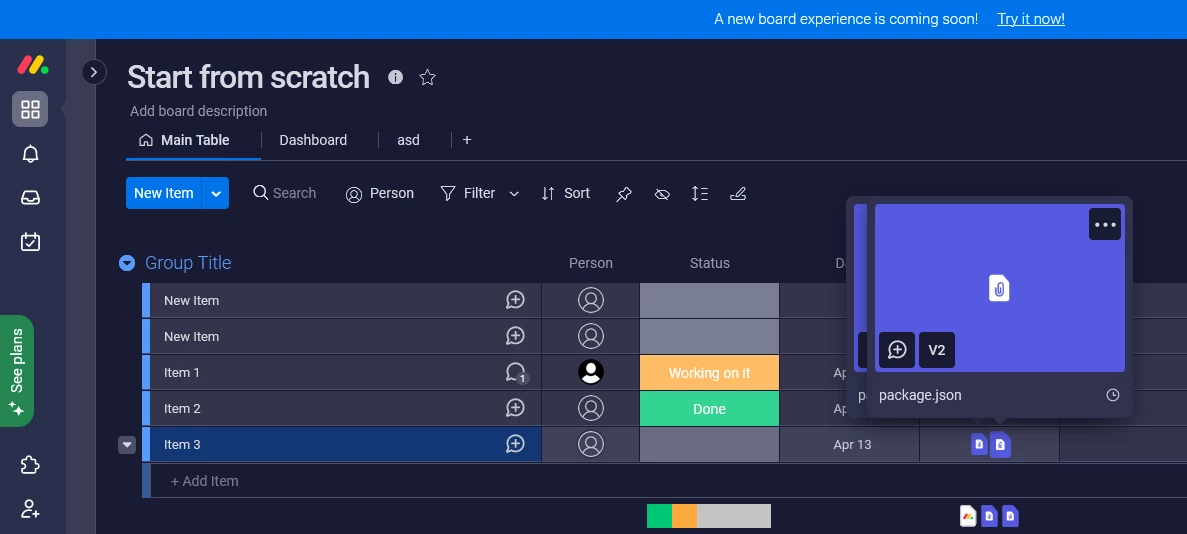
And it works, except a file is duplicated in a column. I also tried to send removed_file with v1 asset id and it works. But after that you can’t access v1 anymore.

Is it a bug or am I doing something wrong?

7 replies

Matias.Monday
Forum|alt.badge.img
  • monday.com Team Member
  • May 15, 2022

Hello there,

Matias here!

  1. Would you be able to show a screen shot of the duplication you mention? Is the exact same file added twice in the same column for the same item?
  2. How are you using removed_file? What v1 are you referring to?

Looking forward to hearing from you 🙂

Cheers,
Matias


chelien
  • Author
  • New Participant
  • May 16, 2022

Hello Matias. Thank you for your response.
Assume this file assetId is 123.


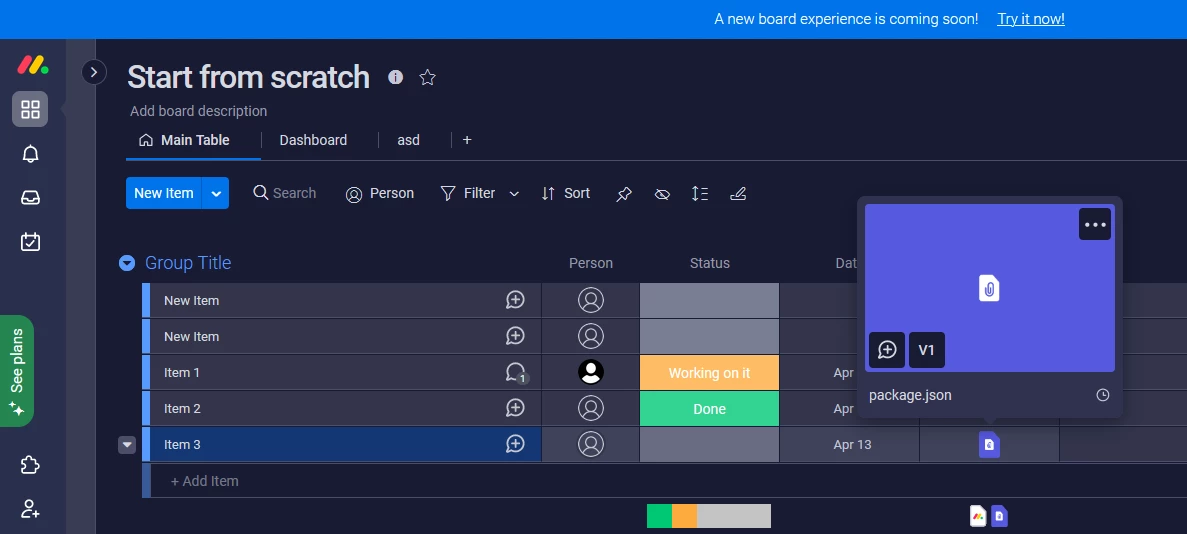
Now, if you launch a script you get two files in a column, and if you hover over any of them you get two popups open at the same time as well.

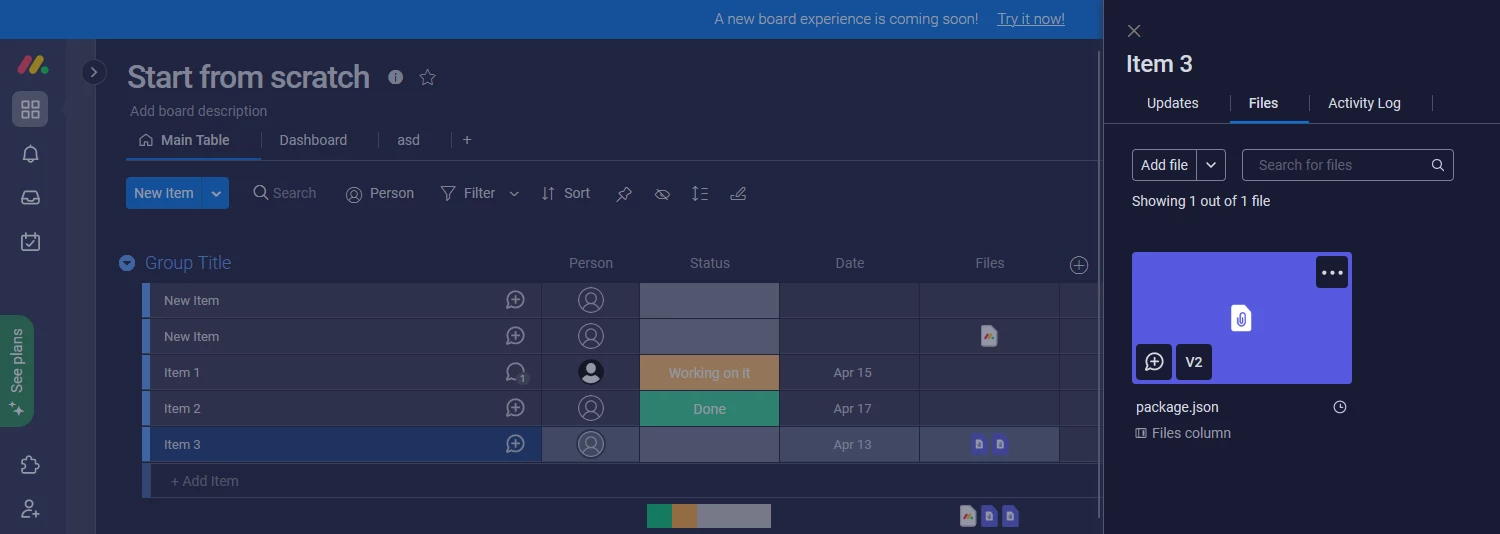
If you expand Item info, it shows only one file here.

And now, to answer your second question. If you modify a script a little and add removed_file to mutation query, where assetId is 123:

removed_file:
{
    fileType: "ASSET",
    assetId: assetId,
},
updated_file: 
    {
        fileType: "ASSET",
        assetId: json.data.add_file_to_column.id,
        previousAssetId: assetId,
        name: "package.json",
        isImage: false,
        isVersion: true
    }
}

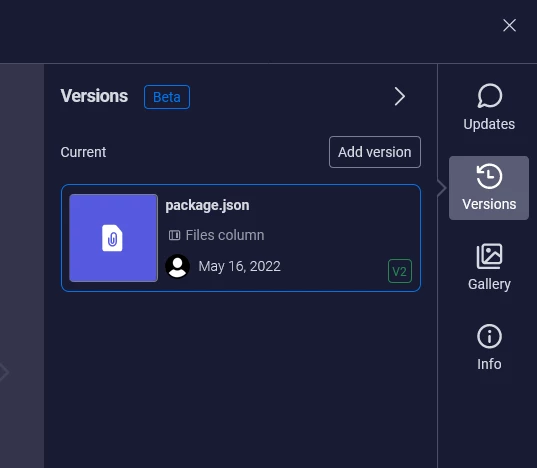
And run it, then it kinda works, nothing is duplicated, you get only one file in a column, but if you expand file info, there is no V1, only the second (uploaded) version.
monday4
Hoping to hear from you soon. 🙂


samicaracand
Forum|alt.badge.img
  • Participating Frequently
  • April 10, 2023

Hey @Matias.Monday I am a bit late to the party here, but is there a way to upload a new file version via the API like chelien described?


Matias.Monday
Forum|alt.badge.img
  • monday.com Team Member
  • April 11, 2023

Hello @samicaracand,

There is no way of uploading a new “file version” via API.

Let me know if you have any other questions!

Cheers,
Matias


samicaracand
Forum|alt.badge.img
  • Participating Frequently
  • April 11, 2023

Too bad… would be nice if you guys can consider this in your plans
Thank you for the quick answer!


Any update on this?? This API is ridiculous, nothing is supported. You cannot add a new version, you cannot rename files, you cannot download a file in a safe way (private url with auth), you cannot get the order of subitems, etc. etc. I can go on forever.


Matias.Monday
Forum|alt.badge.img
  • monday.com Team Member
  • May 14, 2023

Hello everyone,

A request was created for this as for the ability to rename files, the ability to download a file without using the public URL and the index for subitems. We added your votes!

Thank you for your feedback!

Cheers,
Matias