Unable to validate JWT

  • May 1, 2025
  • 8 replies
  • 144 views

we are using this code to validate the JWT on the backend in response to a webhook event. refer: Authentication

import jwt from 'jsonwebtoken'
export const authenticate = (req, res, next) => {
    const token = req.headers.authorization
    if (!token) { return res.status(401).end() }
    try {
      res.locals.user = jwt.verify(token, JWT_SECRET);
      console.log(res.locals.user)
    } catch (e) {
      console.error(e)
      return res.status(401).end()
    }
    next()
};

we get back a token that is decodable but the signature is invalid. we also double checked the JWT_SECRET is set to the signing secret on

has anyone run into this?


8 replies

dipro
Forum|alt.badge.img
  • Leader
  • May 1, 2025

What exact error do you get?

Here’s what I usually do to troubleshoot or investigate:

  1. Log the JWT
  2. Manually verify it in jwt.io against your signing secret

Usually when I do this, I’ll find the issue.

Let me know if you have any success in jwt.io and we can go from there.


  • Author
  • Participating Frequently
  • May 1, 2025

the jwt decodes but the signature is invalid. that is the error. we double checked the client secret we are using.


dipro
Forum|alt.badge.img
  • Leader
  • May 1, 2025

For the record, your code looks correct. What is the exact error you’re getting from the JWT library?

JWTs are just Base64 encoded JSONs – so the fact that it decodes properly doesn’t really tell you much.

If you’re getting invalid signature, probably means that it’s not signed correctly. In production, this means the JWT has been tampered with (man in the middle attack) and you should not trust that request. In development, it likely means that the secret is wrong.

The signature is the last few characters of the JWT, so if you truncated the JWT accidentally it would also cause an invalid signature error.

Make sure you’re using the signing secret for integrations, and client secret if decoding the sessionToken that you get using the monday SDK.


  • Author
  • Participating Frequently
  • May 2, 2025

this is bizarre. the documentation says:
https://developer.monday.com/apps/docs/integration-authorization

Every request from monday.com to your app will contain a JWT in the Authorization header. This token is signed using your app’s Signing Secret and can be decoded to retrieve additional metadata.

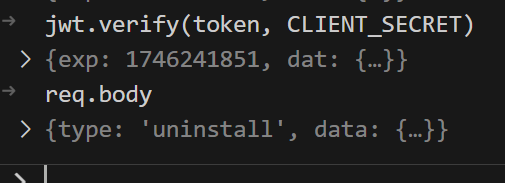
and yet its the client secret that is used to sign the token:


dvdsmpsn
Forum|alt.badge.img+1
  • Participating Frequently
  • May 2, 2025

I think it’s the signing secret for automations, but the OAuth client secret for all other things, such as view.


dipro
Forum|alt.badge.img
  • Leader
  • May 2, 2025

Gosh, didn’t realize you’re using the lifecycle webhooks. We’ll make it more clear in our docs so other users don’t hit the same problem.

It’s client secret for:

  • Signed session token you get from frontend - monday.get('sessionToken')
  • Life cycle webhooks (eg “Install/uninstall notification webhook”)

Signing secret for:

  • Custom automations/integrations
  • Board webhooks (eg “When a status changes, send a webhook”)

  • New Participant
  • May 5, 2025

That is helpful, I had the same confusion when I was setting up mine too. Turns out it is listed as such in other parts of the docs, it’s just confusing depending on the page you’re reading.


dipro
Forum|alt.badge.img
  • Leader
  • May 6, 2025

Totally understand.

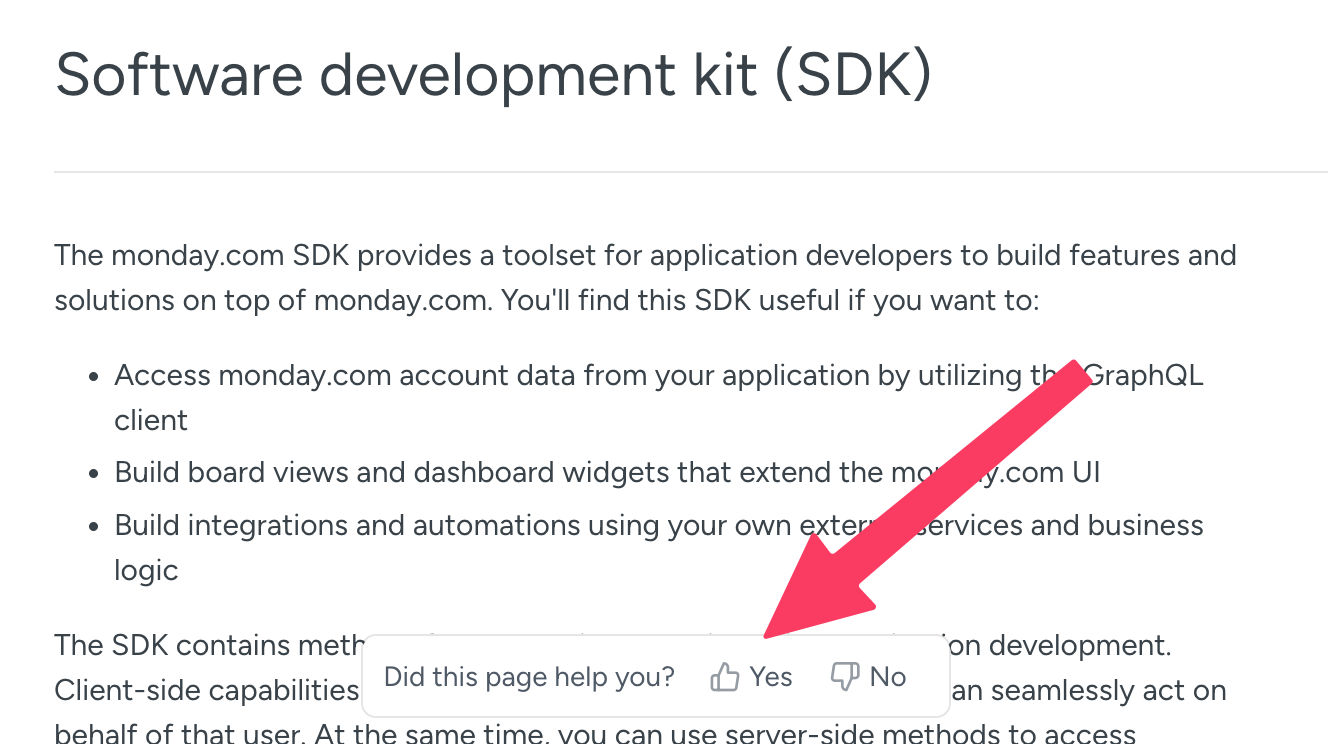
BTW since we’re talking about docs: if you can use the “Did this page help you?” button at the bottom of each article to leave your feedback on confusing unhelpful articles, it’s really valuable. We just made it more accessible!