There is no "add fields" button in the "view settings" pane in the "board" view on a new app

  • August 18, 2021
  • 3 replies
  • 1316 views

Following this tutorial: https://apps.developer.monday.com/docs/quickstart-view - I get to Part 3, step 2: “On the “View Settings” pane on the right, select the blue “Add Field” button. This will let you add a new field to your feature’s settings.”

There is no “Add Field” button on my screen:
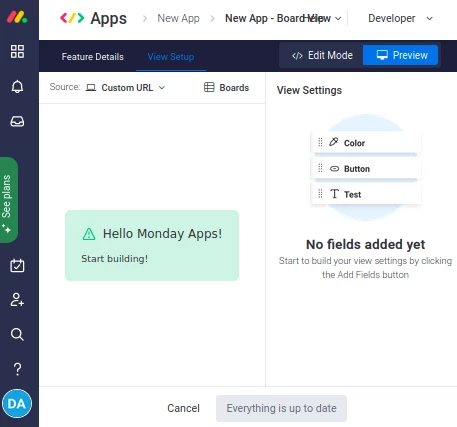
Screenshot_2021-08-18_16-26-00

This topic has been closed for replies.

3 replies

AlexSavchuk
Forum|alt.badge.img
  • monday.com Team Member
  • August 18, 2021

Hey @iateadonut 👋

My warmest welcome to the community! Thanks for reaching out.

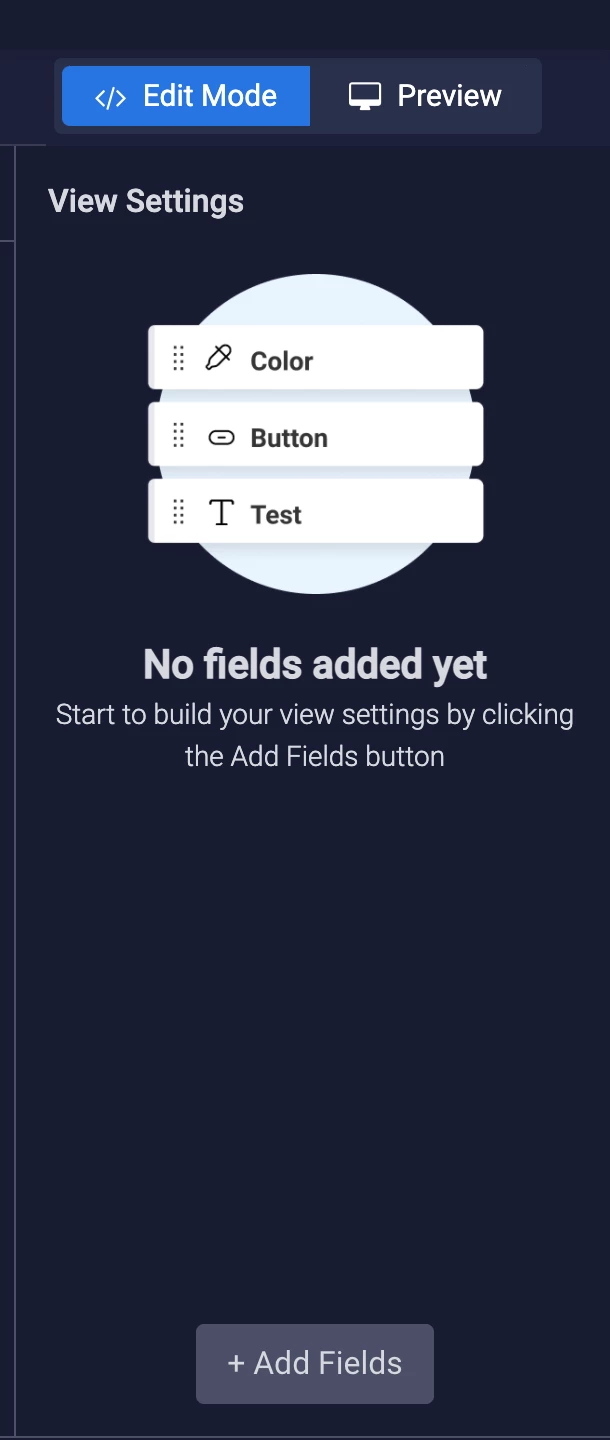
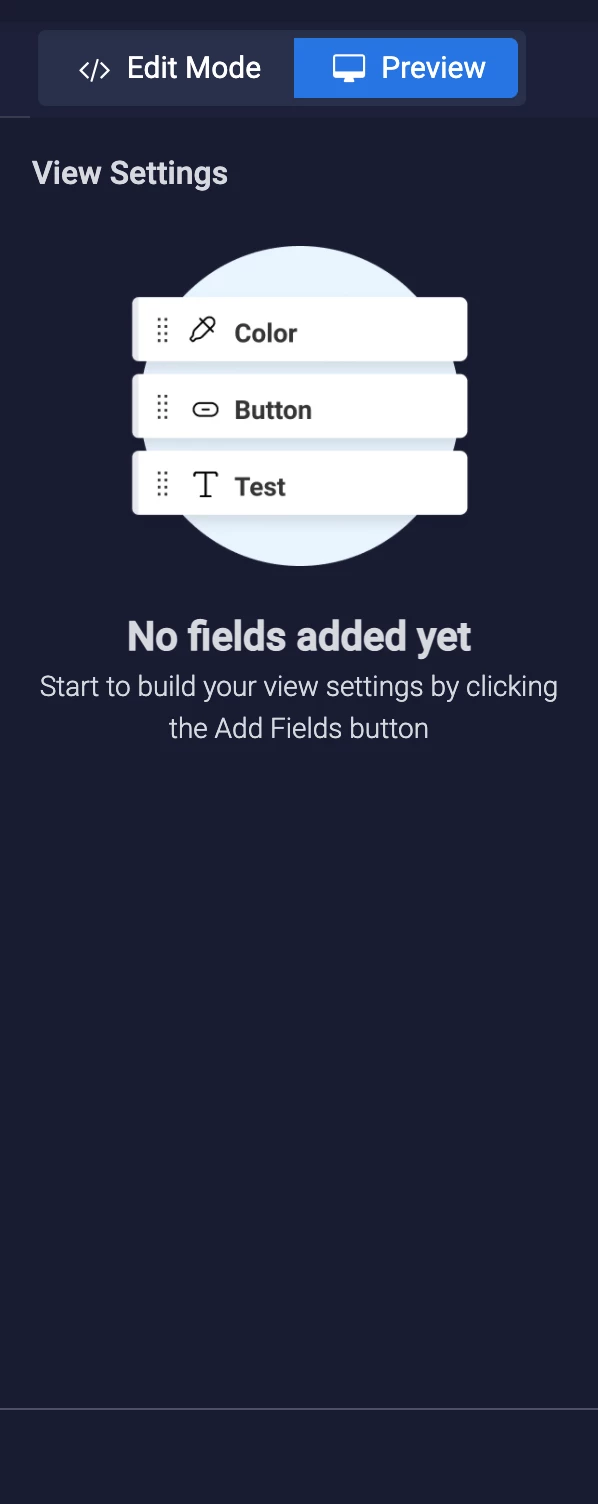
It seems like you are currently in Preview mode, and not Edit mode. Changing to Edit mode should solve the issue for you, and show the Add fields button

On Preview mode, the option won’t display:

I hope this helps clarify.

-Alex


  • Author
  • Participating Frequently
  • August 18, 2021

Yes, you’re right.

I was looking for a blue bootstrap-esuue button, so I guess I overlooked the plain text button.

Thanks.


  • August 26, 2021

This topic was automatically closed 7 days after the last reply. New replies are no longer allowed.