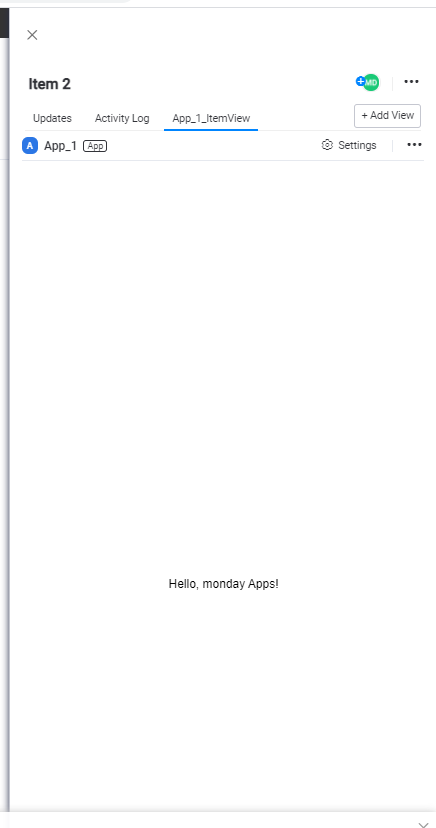
Hey great community 🙂
I have got problems with building applications for item view. Maybe you will help me ?
Environment:
npm: 6.14.6
node: 12.18.4
monday-sdk-js: 0.1.1,
react:16.13.0,
react-dom:16.13.0,
react-scripts:3.4.0
Description
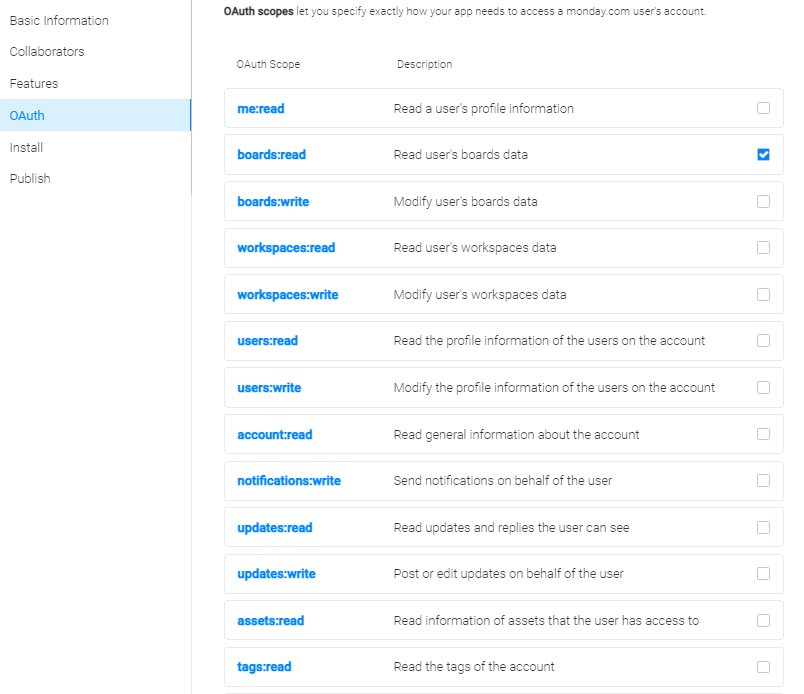
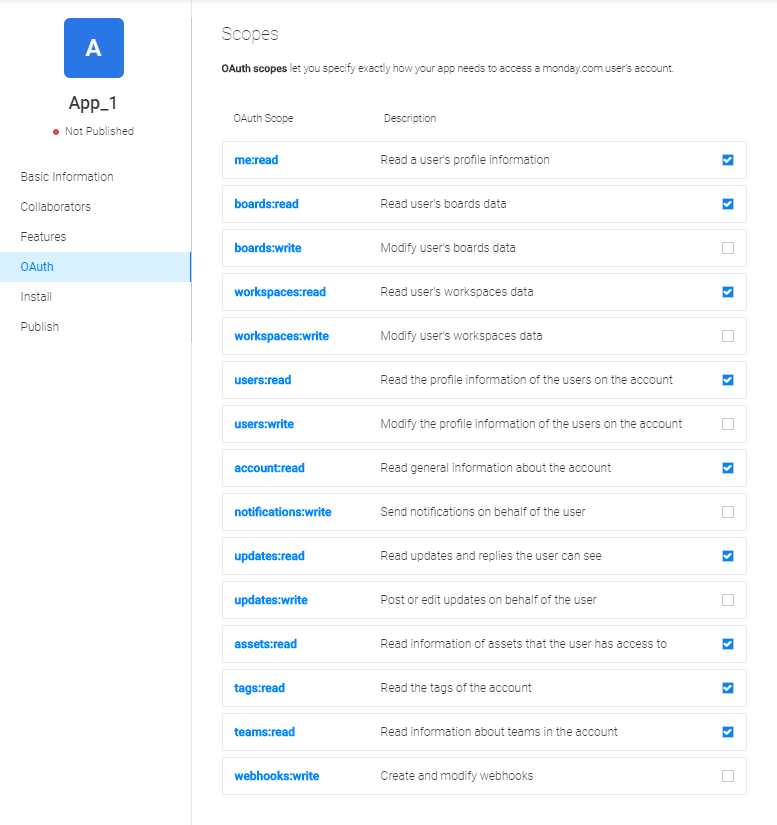
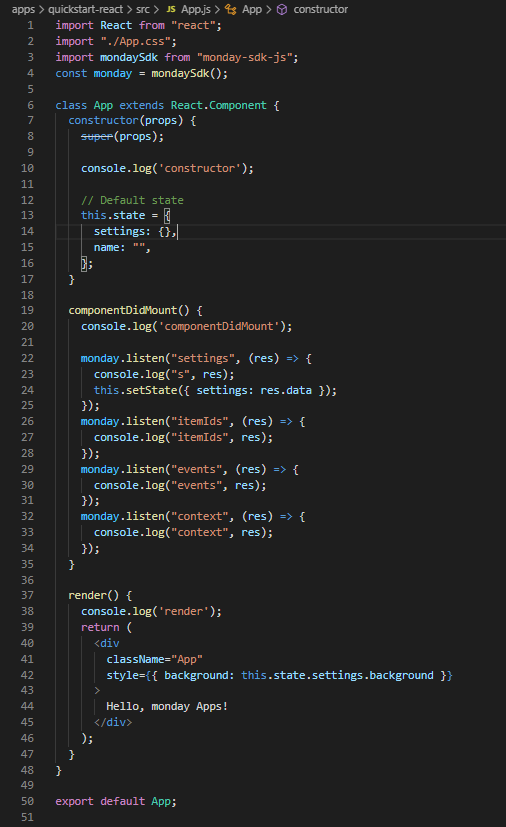
I builded sample application “quickstart-react” and i uploaded it for feature “Item Views”
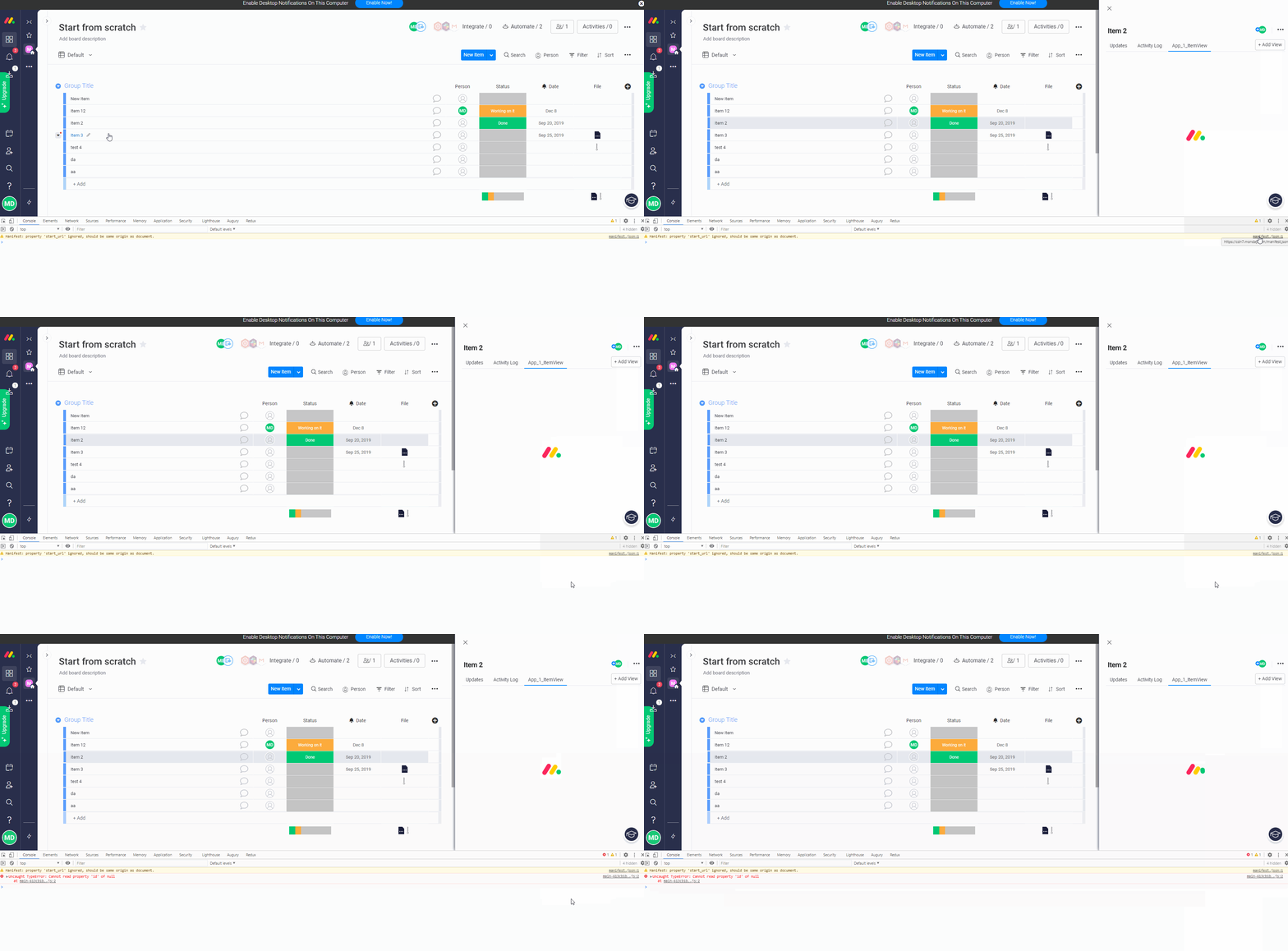
When I clicked on the row item, the right sight panel was opened. I added applications by button “+ Add View”.
When I tried to switch to the new tab in the right sight panel I got a loader and later I got an error in console “Uncaught TypeError: Cannot read property ‘id’ of null”.
Error message
main-613cb1b8b409bd79eec5.js:2 Uncaught TypeError: Cannot read property ‘id’ of null
at main-613cb1b8b409bd79eec5.js:2
(anonymous) @ main-613cb1b8b409bd79eec5.js:2
setTimeout (async)
value @ main-613cb1b8b409bd79eec5.js:2
iu @ vendors-d084474e8c458eb5fd37.js:2
fs @ vendors-d084474e8c458eb5fd37.js:2
t.unstable_runWithPriority @ vendors-d084474e8c458eb5fd37.js:2
Xo @ vendors-d084474e8c458eb5fd37.js:2
ds @ vendors-d084474e8c458eb5fd37.js:2
Ju @ vendors-d084474e8c458eb5fd37.js:2
(anonymous) @ vendors-d084474e8c458eb5fd37.js:2
t.unstable_runWithPriority @ vendors-d084474e8c458eb5fd37.js:2
Xo @ vendors-d084474e8c458eb5fd37.js:2
Uo @ vendors-d084474e8c458eb5fd37.js:2
Yo @ vendors-d084474e8c458eb5fd37.js:2
es @ vendors-d084474e8c458eb5fd37.js:2
notify @ vendors-d084474e8c458eb5fd37.js:2
t.notifyNestedSubs @ vendors-d084474e8c458eb5fd37.js:2
t.handleChangeWrapper @ vendors-d084474e8c458eb5fd37.js:2
t @ vendors-d084474e8c458eb5fd37.js:2
(anonymous) @ vendors-d084474e8c458eb5fd37.js:2
requestAnimationFrame (async)
z @ vendors-d084474e8c458eb5fd37.js:2
(anonymous) @ main-613cb1b8b409bd79eec5.js:2
(anonymous) @ main-613cb1b8b409bd79eec5.js:2
(anonymous) @ main-613cb1b8b409bd79eec5.js:2
(anonymous) @ main-613cb1b8b409bd79eec5.js:2
(anonymous) @ main-613cb1b8b409bd79eec5.js:2
(anonymous) @ main-613cb1b8b409bd79eec5.js:2
(anonymous) @ main-613cb1b8b409bd79eec5.js:2
(anonymous) @ main-613cb1b8b409bd79eec5.js:2
(anonymous) @ main-613cb1b8b409bd79eec5.js:2
(anonymous) @ vendors-d084474e8c458eb5fd37.js:2
dispatch @ vendors-d084474e8c458eb5fd37.js:2
(anonymous) @ main-613cb1b8b409bd79eec5.js:2
(anonymous) @ vendors-d084474e8c458eb5fd37.js:2
(anonymous) @ vendors-d084474e8c458eb5fd37.js:2
t.changeTab @ main-613cb1b8b409bd79eec5.js:2
changeTab @ main-613cb1b8b409bd79eec5.js:2
e.selectItemView @ main-613cb1b8b409bd79eec5.js:2
onClick @ main-613cb1b8b409bd79eec5.js:2
u @ vendors-d084474e8c458eb5fd37.js:2
f @ vendors-d084474e8c458eb5fd37.js:2
(anonymous) @ vendors-d084474e8c458eb5fd37.js:2
m @ vendors-d084474e8c458eb5fd37.js:2
at @ vendors-d084474e8c458eb5fd37.js:2
ot @ vendors-d084474e8c458eb5fd37.js:2
ut @ vendors-d084474e8c458eb5fd37.js:2
ft @ vendors-d084474e8c458eb5fd37.js:2
oe @ vendors-d084474e8c458eb5fd37.js:2
se @ vendors-d084474e8c458eb5fd37.js:2
Zt @ vendors-d084474e8c458eb5fd37.js:2
Qt @ vendors-d084474e8c458eb5fd37.js:2
t.unstable_runWithPriority @ vendors-d084474e8c458eb5fd37.js:2
Xo @ vendors-d084474e8c458eb5fd37.js:2
ne @ vendors-d084474e8c458eb5fd37.js:2
Gt @ vendors-d084474e8c458eb5fd37.js:2
Show 24 more frames