Hi,
in my integration I want to replace the item fields that can be selected in a message of a recipe. On my board I have one date column called Date and one dropdown column called Effort. When I select these in a recipe’s message, I get {item’s Date} and {item’s Effort} as text. But my custom action receives this as {pulse.date4} and {pulse.dropdown} in the provided message (the pulse renaming is not the problem).
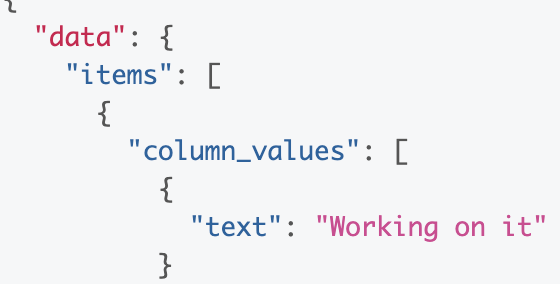
To get the approriate values from the board I query the item’s column_values and find that the title is exactly that what is shown as selected fields. But it is hard to correlate this in my custom action. It seems that something like the type of the column is given, but what happens if I use more than one column with the same type on the board (I didn’t check that yet)? Also I am wondering about the 4 in the date field.
As a side note, it seems that the representation of the autopopulated fields in a recipe’s message have change since yesterday: before it was like {item.person} and now it is {item’s Person}.
So my overall question is: how exactly can I correlate the selected autopopulated fields with the column_values in a query to the monday.com API for a certain item?

Question on autopopulate fields in messages
This topic has been closed for replies.


Login to monday.com
No account yet? Create an account
Enter your E-mail address. We'll send you an e-mail with instructions to reset your password.