Question

How do you get field mapping in workflow actions working?

  • November 30, 2025
  • 1 reply
  • 42 views

dvdsmpsn
Forum|alt.badge.img+1

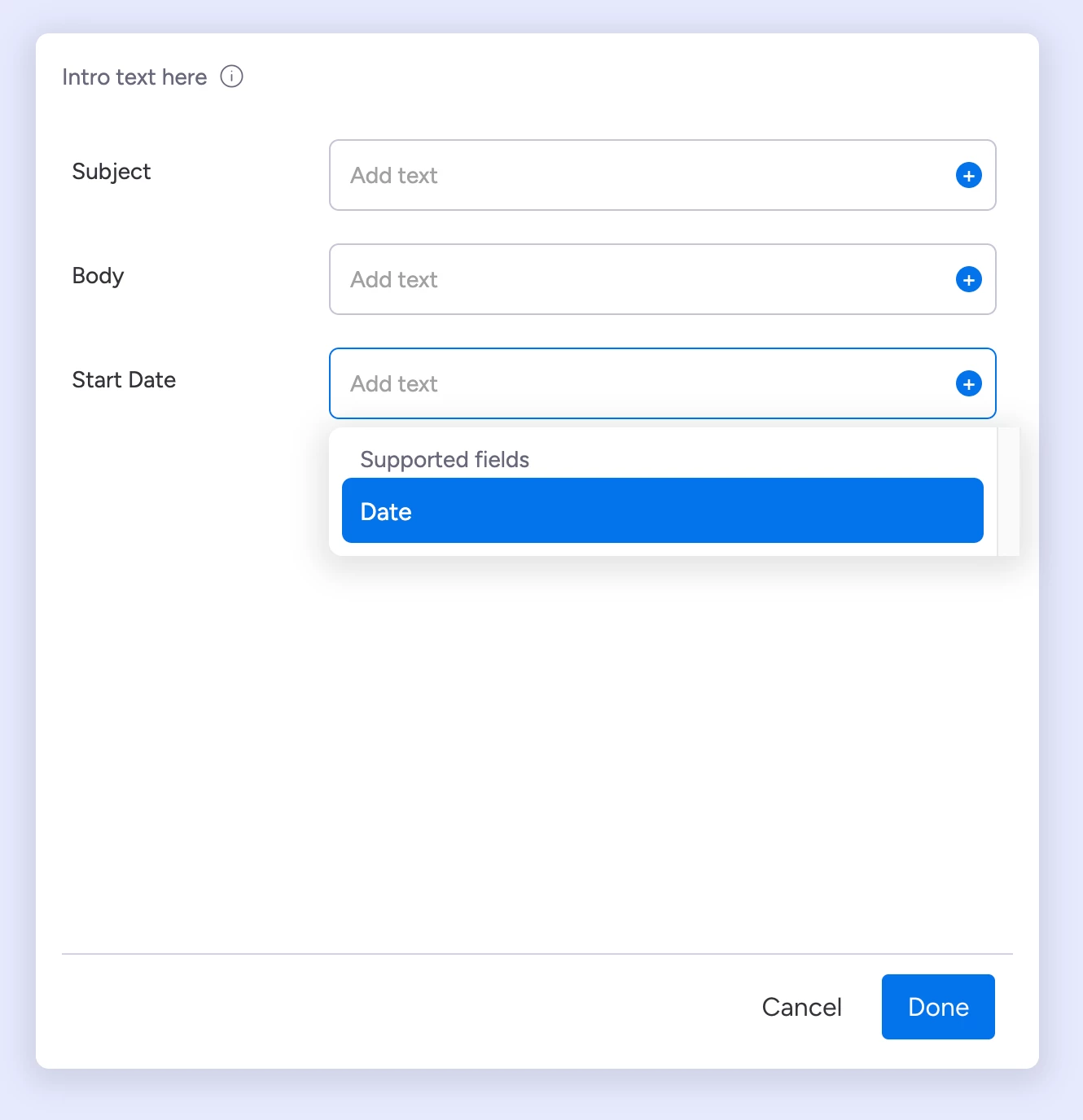
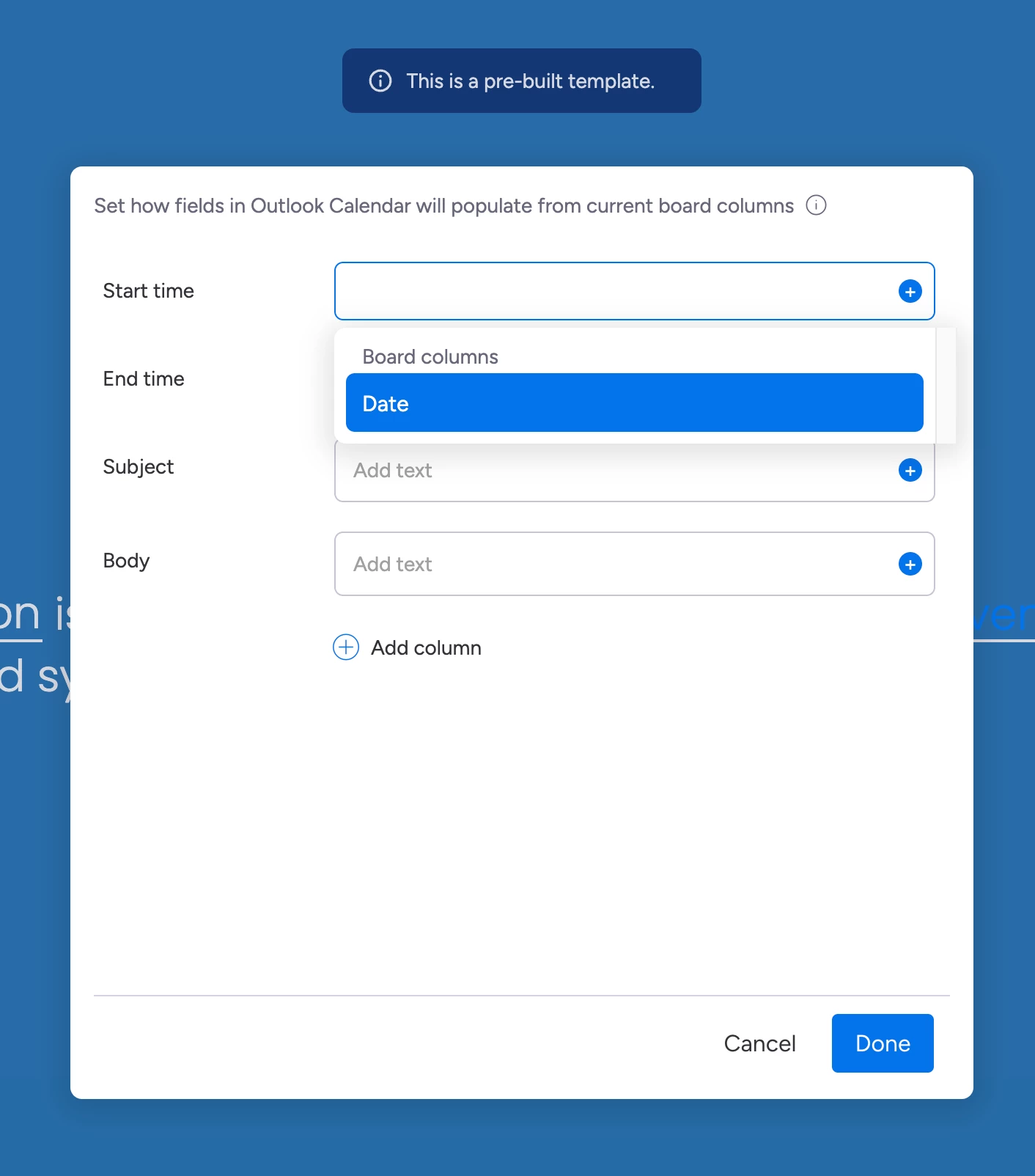
I'd like to replicate this kind of UI from sentence builder within workflows:
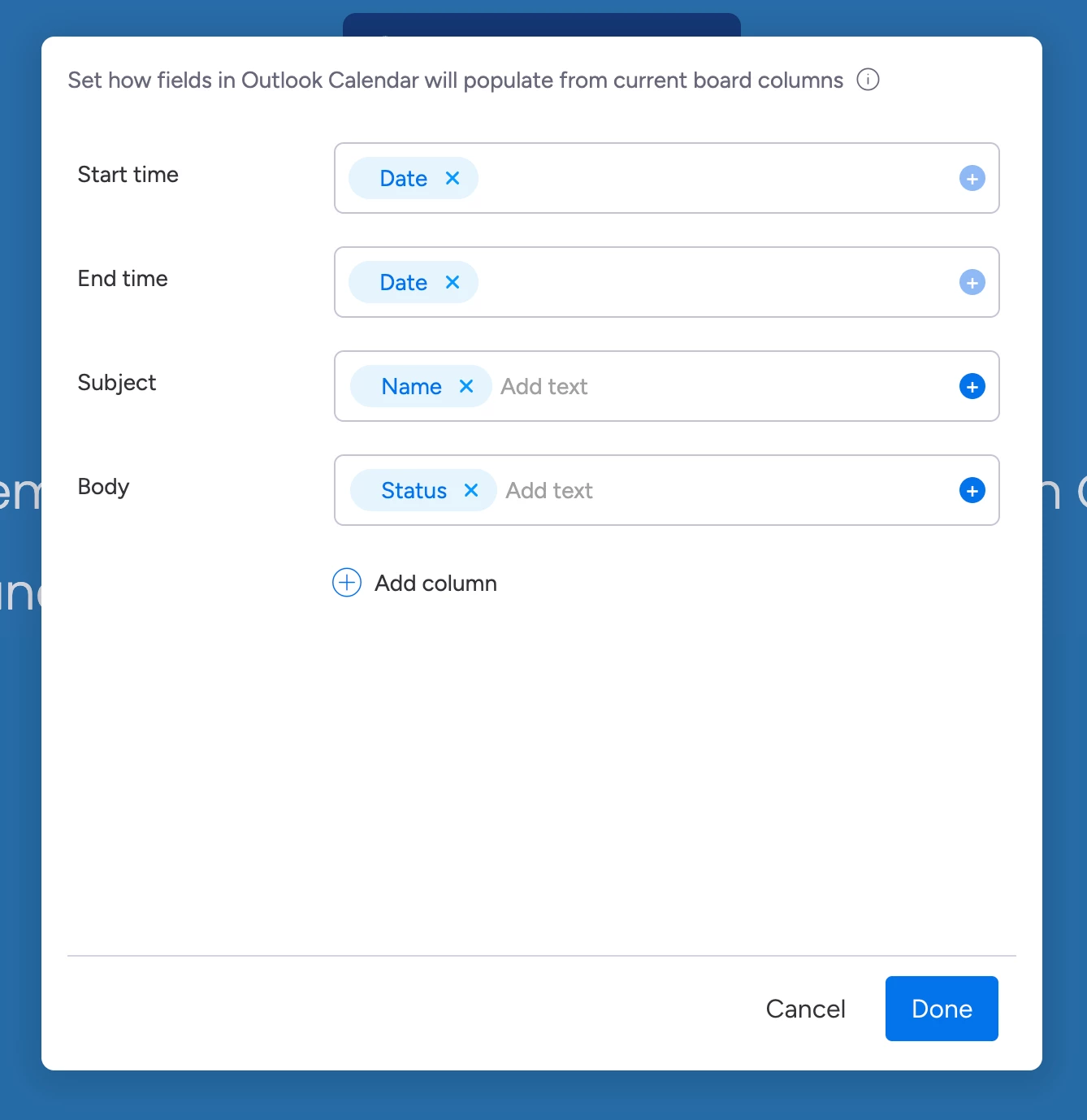
The image above shows monday's standard Outlook Calendar configuration.

While learning to do similar in workflows, I'd like the ability to replicate this UI.

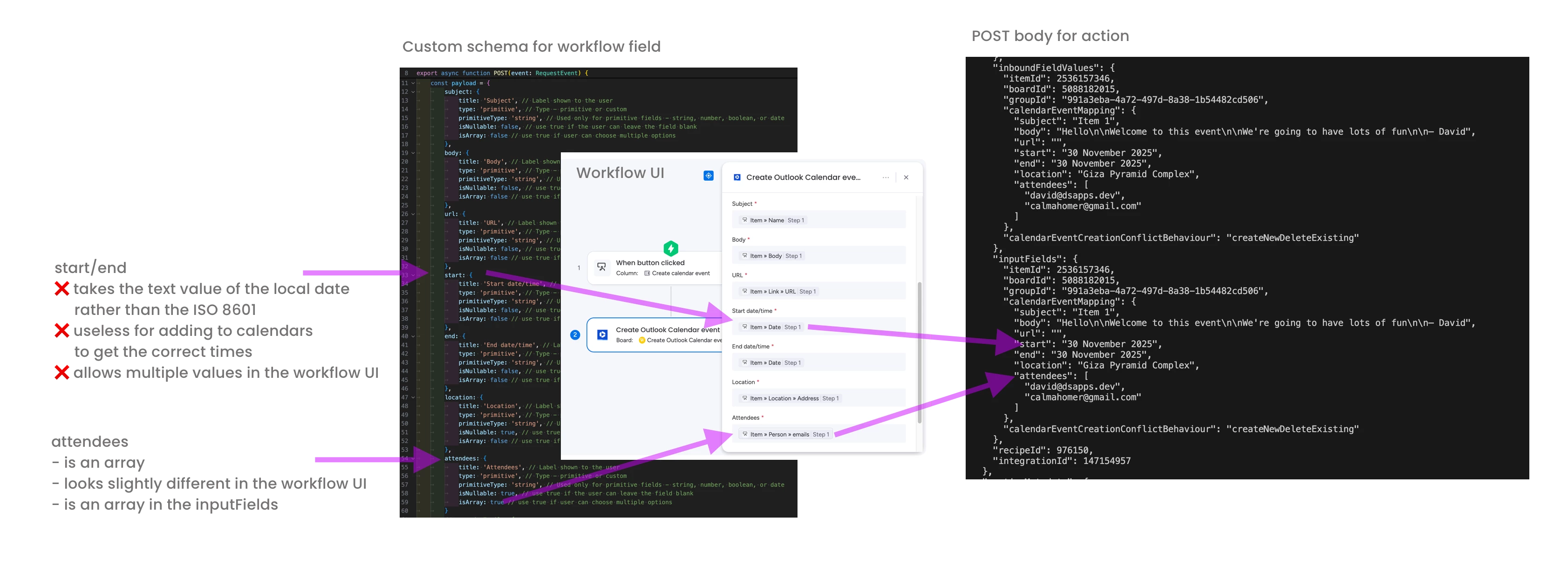
In workflows we can use "sub fields" – https://developer.monday.com/apps/docs/object-fields – and because the calendar event in Outlook has a fixed number of things to configure, we can use a static schema without the need for a remote URL.

I'd done the following to configure the static schema:
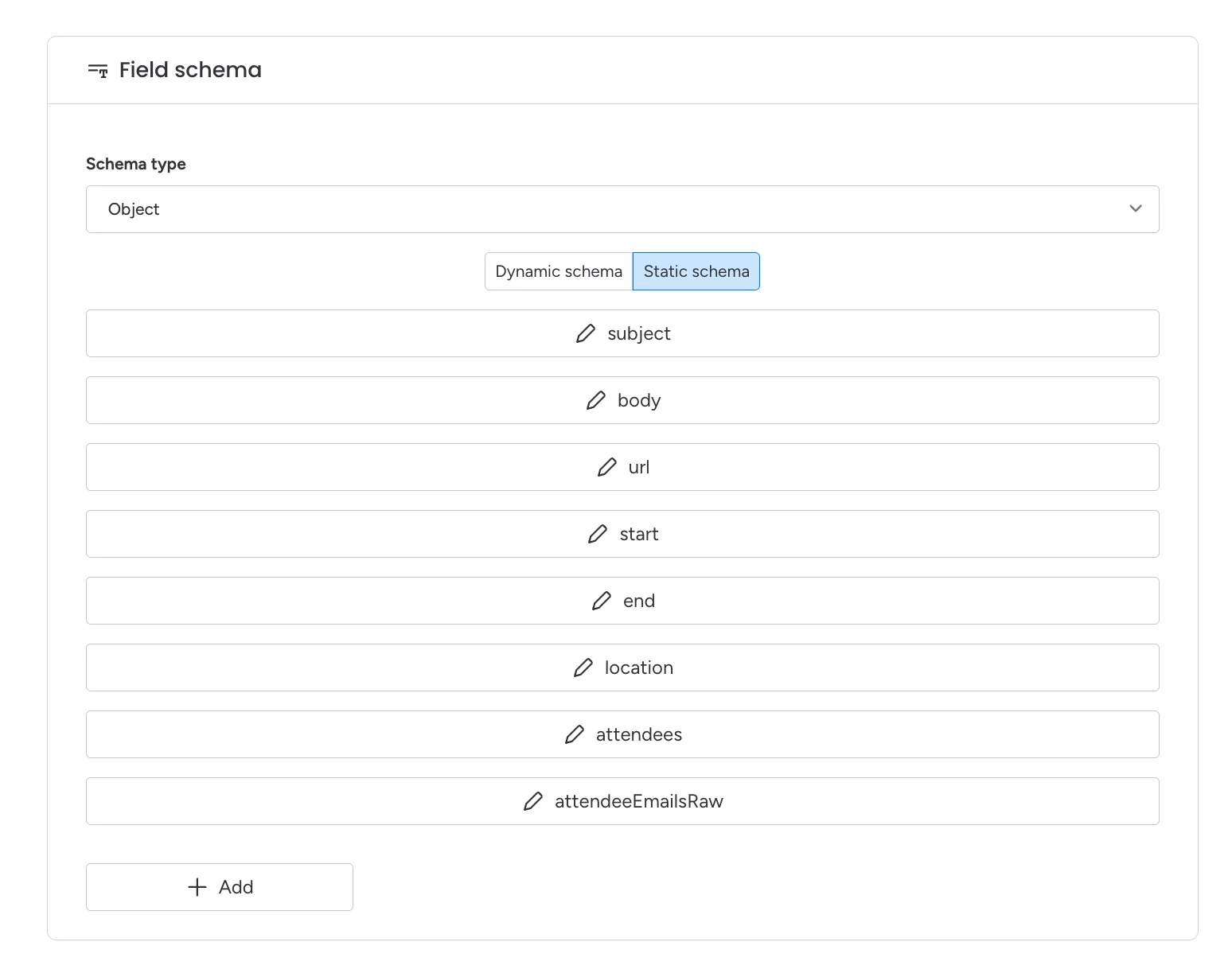
I've connected this to the workflow action and promoted the version to live, but get nothing in the workflow:
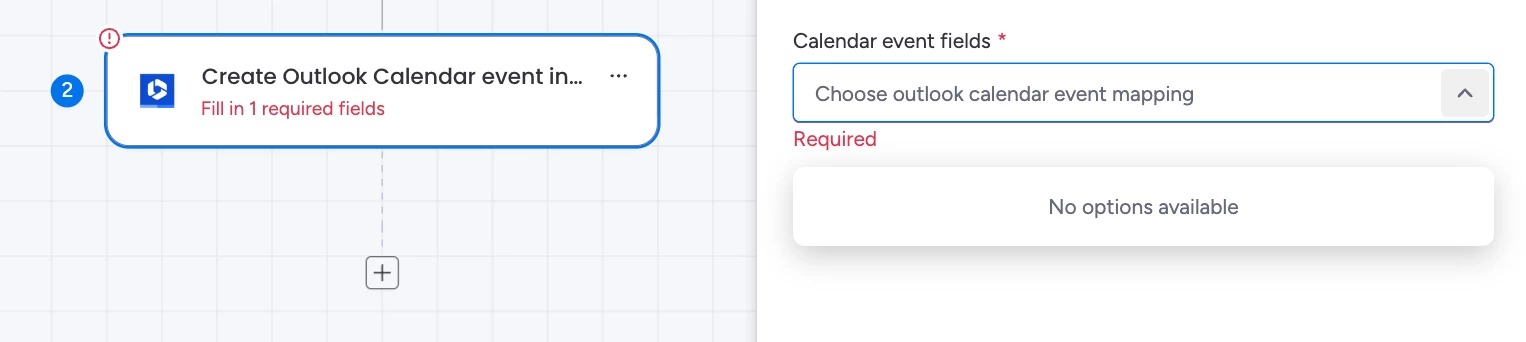

What am I doing wrong? How can I get the UI to appear?


Here’s a quick video rundown of what is happening, or rather what is not happening:
 

1 reply

dvdsmpsn
Forum|alt.badge.img+1
  • Author
  • Participating Frequently
  • December 1, 2025

The feedback from ​@sagili (I think) was:


Seems like an issue with the workflow builder failing to render static schema, I will check and update.
For now you can use remote schema (and return the same structure)


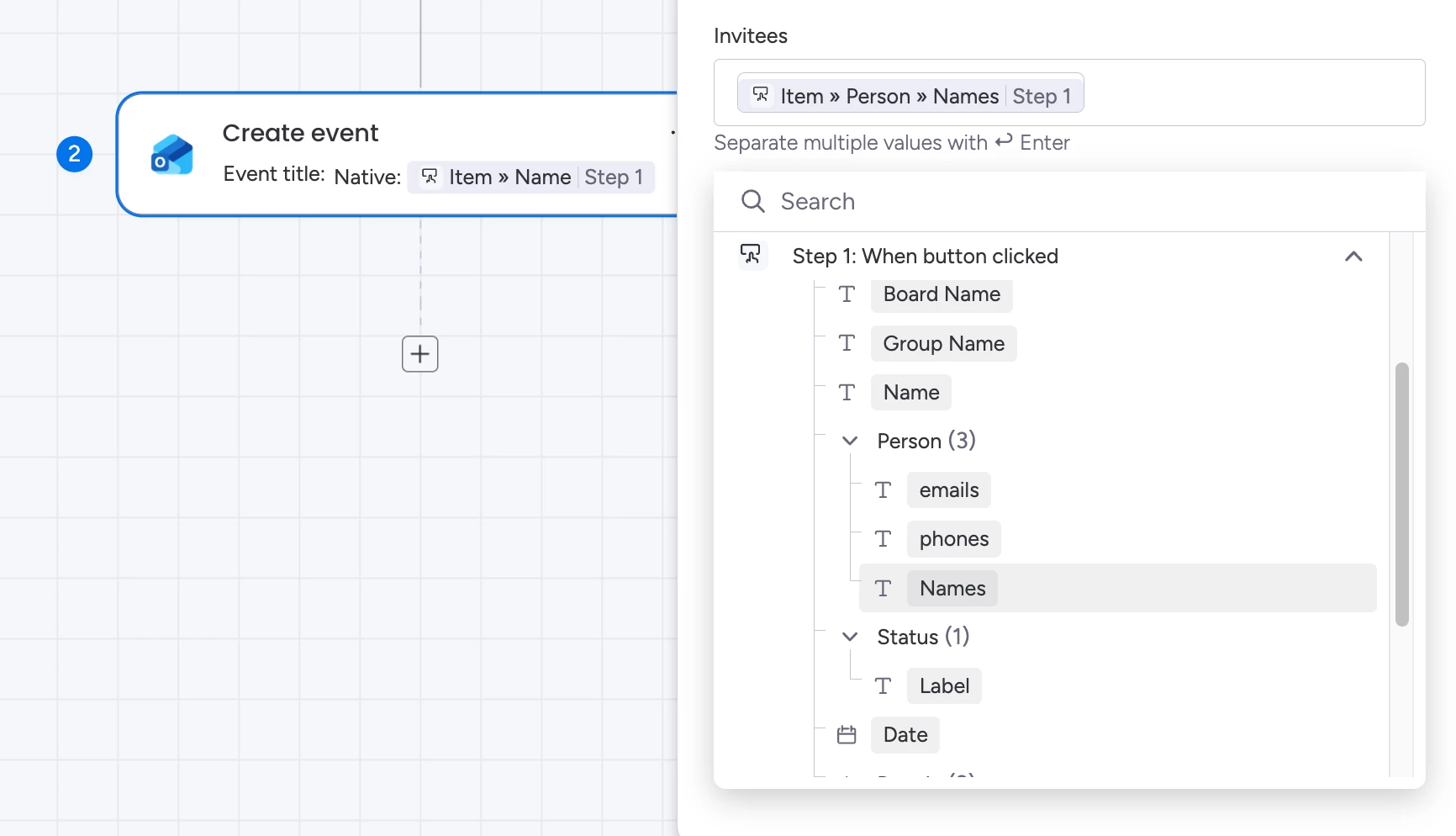
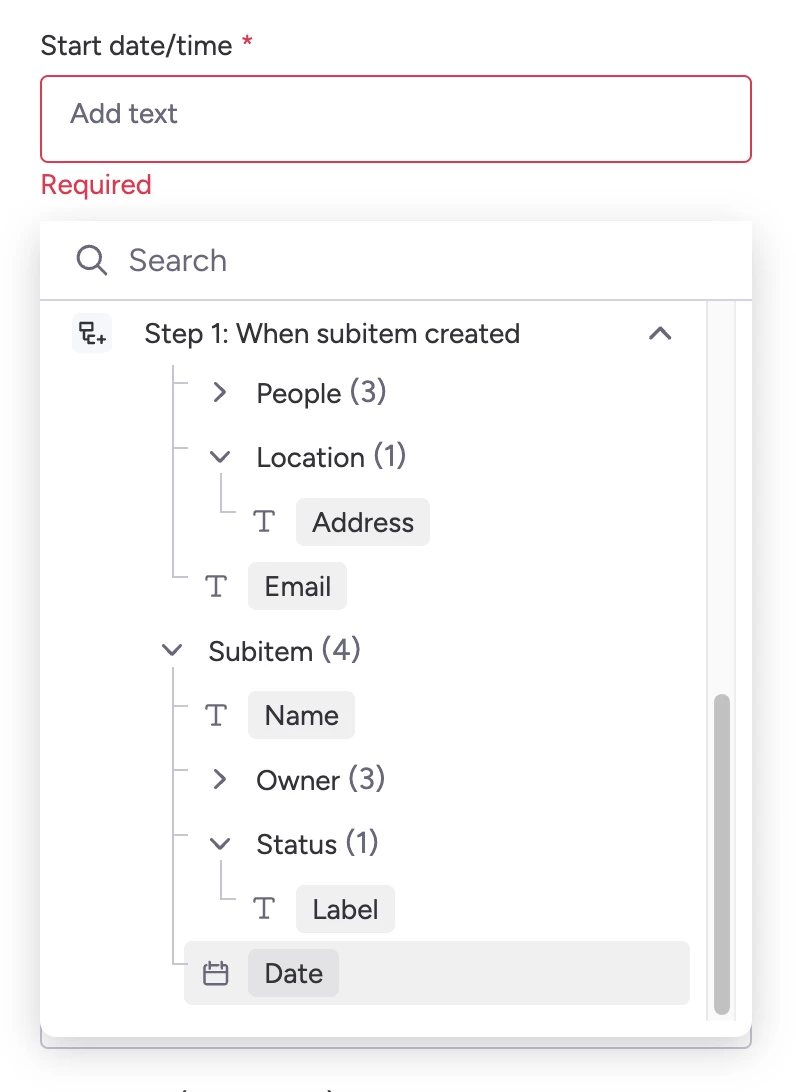
I’ve done that, but the results were unexpected:


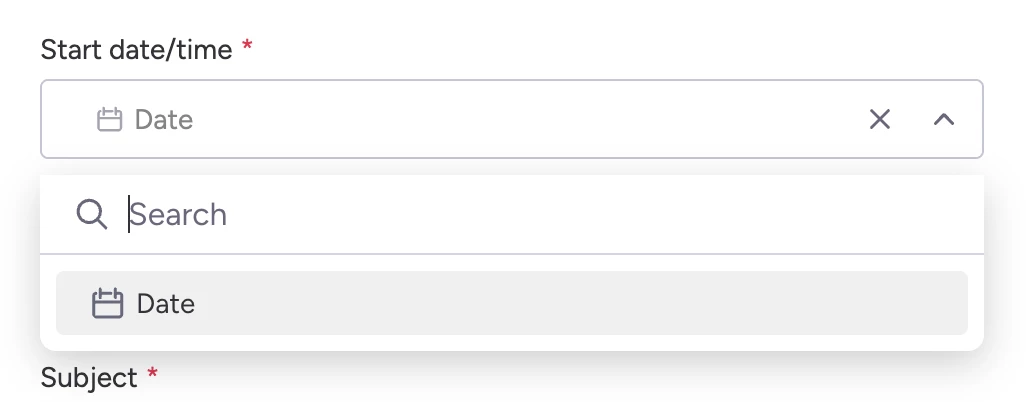
👉 Is it for example possible to map a date field in Outlook to only date columns in monday?

Like so:


👉 Can I map a person in Outlook to only people columns in monday?


I’m also finding that all fields are required, even when they are marked as nullable

An example:

{
...
location: {
title: 'Location', // Label shown to the user
type: 'primitive', // Type - primitive or custom
primitiveType: 'string', // Used only for primitive fields - string, number, boolean, or date
isNullable: true, // use true if the user can leave the field blank
isArray: false // use true if user can choose multiple options
},
...
}

👉 How do we set fields to be optional in the workflow UI?