How can I get the Permitted Workspce Ids of App Management setting from sdk?

  • November 18, 2022
  • 7 replies
  • 637 views

I am trying to get data for only permitted workspace from app settings of my application on monday.com. But from sdk I am not getting the ids of permitted workspaces in settings or context.

Can you please help me with how to get permitted workspaces ids?

Thank you.

7 replies

Matias.Monday
Forum|alt.badge.img
  • monday.com Team Member
  • November 20, 2022

Hello @vipul321 and welcome to the community!

I hope you like it here 💪

I am not sure I understand what you need.

What do you mean by “permitted workspaces”? Which data do you need from them? Which query are you using and what is the response?


  • Author
  • Participating Frequently
  • November 21, 2022

Hi Matias, Thanks for your reply.

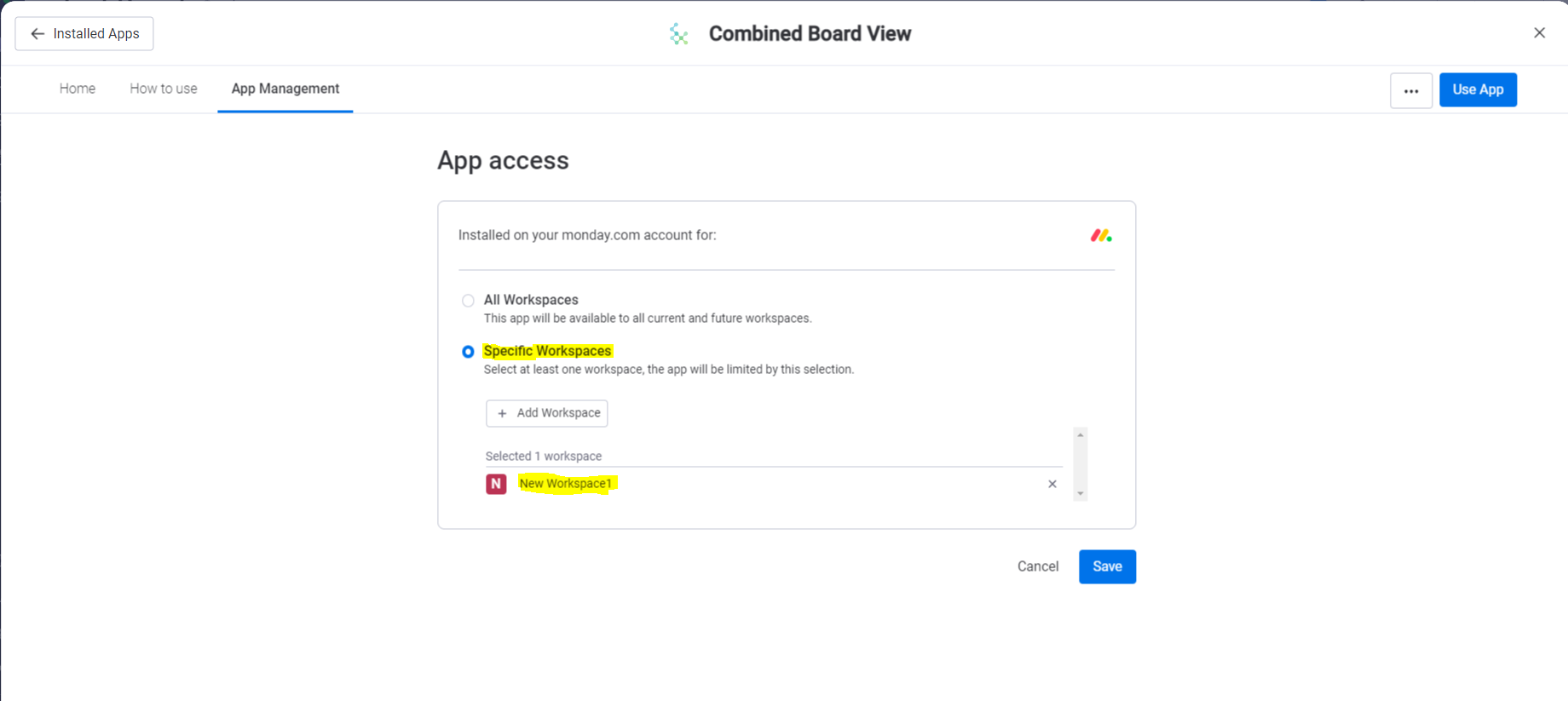
Actually I am trying to get the workspace ids configured in app setting (attached image).

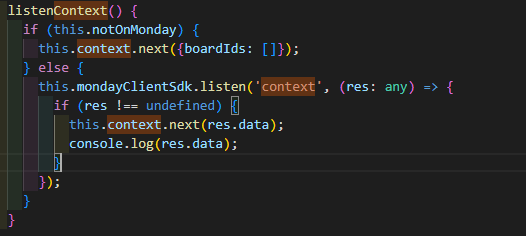
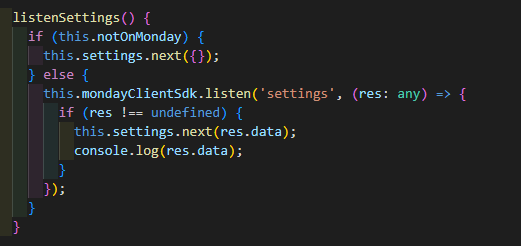
I am trying to get the configured ids in setting from sdk query(attached image).

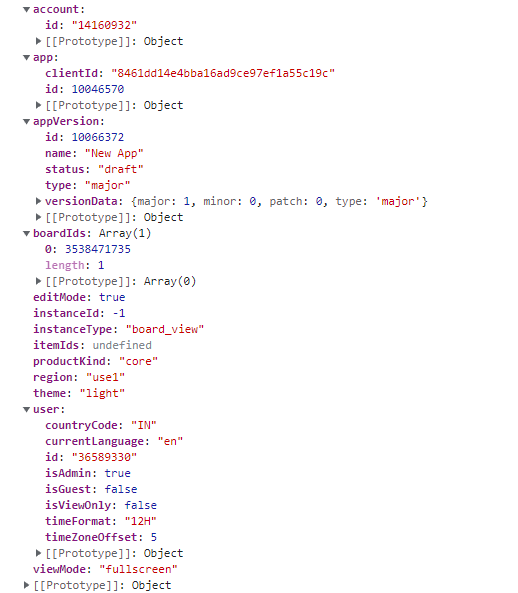
But I am not getting those ids in response(attached image).

Please help me with this. I am trying to get the data from just configured workspaces.

Thank you


image_2022_11_21T05_44_42_520Z
image_2022_11_21T05_45_22_938Z


Matias.Monday
Forum|alt.badge.img
  • monday.com Team Member
  • November 21, 2022

Hello again @vipul321!

Are you getting this context from a board view, an item view or a dashboard widget?


  • Author
  • Participating Frequently
  • November 21, 2022

Hi @Matias.Monday , I am using board view


Matias.Monday
Forum|alt.badge.img
  • monday.com Team Member
  • November 22, 2022

Hello @vipul321!

That is strange. Would you please send this to appsupport@monday.com with your user ID and account ID?

In this way we will be able to create a report, check the source of the issue and give this following.

Cheers,
Matias


  • Author
  • Participating Frequently
  • November 22, 2022

HI @Matias.Monday ,

Account ID : 14160932
UserID : 36589330

Thank you.


Matias.Monday
Forum|alt.badge.img
  • monday.com Team Member
  • November 23, 2022

Hello again,

We need you to please send this information to appsupport@monday.com so that we can follow this from there.