Failed to communicate with URL

  • May 5, 2021
  • 8 replies
  • 3868 views

Hi everyone,

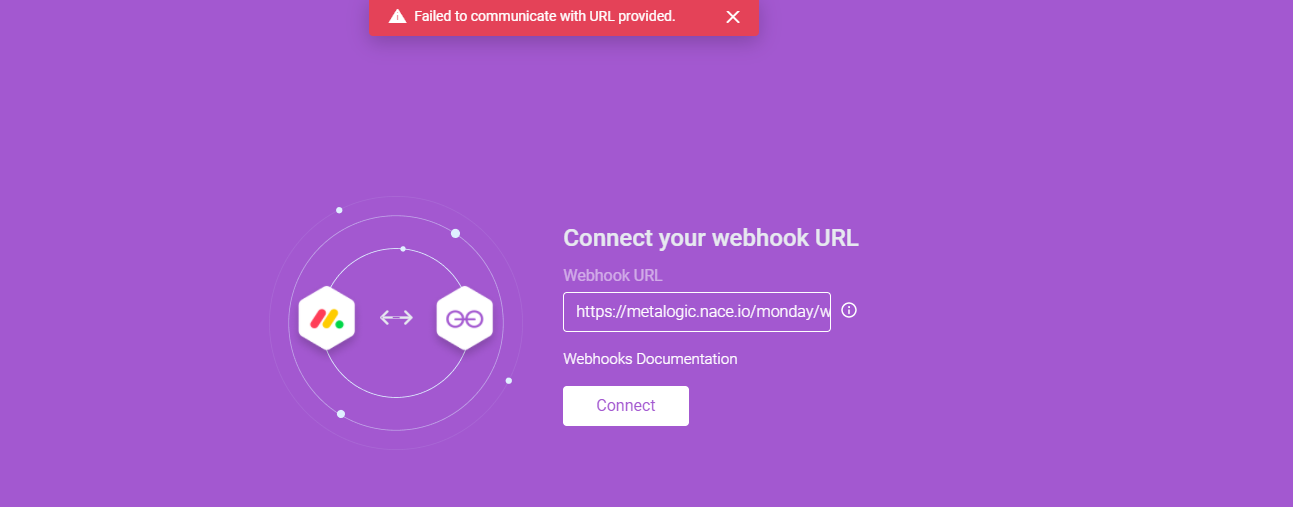
I developed an app for the current monday app challenge, everything worked fine until I publish the app to the server and after debugging I realized monday server can’t connect to my app server webhook url(the app itself is working but not the webhook), it’s working fine locally with localtunnel, I checked everything, even nginx logs, webhook challenge request is not even reaching my webserver and my app relies on the webhook to sync the data

webhook url is:
https://metalogic.nace.io/monday/webhook
This topic has been closed for replies.

8 replies

AlexSavchuk
Forum|alt.badge.img
  • monday.com Team Member
  • May 5, 2021

Hey @raoof 👋

My warmest welcome to the community! I’m sorry to hear this has been giving you some trouble, bu let’s dig deeper together.

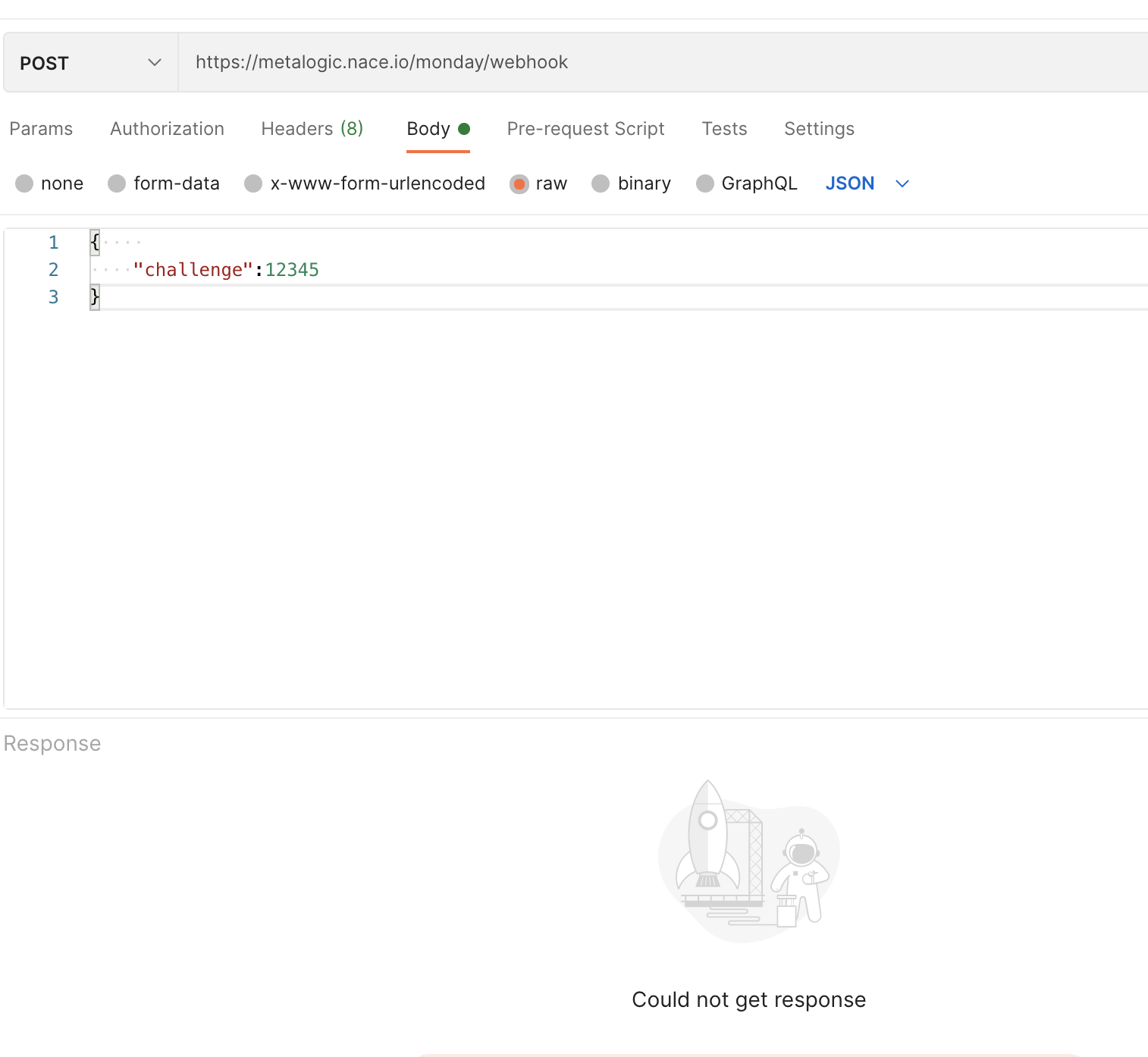
That’s quite odd! I’ve just tried sending a random “challenge” to your URL via Postman, and was also not able to get a response, although I’m able to open the link directly:

I would recommend checking your back-end setup. Perhaps the route here isn’t quite right?

-Alex


  • Author
  • New Participant
  • May 5, 2021

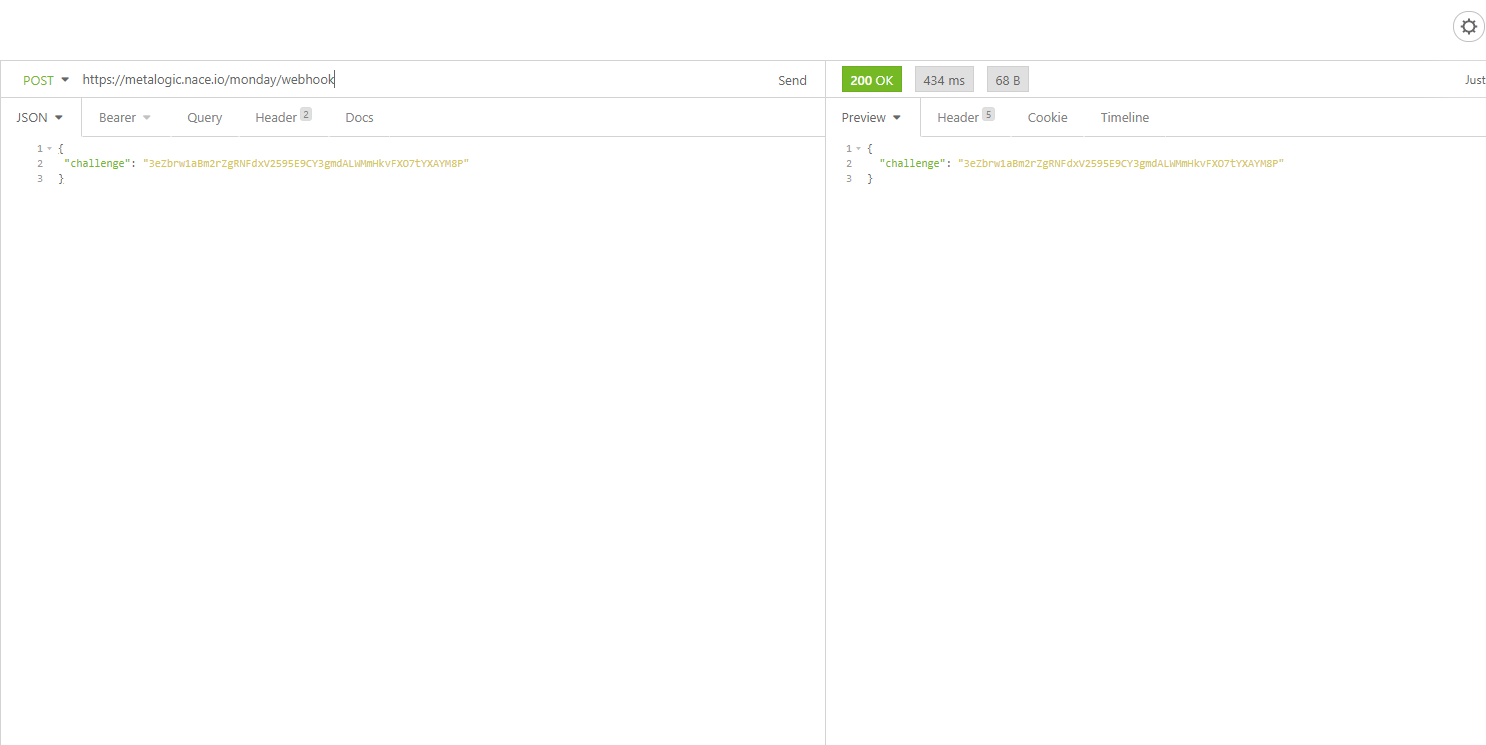
Thanks @AlexSavchuk, but I can connect with insomnia(another http client like postman)

I created this dns record 3 days ago, is it related? I know server http bindings are correct. can you try to do a dnslookup from your side


  • Author
  • New Participant
  • May 5, 2021

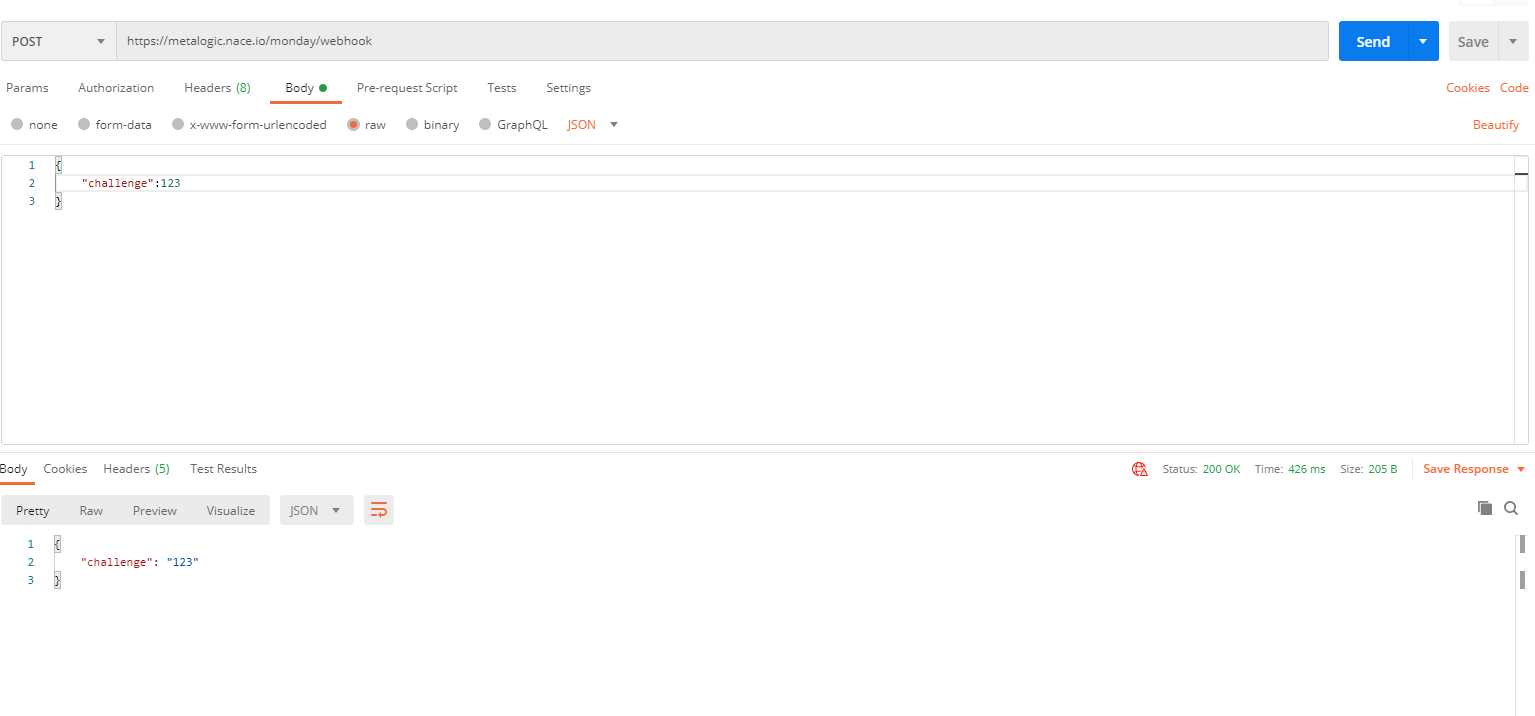
@AlexSavchuk I tried with postman just like you,


AlexSavchuk
Forum|alt.badge.img
  • monday.com Team Member
  • May 5, 2021

@raoof

Is there a chance this is set up for a local environment only? I’ve just tried Insomnia as well and that didn’t work for me either:

I’m sorry I wasn’t able to point you in the right direction just yet. Are you using a self-signed SSL for this URL by any chance?

-Alex


  • Author
  • New Participant
  • May 5, 2021

@AlexSavchuk thanks for finding the issue, no it’s not self signed, I’m using Let’s Encrypt which I think is a trusted issuer, but I could get same error like you when I checked the ssl validation(it was turned of). let me see if I can issue another one. thank you very much


  • Author
  • New Participant
  • May 5, 2021

for those who have same issue, the issue was related not to find the CA in cert, the fix is to use Let’s encrypt fullchain.pem instead of cert.pem


AlexSavchuk
Forum|alt.badge.img
  • monday.com Team Member
  • May 5, 2021

@raoof

Amazing, I’m glad you were able to find a solution here 🙂 Thanks for sharing with the rest of the community as well!

-Alex


  • May 12, 2021

This topic was automatically closed 7 days after the last reply. New replies are no longer allowed.