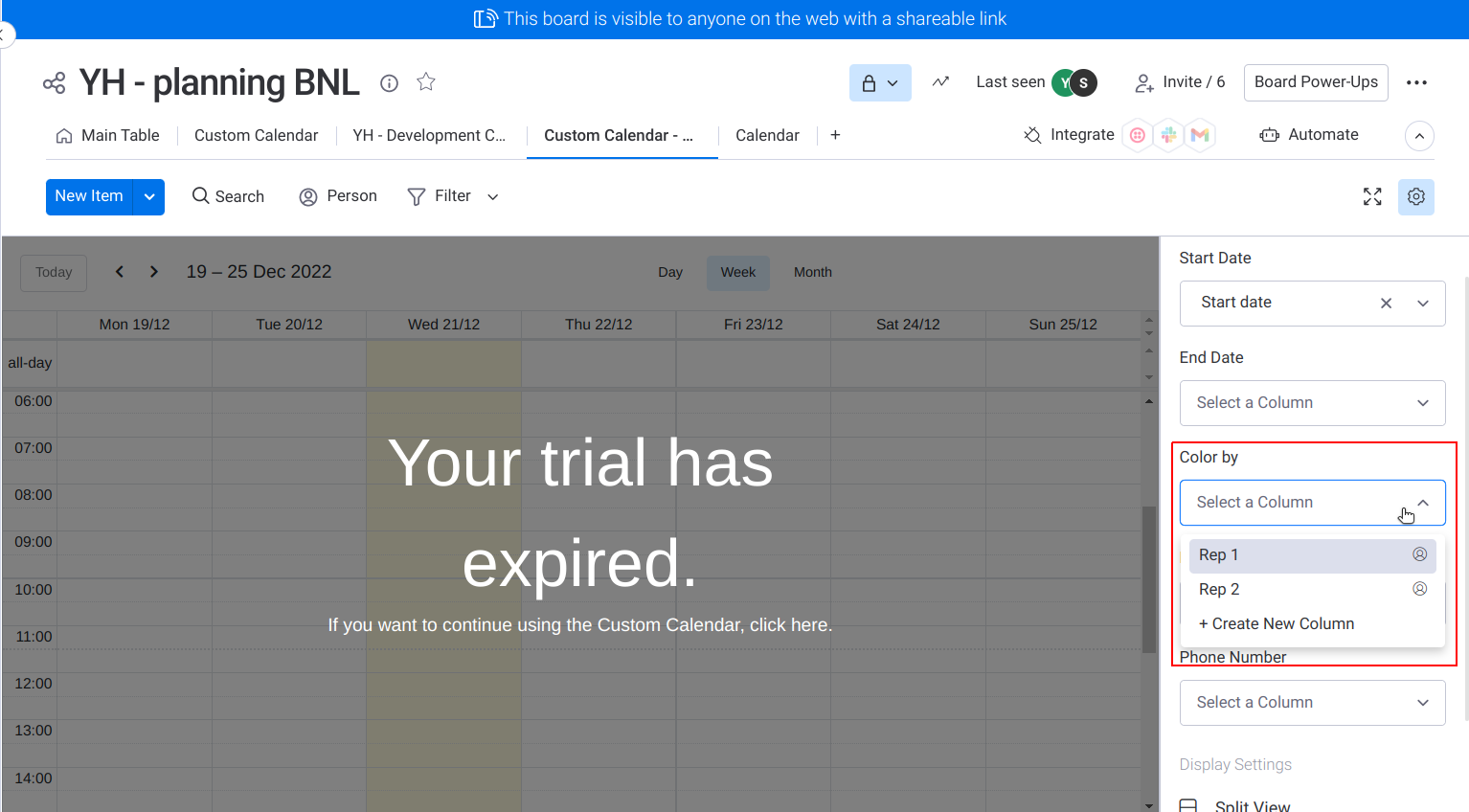
Color by in Settings

  • December 20, 2022
  • 7 replies
  • 1131 views

Hi,

May I know is that possible for us to create the same feature like:
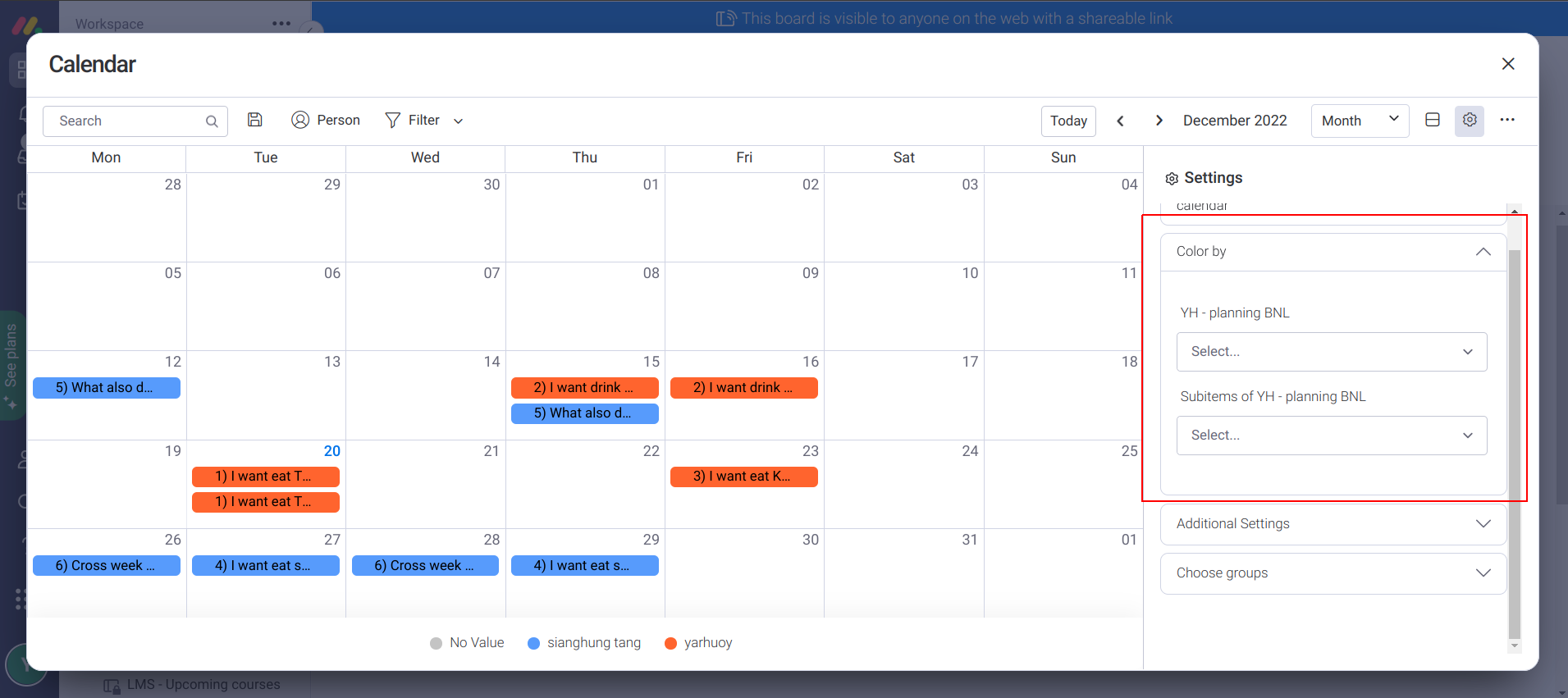
by using this provided feature?
Thanks!

Br,
YarHuoy

7 replies

Matias.Monday
Forum|alt.badge.img
  • monday.com Team Member
  • December 21, 2022

Hello there @yarhuoy,

What would your board view have?

What would this setting have to do with your view? How would they interact?

Looking forward to hearing from you 🙂

Cheers,
Matias


  • Author
  • Participating Frequently
  • December 21, 2022

Hi @Matias.Monday

Thanks for your quick reply!

Actually we want to implement in the Settings to our Custom Calendar App, the app feature is almost like the default Monday Calendar, this is our current custom setting (only support Person column):

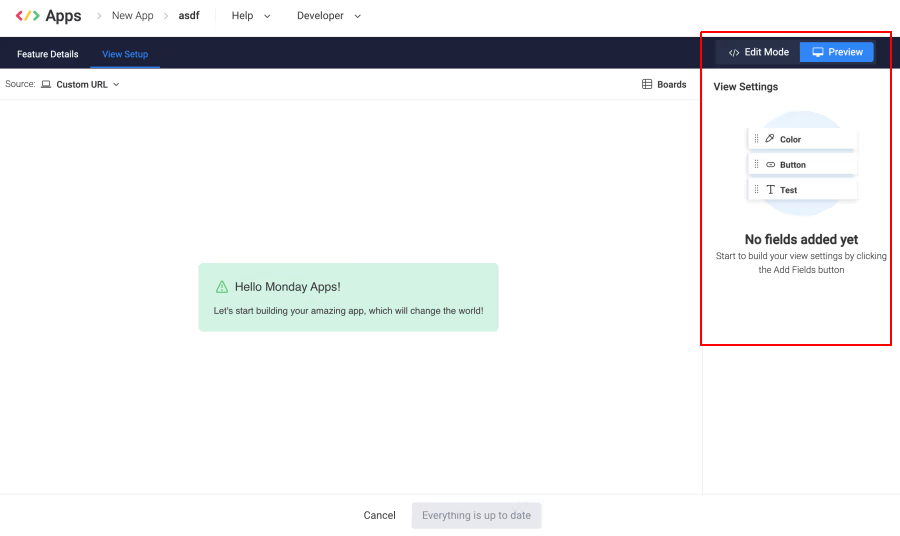
I am wondering can we implement the exact same “Color by” settings by using the provided feature:

monday apps framework

Or we will need to code every logic of every dropdownlist options by ourselves?

Br, YarHuoy


Matias.Monday
Forum|alt.badge.img
  • monday.com Team Member
  • December 21, 2022

Hello again,

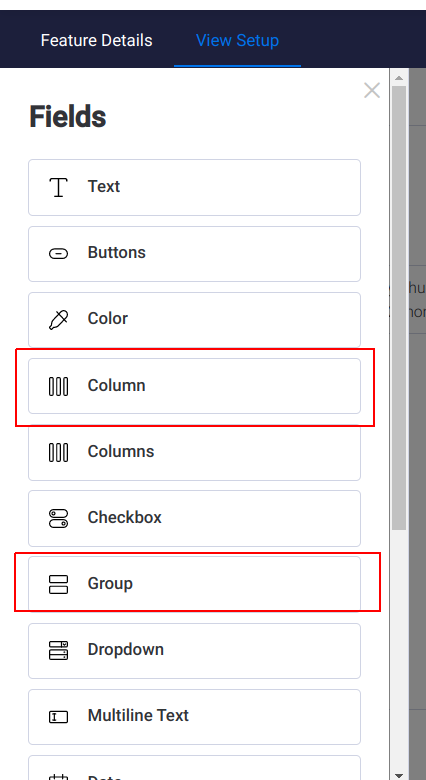
What if you use the native settings:

  • Column
  • Group

And use the information provided by the user to use colors depending on the selected values?

You can change the name of the setting.

Would that work?


  • Author
  • Participating Frequently
  • December 22, 2022

Hi @Matias.Monday

Not sure if I understand what you suggested. The native settings you meant is referring to this?


Matias.Monday
Forum|alt.badge.img
  • monday.com Team Member
  • December 22, 2022

Hello again,

Yes. That is correct.


  • Author
  • Participating Frequently
  • December 26, 2022

Hi @Matias.Monday

okay we will try it out, thanks!!


Matias.Monday
Forum|alt.badge.img
  • monday.com Team Member
  • December 26, 2022

Sounds good @yarhuoy!

Let us know what happens!