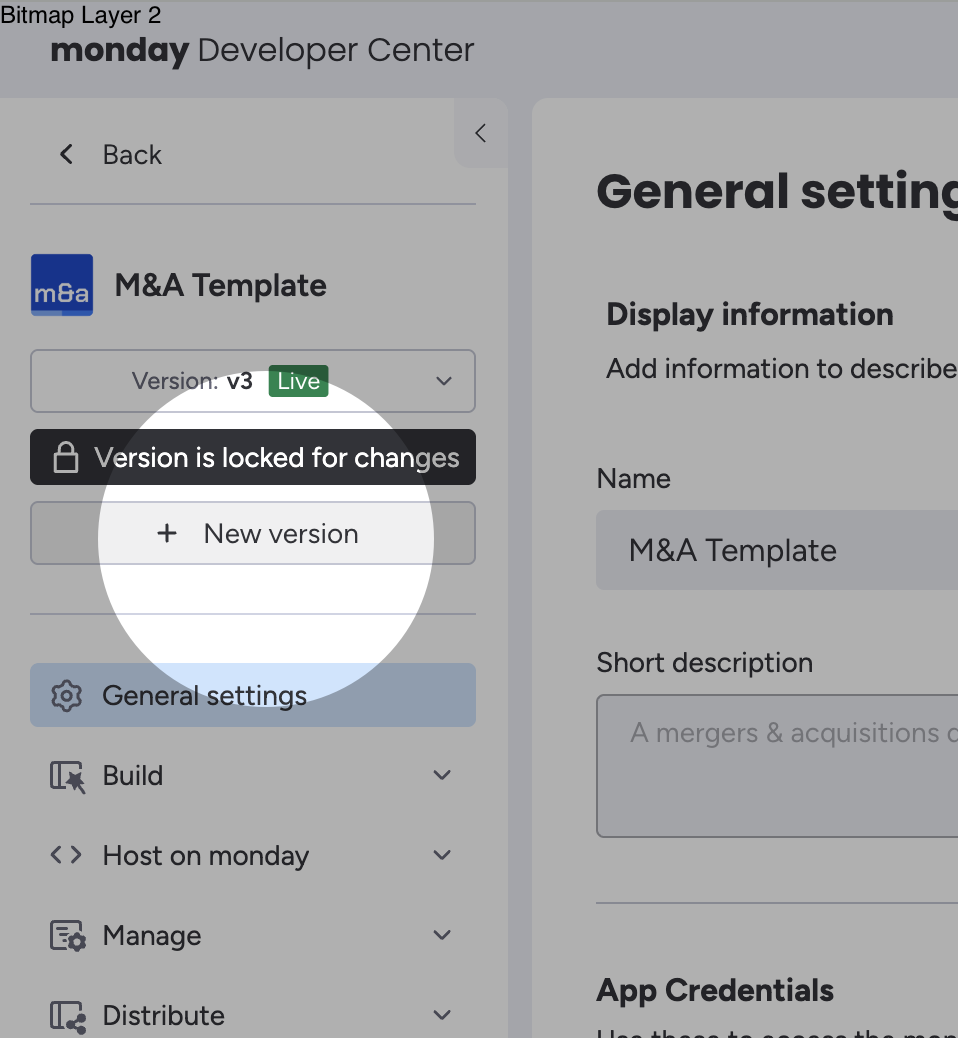
After an app has been released, how do I test a new version before releasing it?

  • May 1, 2025
  • 5 replies
  • 35 views

I have released an app and the version is locked now. How do I now test a new version of my app before releasing it? I hope the question is self-explanatory. I don’t want to promote the test version to live as it may have bugs and I don’t want customers to get the buggy version. Sorry if I am missing something here but I couldn’t figure it out.

5 replies

dvdsmpsn
Forum|alt.badge.img+1
  • Participating Frequently
  • May 1, 2025

Create a new draft of your app in the dev center and start the cycle all over again


  • Author
  • Participating Frequently
  • May 2, 2025

can you explain to me with a screenshot please? i can’t find the setting you are referring to


dvdsmpsn
Forum|alt.badge.img+1
  • Participating Frequently
  • May 2, 2025

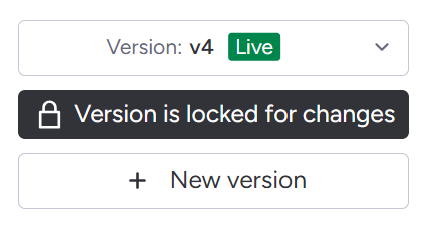
You’re looking for this button


  • Author
  • Participating Frequently
  • May 2, 2025

i only see create new version not create new draft


and if i create a new version that is not live (is that what you meant by draft) i don’t know of any way to install it. and if i promote it to live, it overrides the version being served to my customers.


rachelatmonday
Forum|alt.badge.img
  • monday.com Team Member
  • May 2, 2025

Hi @morpheus,

Check out this similar thread here!

Essentially you create a new version (this is a draft until promoted to live), and it should appear separately in your account without needing to install it.

Best,
Rachel