

Add links to files column via API

  • May 2, 2024
  • 3 replies
  • 188 views

patrick7

Hi,

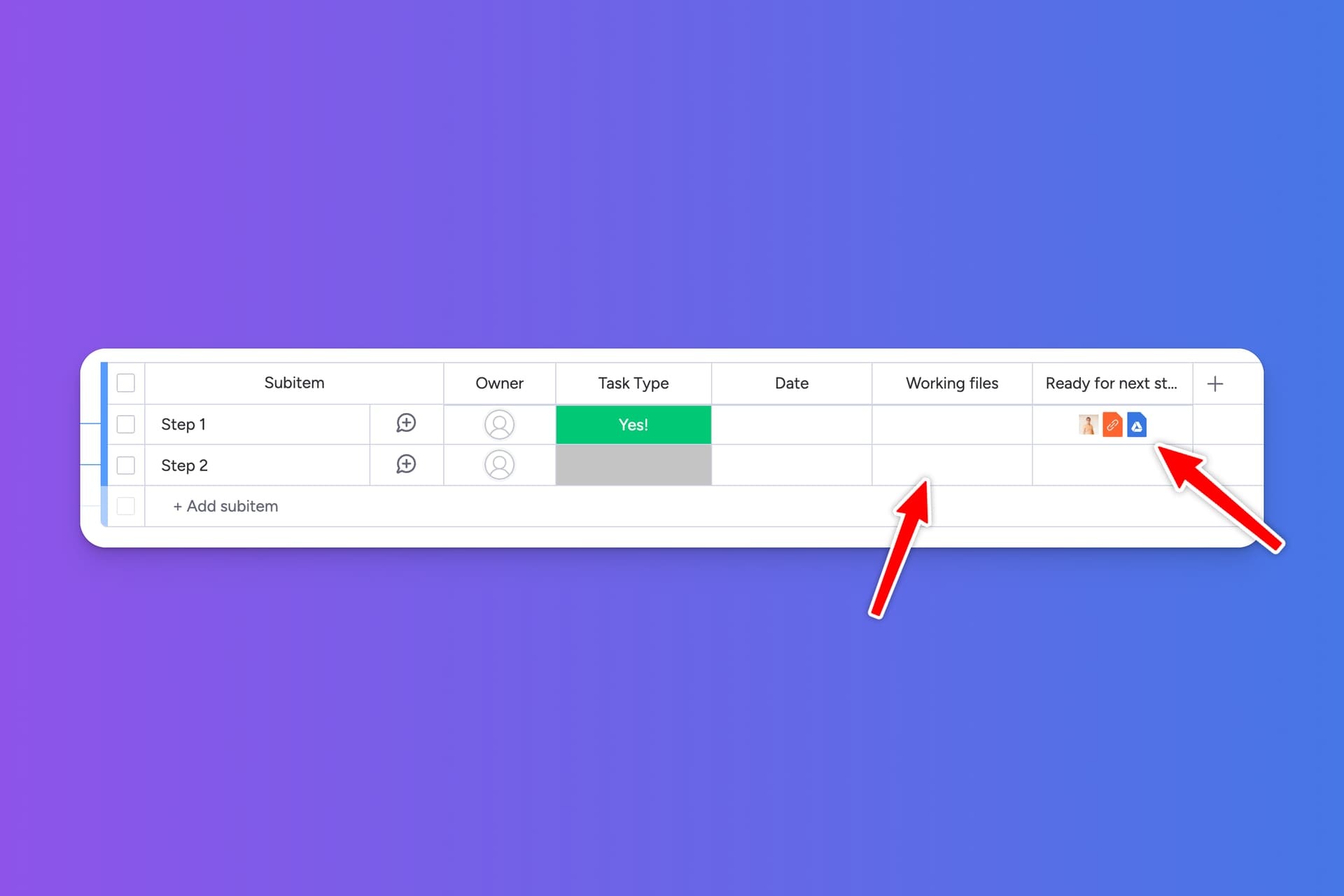
I’m trying to get files from one subitem and put them into the files column of another subitem.

Retrieving the public download URL from the actual file (asset) and the link from the Google Drive file works fine.

And adding the asset to the files column also works.

However, I don’t know how to add a link to the files column via the API.

To clarify, I have 3 files:

  • 1 uploaded from my PC (asset). I know how to move that one
  • 1 files that’s linked from Google Drive
  • 1 files that is a link

Any clue if this is possible?
3 replies

Matias.Monday
Forum|alt.badge.img
  • monday.com Team Member
  • May 5, 2024

Hello there @patrick7,

As of today it is not possible to do that.

You would need to either use the link column to add the link there, or download the file, and then upload it as a file in the “files” column 😀

Cheers,
Matias


patrick7
  • Author
  • Participating Frequently
  • May 5, 2024

Thanks for letting me know!


Matias.Monday
Forum|alt.badge.img
  • monday.com Team Member
  • May 5, 2024

Happy to help @patrick7 😀

