
Add google analytics to board view

  • February 21, 2021
  • 16 replies
  • 5651 views

f2yez
Forum|alt.badge.img
  • Participating Frequently

Hi All,

I tried to add Google analytics to my app board view in (index.html) using script tag it’s the simplest way to add analytics to website ( analytics script )

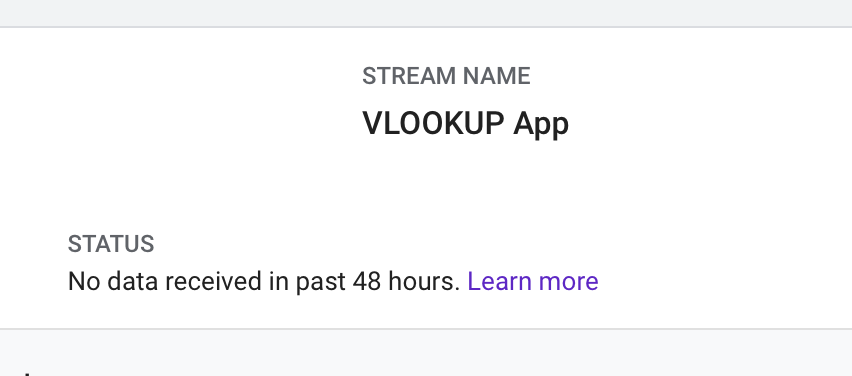
But after more than 42 hours no data appeared in analytics dashboard.

Any advice, solution or recommend way ?

This topic has been closed for replies.

16 replies

f2yez
Forum|alt.badge.img
  • Author
  • Participating Frequently
  • February 22, 2021

+1 🙄 🙄 🙄 🙄


Forum|alt.badge.img
  • monday.com Team Member
  • February 22, 2021

Hi @f2yez!

Do you mind sending us a screenshot of what you have set up? Are you seeing any errors?

In full transparency, I haven’t heard of this implementation before, but I’m happy to help you through it and see if we can do this.

-Helen


f2yez
Forum|alt.badge.img
  • Author
  • Participating Frequently
  • February 23, 2021

Thanks for your replay Helen.

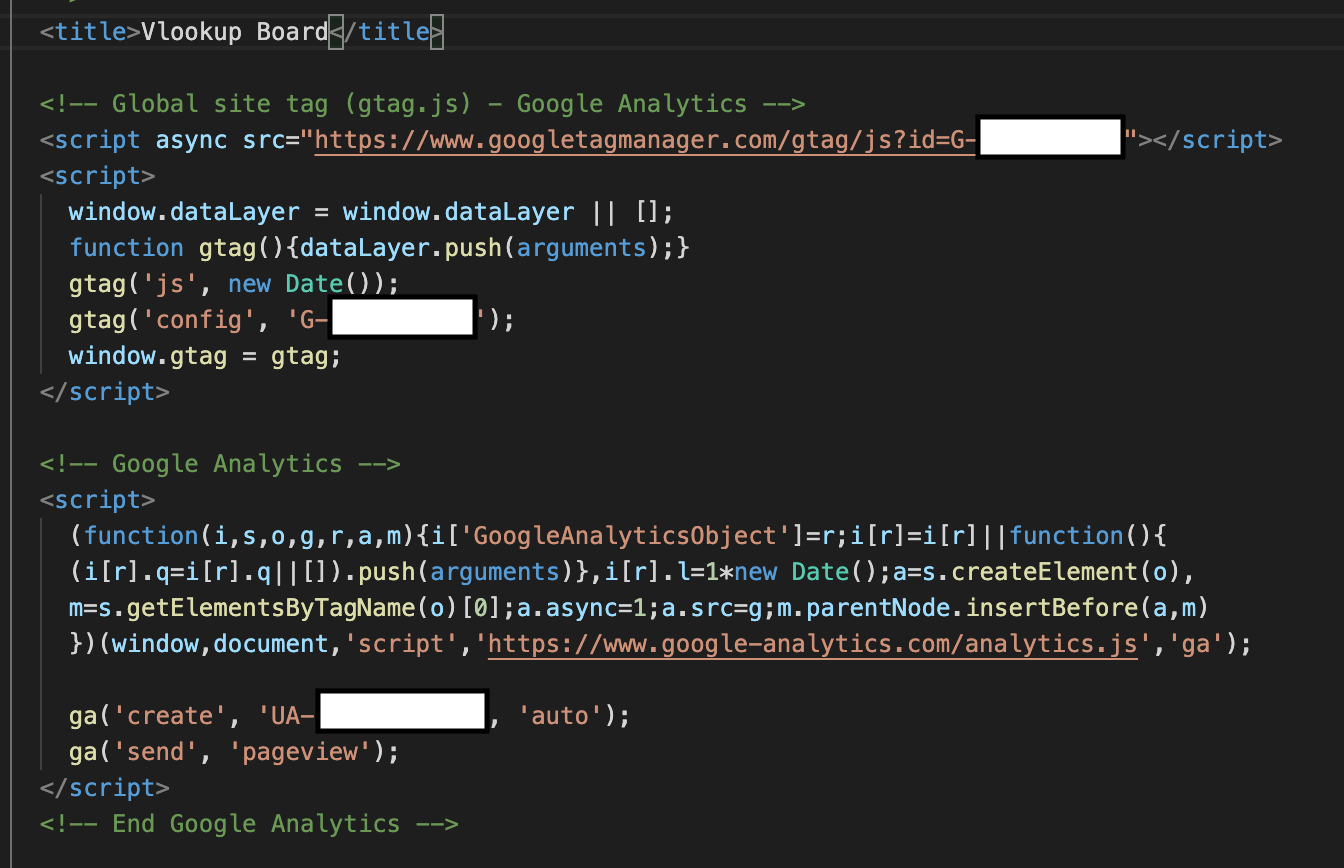
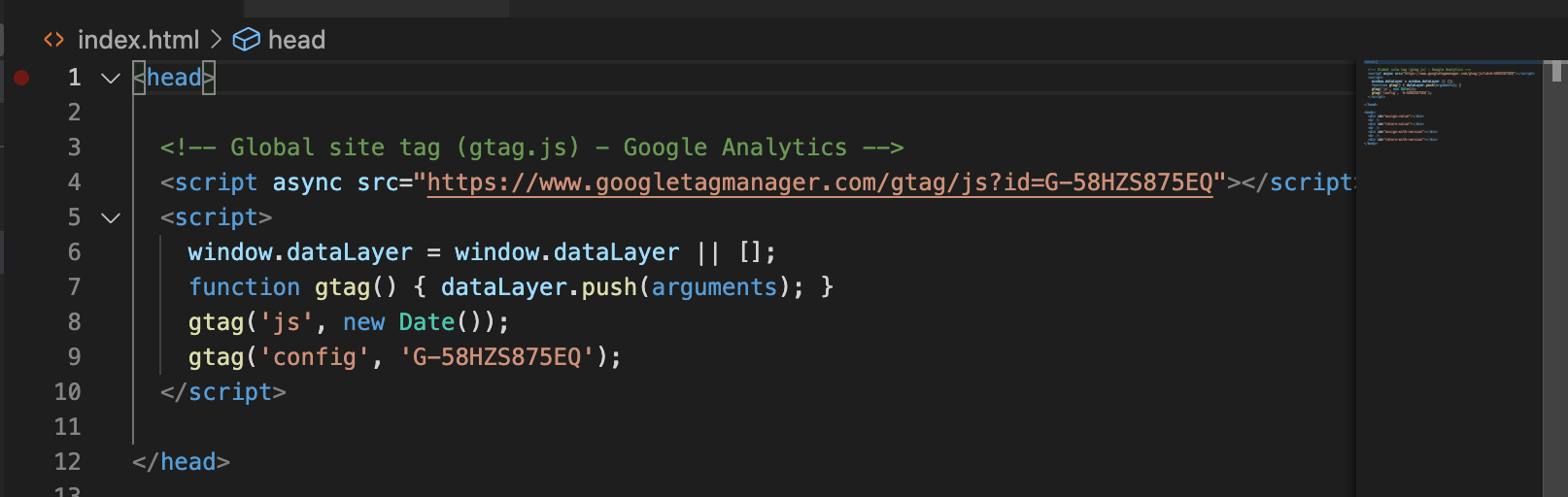
Sure, this is my code snippet that I added it in board view page (index.html)

I followed the steps in this guide: ([[GA4] Set up Analytics for a CMS-hosted website - Analytics Help](https://Set up Analytics))

Thanks!


Forum|alt.badge.img
  • monday.com Team Member
  • February 23, 2021

Hi @f2yez,

Ahh I see what the issue is here. monday.com isn’t a CMS-hosted website so I don’t believe you’re able to utilize this method for integration.

What information are you looking to track with Google Analytics?

-Helen


f2yez
Forum|alt.badge.img
  • Author
  • Participating Frequently
  • February 24, 2021

I want to track some events in the board view like:
1- When board view was loaded.
2- When user click on create/edit/delete button theirs exist in the board.
3- When user Open pricing modal!
4- When user trying to upgrade his account.

Some of internal functions.


Forum|alt.badge.img
  • monday.com Team Member
  • February 24, 2021

Thanks for filling me in!

I think next steps would be to see if you’re able to console.log() any issues. Are you getting any other error messages? Or is the information simply not populating?

My guess here is that there might be some CORS-related issue which is preventing the Google Script from running.

Is the script actually being run in the iFrame?


f2yez
Forum|alt.badge.img
  • Author
  • Participating Frequently
  • February 28, 2021

Yes, the script actually was loaded without cross-origin error, also I checked it using (Tag assistant legacy) Chrome plugin and its found the code (no errors).

Thanks!


Forum|alt.badge.img
  • monday.com Team Member
  • March 1, 2021

@f2yez super strange! It doesn’t seem like there’s anything wrong with your setup then.

When you say no data shows up on your dashboard, what does it look like? Since you aren’t getting any errors, I don’t think the issue could be with the embedding.

Will also check internally to see if we can find any other solutions.


f2yez
Forum|alt.badge.img
  • Author
  • Participating Frequently
  • March 1, 2021

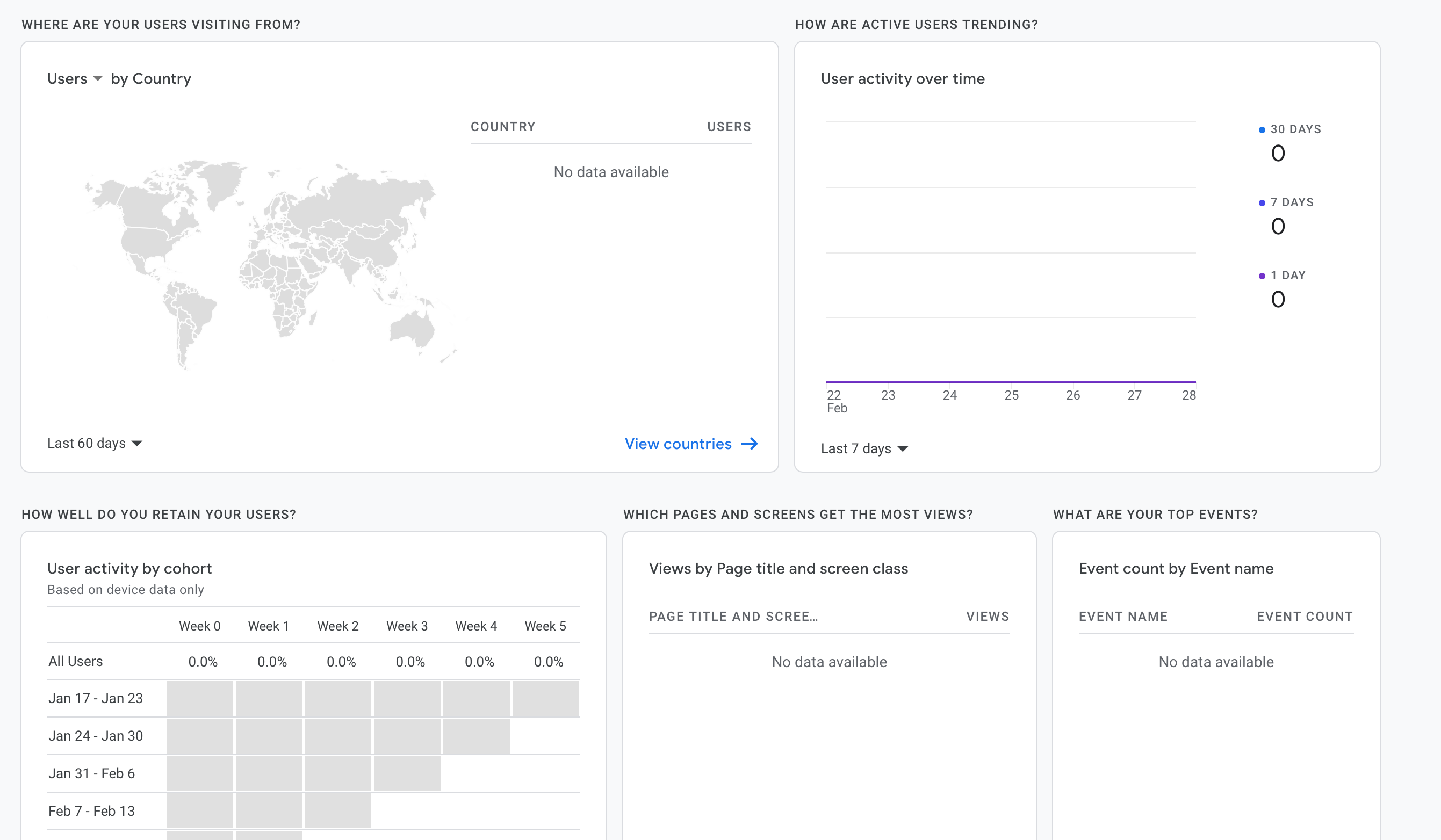
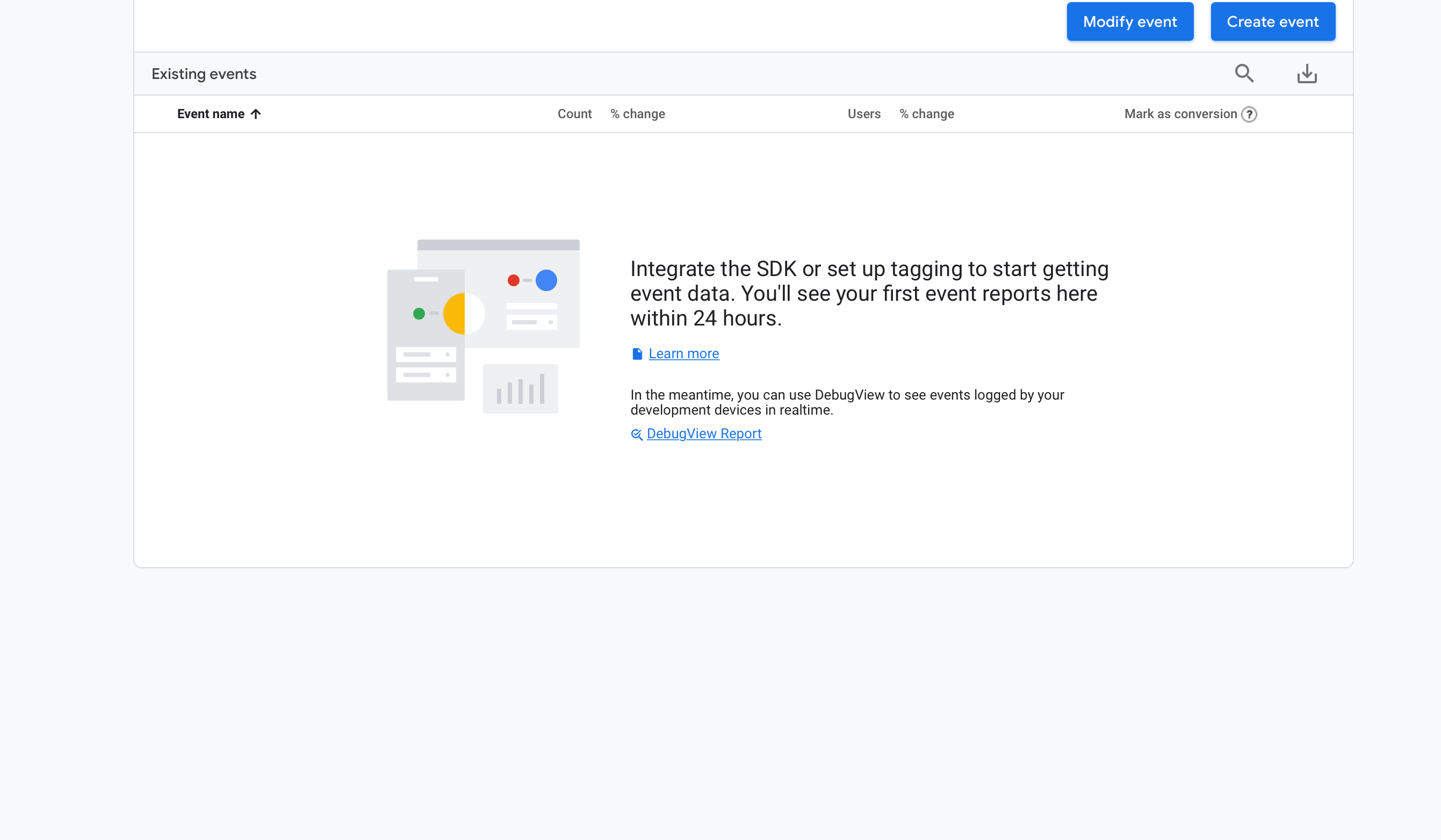
It look like empty and zeros:

No errors, just empty data and not exist any connection between dashboard and board view (where i embedded script).

Great, I will be grateful to you.

Thanks! 🙏


Forum|alt.badge.img
  • monday.com Team Member
  • March 1, 2021

Hi @f2yez!

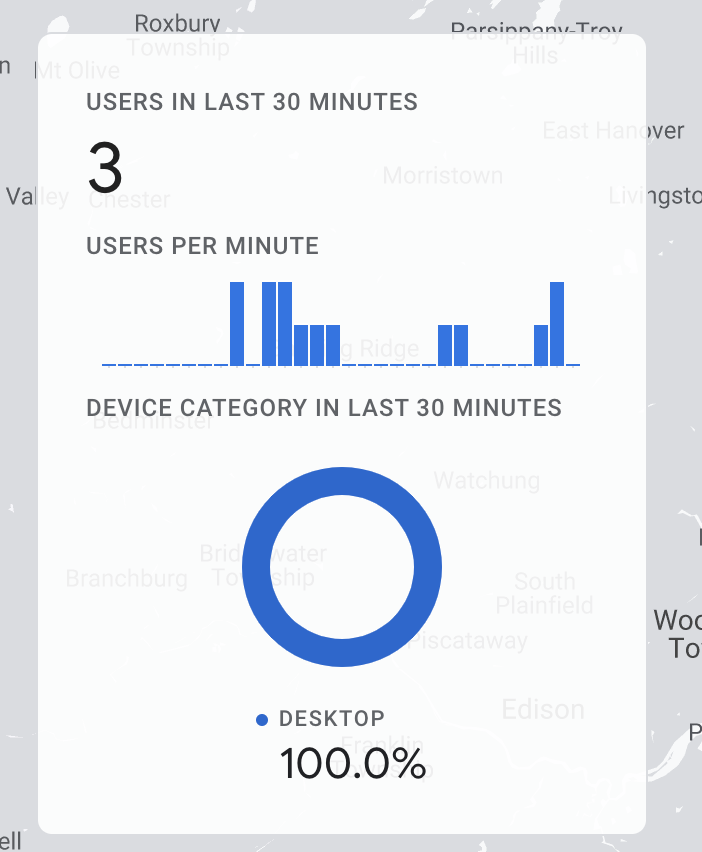
I just tested this out on my end and I was able to get the Google Analytics working for me on my board view and I was able to see Users:

I followed the exact same steps that you took above, by following the steps in this setup guide: [GA4] Set up Analytics for a website and/or app - Analytics Help.

Perhaps it might even be worth reaching out to Google Analytics to see what the issue may be?


f2yez
Forum|alt.badge.img
  • Author
  • Participating Frequently
  • March 2, 2021

It’s great.

Can you give me a screenshot from your code for the embedded script that was added in board view ? I want to see which version you are using.

Also I want to ask, when you setup web data stream, which link you are added ? also i want to say i hosted my board view script (zip file) on Monday not external host.

Thanks!


Forum|alt.badge.img
  • monday.com Team Member
  • March 2, 2021

Yes of course!

Here is what mine looks like:

Very simple, but it seems to be working for me.

I also just uploaded a zip of my html file and that seems to be registering as well!


f2yez
Forum|alt.badge.img
  • Author
  • Participating Frequently
  • March 7, 2021

Let me check in my side.

Just, I want to ask about setup steps for( web data stream), When you added the web url, which url you filled ?

Thank you for your support.


Forum|alt.badge.img
  • monday.com Team Member
  • March 8, 2021

Sure! The stream URL I used was just for my monday.com account, so https://helenlu.monday.com.

Happy to continue helping, I do hope this works for you!


f2yez
Forum|alt.badge.img
  • Author
  • Participating Frequently
  • March 14, 2021

I think this is the issue, the data comes from different source stream url.
I should define the same board view, but I think it will be not useful because I have many account that use the same board view, so I think I should add monday.com to allowed domains in tag settings.

Thanks a lot @Helen


  • March 21, 2021

This topic was automatically closed 7 days after the last reply. New replies are no longer allowed.