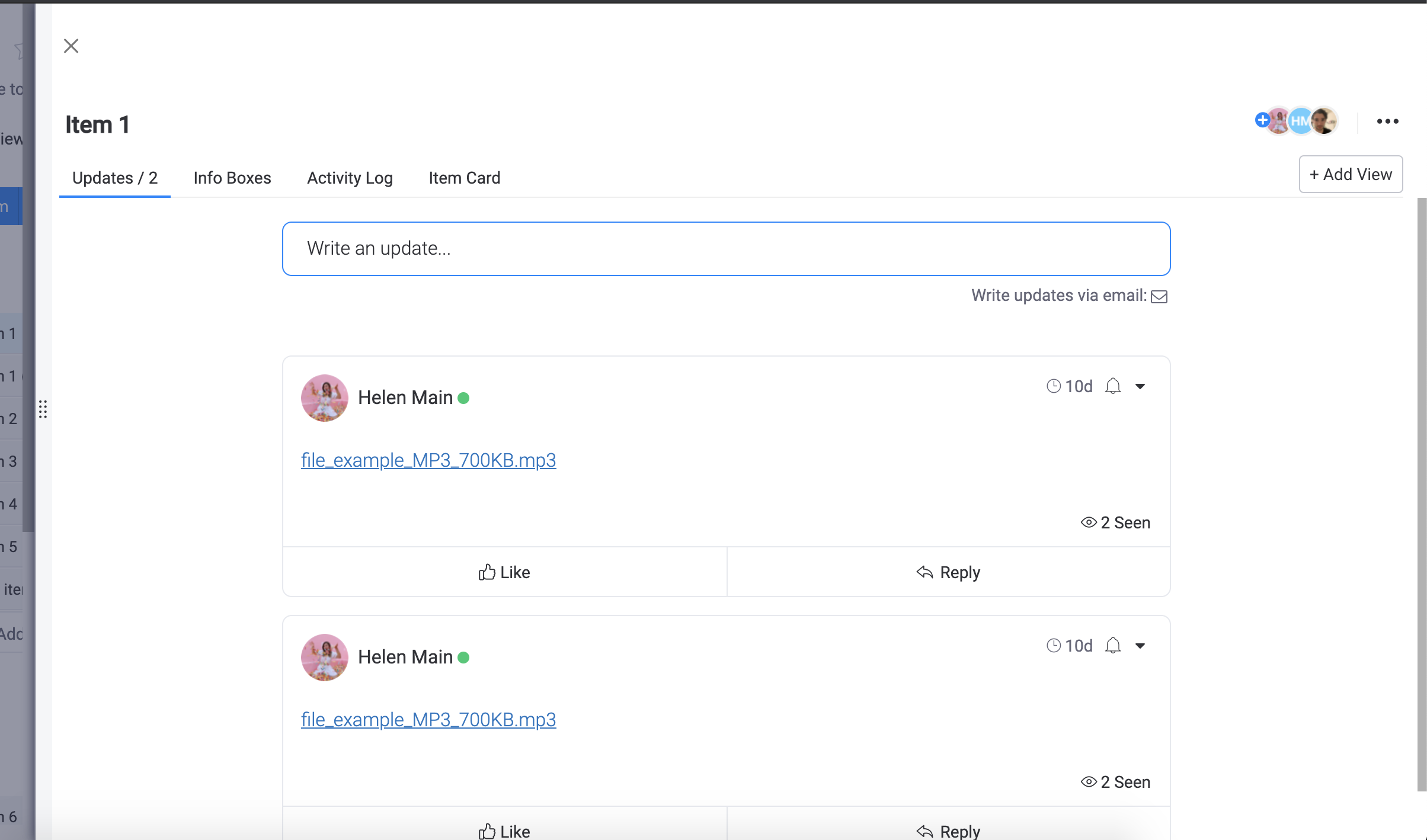

Add ability to expand item view drawer to occupy the entire board view space

  • January 22, 2021
  • 2 replies
  • 1453 views

rbabayoff
Forum|alt.badge.img

Hey,

There are many use cases where item views added by apps would have a much better and more feature rich UX if they can occupy more screen space than the current right sided drawer, which is very limited in size.

My specific use case is using eazyform to edit an existing item, so I’d like to be able to display eazyform in the same way I display it in eazyform’s board view, including the ability to edit the structure of the form for items.

Would be nice to have a generic expand button that expands the item view drawer to take on the entire board view space, and then a collapse button to go back to the regular drawer size.

A similar more specific feature request has been upvoted 10 times, but this will solve it for all item views.

@Ben , @dipro is this on the roadmap?

Thanks,
Ronen

This topic has been closed for replies.

2 replies

Forum|alt.badge.img
  • monday.com Team Member
  • February 15, 2021

Hi @rbabayoff!

At this time, I don’t believe we have plans to implement this in the near future, however I would be more than happy to submit this for consideration.

We do have the ability to drag the Item View to be wider (it wouldn’t take up the whole screen unfortunately). I know this perhaps isn’t as convenient as a simple click to expand/shrink, but wanted to include it here.

-Helen


  • February 25, 2021

This topic was automatically closed 7 days after the last reply. New replies are no longer allowed.